

How to Open an Online Shop in Kenya (2026): Step-by-Step for Beginners
An online shop lets customers anywhere in Kenya see your products, compare prices and order without visiting you. You can start small, with the stock you already have, and grow as orders come in.
Quick answer: To open an online shop in Kenya: (1) decide what you will sell and your prices; (2) get your basics in place (ID, KRA PIN, M-Pesa till or business number); (3) take clear photos and write short descriptions; (4) list your products on a marketplace such as Buy More Mall, which handles the shop page, search, checkout and M-Pesa; (5) plan delivery; and (6) share your shop link everywhere.
Step 1: Choose What to Sell
Start with products you know well and can restock. Check that people search for them, that you can beat or match the market on service, and that they are easy to deliver. For ideas by budget see the best businesses to start with KSh 100k.
Step 2: Get the Basics in Place
| What | Why | Guide |
|---|---|---|
| National ID and KRA PIN | Needed to register and to be paid | KRA PIN for a business |
| Business name (optional at first) | Trust, bank account, bigger buyers | register a business name |
| M-Pesa till or business number | Easy payments | accept M-Pesa online |
| WhatsApp Business | Customer chat | sell on WhatsApp |
Step 3: Prepare Photos, Prices and Descriptions
Good listings sell. Use your own photos on a plain background (how to take product photos with your phone), price for profit (how to price products) and write descriptions that answer buyers' questions (how to write product descriptions).
Step 4: Open Your Shop on Buy More Mall
- Open your shop on Buy More Mall: fill in your shop name, phone, location and a logo.
- Choose a package (Chui from KES 2,500 for 30 days; Simba and above add your own website).
- Add products: name, category, price, photos, sizes or colours and stock.
- Set your WhatsApp number so customer enquiries reach you.
- Turn on your website (Simba and above) and share the link.
| Package | Price | Active for | Products | Own website |
|---|---|---|---|---|
| Chui | KES 2,500 | 30 days | 50 | Shop page on Buy More Mall |
| Simba | KES 7,500 | 90 days | 100 | Yes: yourshop.buymoremall.co.ke |
| Nyati | KES 25,000 | 90 days | 300 | Yes, plus own domain |
| Kifaru | KES 60,000 | 180 days | 500 | Yes, plus own domain |
| Ndovu | KES 99,999 | 365 days | 750 | Yes, plus own domain and all premium designs |
Package prices as listed on Buy More Mall in October 2026; see the packages page for current offers.
Step 5: Plan Delivery and After-Sales
Decide your delivery areas and charges before the first order: see how to deliver online orders in Kenya. Reply fast, confirm stock before taking payment and keep customers updated.
Step 6: Bring Customers
Share your shop link on WhatsApp status, Facebook, Instagram and your business cards, and get listed on Google Maps. See how to get customers for your business.
Common Mistakes to Avoid
- Listing products without prices.
- Using supplier photos with other shops' logos.
- Slow replies to enquiries.
- No plan for delivery costs.
- Opening the shop and never sharing it.
Frequently Asked Questions
How do I open an online shop for free?
You can start with free social pages, but a proper shop with checkout costs a small package fee; on Buy More Mall packages start at KES 2,500 for 30 days.
Do I need to register a business to sell online?
You can start with your ID and KRA PIN; a registered business name helps with trust and bigger buyers.
How do customers pay?
With M-Pesa at checkout, or as agreed on WhatsApp for quotations.
Can I sell without stock?
It is risky; see dropshipping in Kenya before promising items you do not hold.
How many products should I start with?
Enough to show a real range, about 10 to 30 well-photographed items with prices.
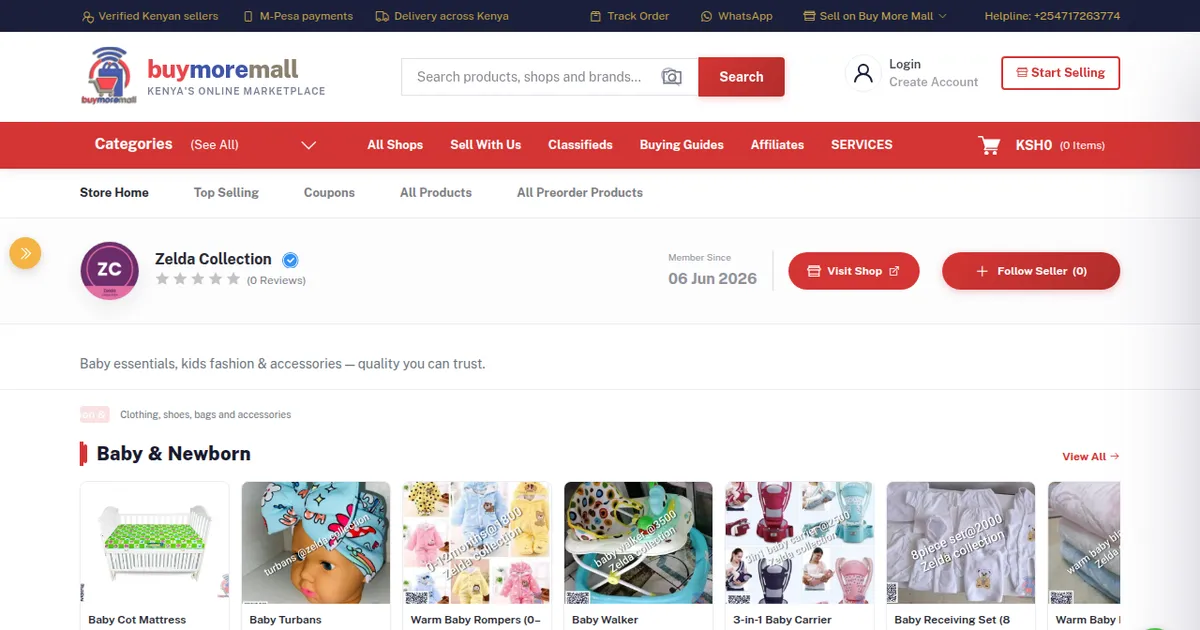
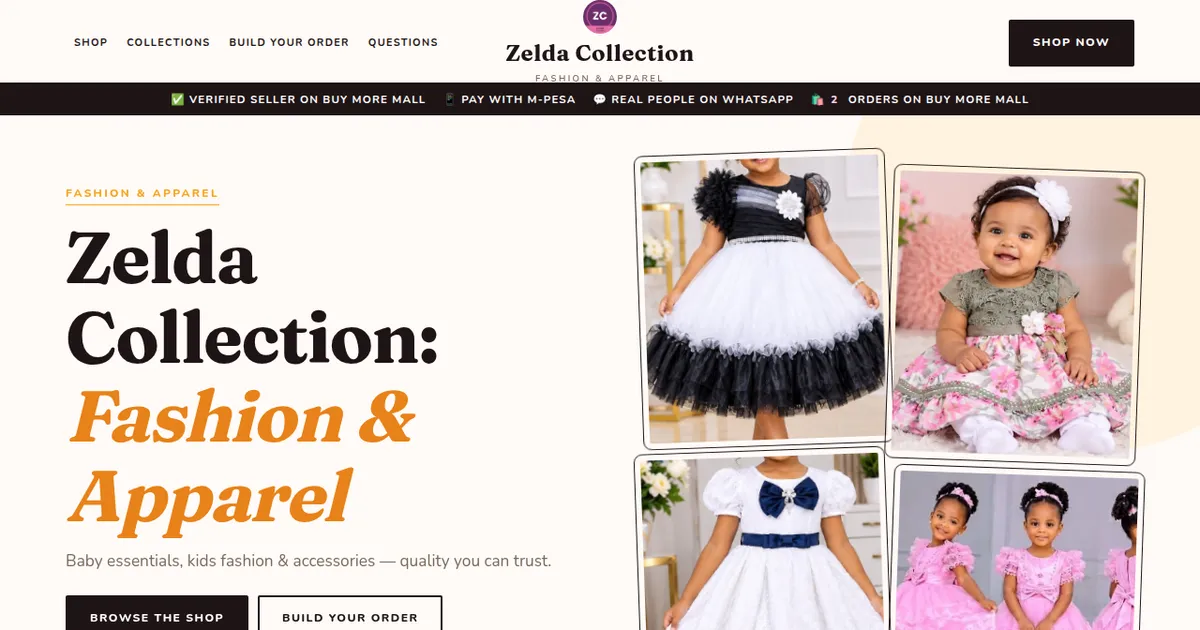
Cover image: screenshot of a seller shop page on Buy More Mall.
Related Guides
Recent Posts
How to Get Your Business on Google Maps in Kenya (2026): Free Listing Step by Step
How to Advertise Your Business on Facebook in Kenya (2026): Free and Paid Ways
How to Register a Business Name in Kenya (2026): eCitizen Steps, Cost and Documents

How to Get a KRA PIN for a Business in Kenya (2026): Sole Proprietor and Company
How to Make a Business Logo for Free (2026): Simple Steps, Sizes and Examples

How to Sell on Instagram in Kenya (2026): Beginner's Step-by-Step Guide

How to Start Dropshipping in Kenya (2026): How It Works, Costs and Risks
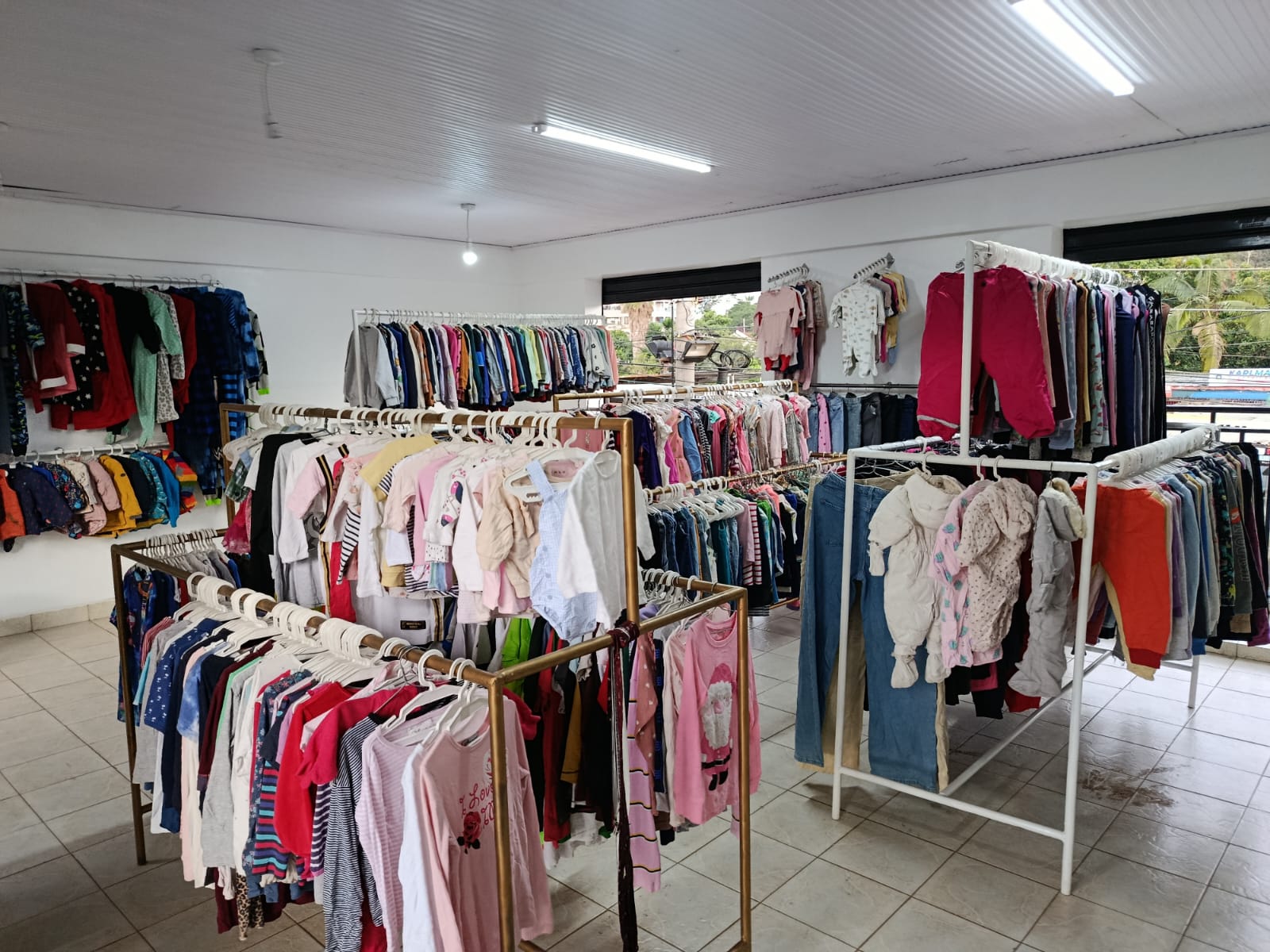
Baby Clothes Wholesale in Kenya (2026): Prices per Piece, Bales and How to Start
How to Create a Business Website in Kenya (2026): Free and Low-Cost Options That Sell
 buymoremall
Kenya's Online Marketplace
buymoremall
Kenya's Online Marketplace
Buy More Mall Kenya gives you a direct link to manufacturers, suppliers and service providers. Sellers are verified, there are no shortcuts, and customised orders come at affordable rates.
- Buy direct from manufacturers & suppliers
- Verified sellers and service providers
- Pay securely with M-Pesa
Shop
Sell & Earn
Help
Contact Us
- 0717 263 774
- Chat on WhatsApp
- buymoremallkenya@gmail.com
- Eastern bypass Ruiru Near Naivas super market @ kamakis & Nanyuki Neema Academy
- Contact page