

How to Get Your Business on Google Maps in Kenya (2026): Free Listing Step by Step
When someone in your town searches "hardware near me" or "baby shop Nairobi", Google shows a map with three businesses first. Those listings come from Google Business Profiles, and creating one is free. If you are not there, your competitors get the call.
Quick answer: Go to Google Business Profile (business.google.com) with a Google account, add your business name, category, location or service area, phone and website, then verify using the method Google offers (often a short video of your premises, a phone or email code, or a postcard). After verification, add photos, opening hours and products, and ask customers for reviews.
Before You Start
- Use your real business name as it appears on your signboard (no extra keywords).
- Decide whether customers visit you (show address) or you go to them (service area, address hidden).
- Have a phone number you answer, and a website or online shop link. Your Buy More Mall shop or website link works well.
Step by Step
- Sign in to Google Business Profile with a Google account you will keep.
- Search for your business name; if it exists, claim it, otherwise add a new business.
- Choose the most accurate primary category (for example "Hardware store", "Baby clothing store", "Water treatment supplier").
- Add your location by dropping the pin exactly on your premises, or set service areas.
- Add your phone number and website or shop link.
- Verify. Google chooses the method; follow the instructions exactly and do not change the name or address while waiting.
- Complete the profile: opening hours, photos of the outside, inside, products and team, and a short description.
How Verification Works
Google decides which verification method you get. Common ones are a short video showing your signboard, the inside of your premises and proof you manage the business; a code by phone or email; or a postcard with a code. Video reviews can take several days. If verification fails, check that your signboard, address and business name match what you entered.
How to Rank Higher on Google Maps
| Do | Why |
|---|---|
| Keep name, address and phone identical everywhere | Google trusts consistent details |
| Add real photos regularly | Profiles with photos get more clicks |
| Ask happy customers for reviews | Reviews and replies help ranking and trust |
| Reply to every review | Shows you are active |
| Post offers and new stock | Fresh activity |
| Link your shop or website | Buyers can see products and prices |
Your Buy More Mall website can also show a "Find us" map with directions from your location, so buyers who land on your site can reach you.
Common Mistakes to Avoid
- Stuffing keywords into the business name (can get the profile suspended).
- Pin in the wrong place.
- Changing details during verification.
- Ignoring reviews, especially negative ones.
- Old opening hours on public holidays.
Frequently Asked Questions
How do I add my business to Google Maps for free?
Create a Google Business Profile, add your details and verify it; there is no charge.
Why can't I find my business on Google Maps?
It may not be verified yet, the pin may be wrong, or the name and category may not match what people search.
How long does Google verification take?
Phone or email codes are quick; video reviews can take several days and postcards longer.
Can I list a business without a physical shop?
Yes, as a service-area business with the address hidden.
Do Google reviews matter?
Yes, for both trust and ranking. Ask satisfied customers and reply to every review.
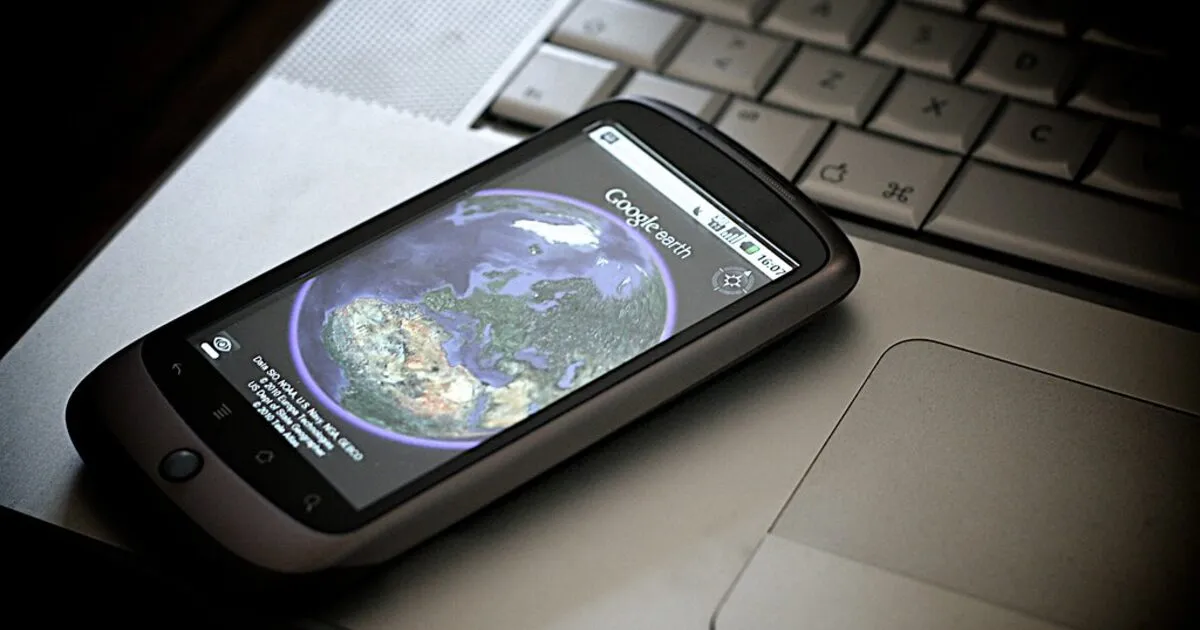
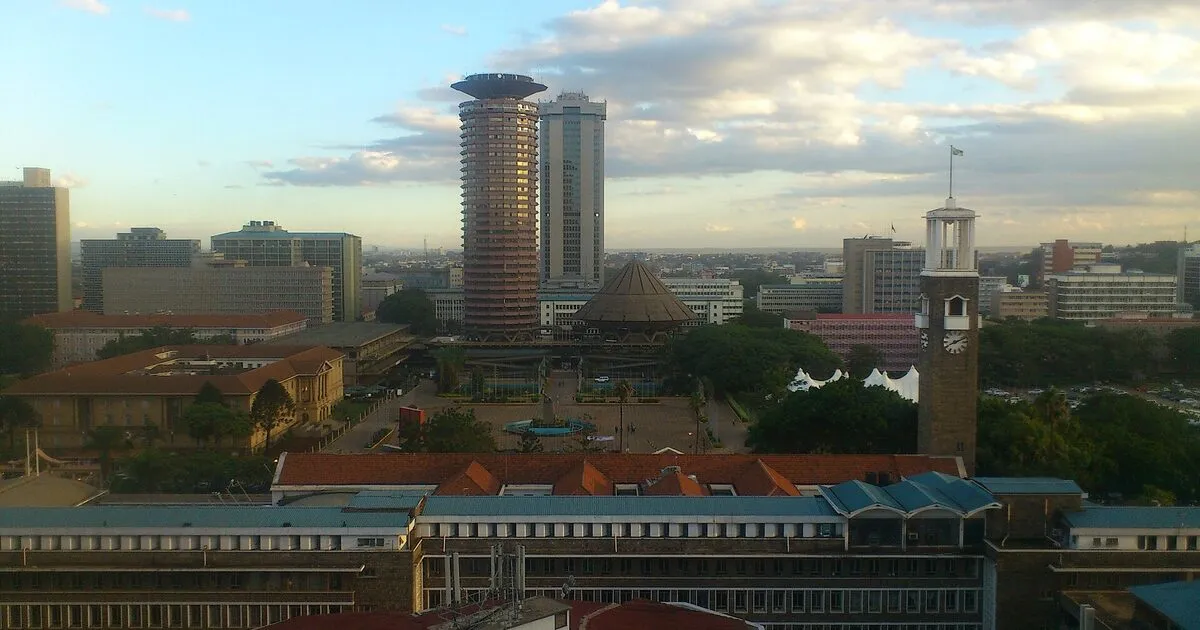
Cover photo: Google Earth by Johan Larsson, BY 2.0, via Openverse. Cropped.
Related Guides
Recent Posts
How to Get Your Business on Google Maps in Kenya (2026): Free Listing Step by Step
How to Advertise Your Business on Facebook in Kenya (2026): Free and Paid Ways
How to Register a Business Name in Kenya (2026): eCitizen Steps, Cost and Documents
How to Get a KRA PIN for a Business in Kenya (2026): Sole Proprietor and Company
How to Make a Business Logo for Free (2026): Simple Steps, Sizes and Examples

How to Sell on Instagram in Kenya (2026): Beginner's Step-by-Step Guide

How to Start Dropshipping in Kenya (2026): How It Works, Costs and Risks
Baby Clothes Wholesale in Kenya (2026): Prices per Piece, Bales and How to Start
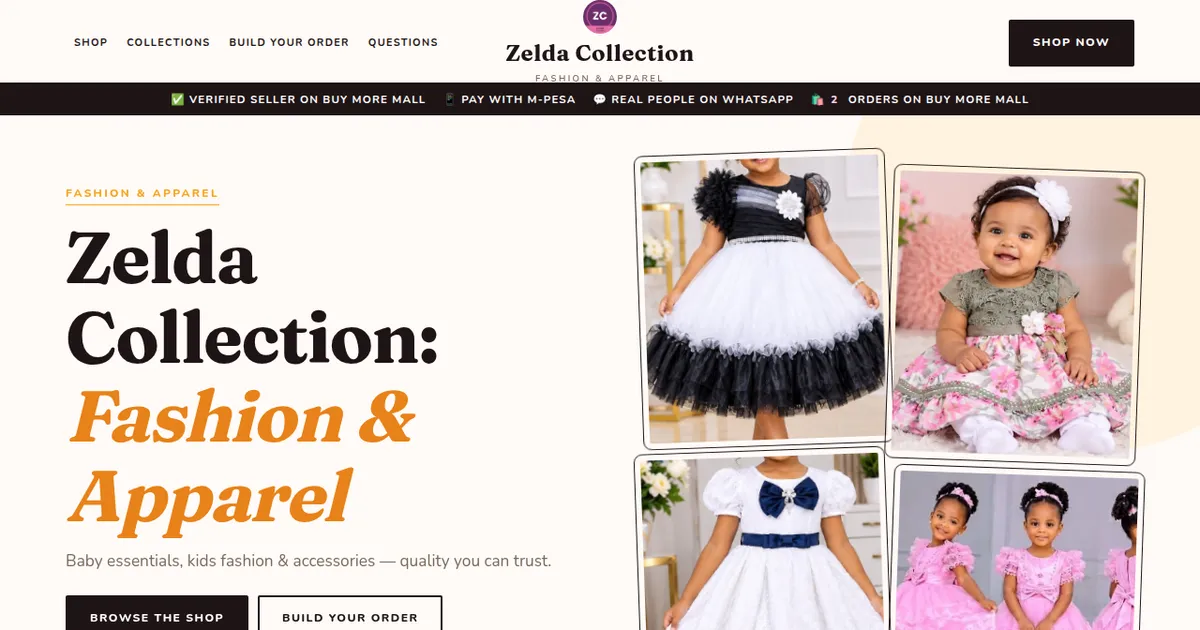
How to Create a Business Website in Kenya (2026): Free and Low-Cost Options That Sell
 buymoremall
Kenya's Online Marketplace
buymoremall
Kenya's Online Marketplace
Buy More Mall Kenya gives you a direct link to manufacturers, suppliers and service providers. Sellers are verified, there are no shortcuts, and customised orders come at affordable rates.
- Buy direct from manufacturers & suppliers
- Verified sellers and service providers
- Pay securely with M-Pesa
Shop
Sell & Earn
Help
Contact Us
- 0717 263 774
- Chat on WhatsApp
- buymoremallkenya@gmail.com
- Eastern bypass Ruiru Near Naivas super market @ kamakis & Nanyuki Neema Academy
- Contact page