

How to Sell on WhatsApp Business in Kenya (2026): Catalogue, Status and Getting Paid
For many Kenyan businesses, WhatsApp is the shop counter: customers ask prices, send photos and pay by M-Pesa in the same chat. Used well, WhatsApp Business turns your contacts into regular buyers. Here is how to set it up and sell more.
Quick answer: Install the free WhatsApp Business app, complete your profile (name, category, hours, location), add products to the Catalogue with photos and prices, set a greeting and quick replies, post products on Status daily and send offers through broadcast lists. Add a link to your online shop so customers can browse and order any time. You can open your shop on Buy More Mall and share your shop link on WhatsApp.
Step 1: Set Up Your WhatsApp Business Profile
- Download WhatsApp Business (a separate app from normal WhatsApp).
- Register with your business number.
- Add your business name, logo, category, description, address and opening hours.
- Add your website or shop link to the profile.
Step 2: Build a Catalogue
The catalogue is your shop window inside WhatsApp. Add each product with a clear photo, name, price and short description. Customers can open it from your profile and send you the item they want.
- Use bright, real photos on a plain background.
- Put the price; "DM for price" loses buyers.
- Group products into collections (for example Dresses, Shoes, Baby).
Step 3: Market with Status and Broadcast Lists
- Status: post 3–6 times a day: new arrivals, prices, customer photos and delivery proof.
- Broadcast lists: send one message to many customers; only people who saved your number receive it, so ask buyers to save it.
- Groups and communities: share in estate, church and school groups only where selling is allowed.
Step 4: Reply Fast with Quick Replies and Labels
- Set a greeting message and an away message.
- Create quick replies for prices, delivery and payment details.
- Use labels such as New customer, Paid, To deliver.
Step 5: Get Paid and Deliver
Most customers pay with M-Pesa. Send your Till or Paybill number in a quick reply, confirm the payment message before dispatch, and send the rider details or parcel photo after dispatch.
Add an Online Shop Link
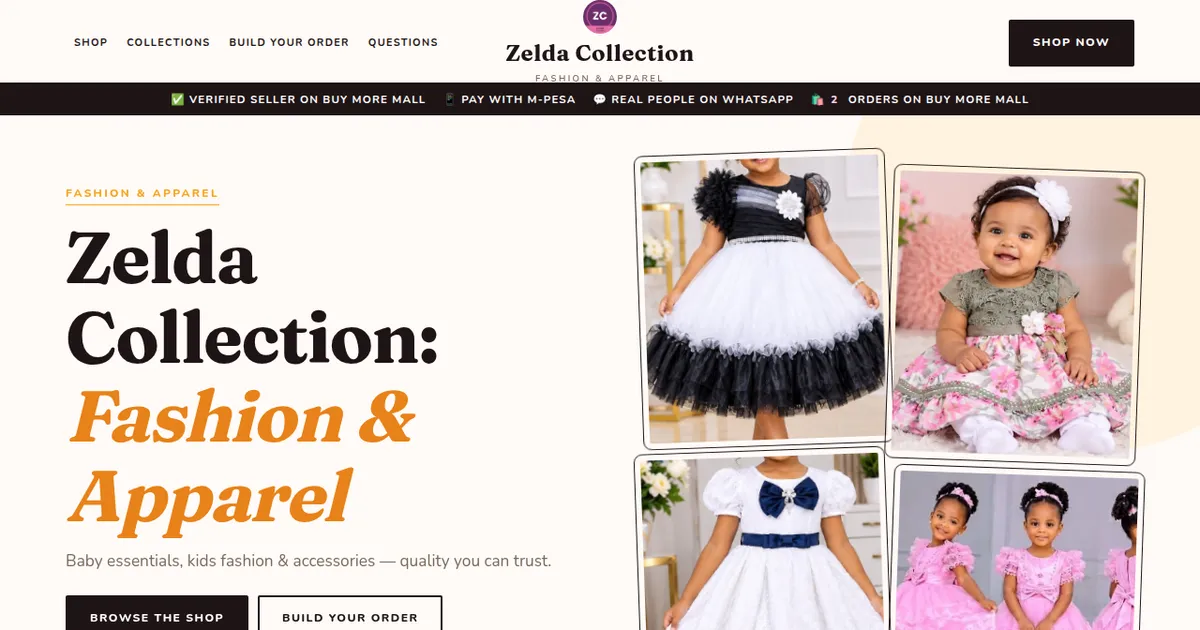
WhatsApp works while you are online; a shop link sells while you sleep. On Buy More Mall you get a shop page with your products, prices and a WhatsApp button, and on higher packages your own website, for example zelda-collection.buymoremall.co.ke. Put the link in your profile, Status and every quote.
Worked Example: A Kids Boutique on WhatsApp
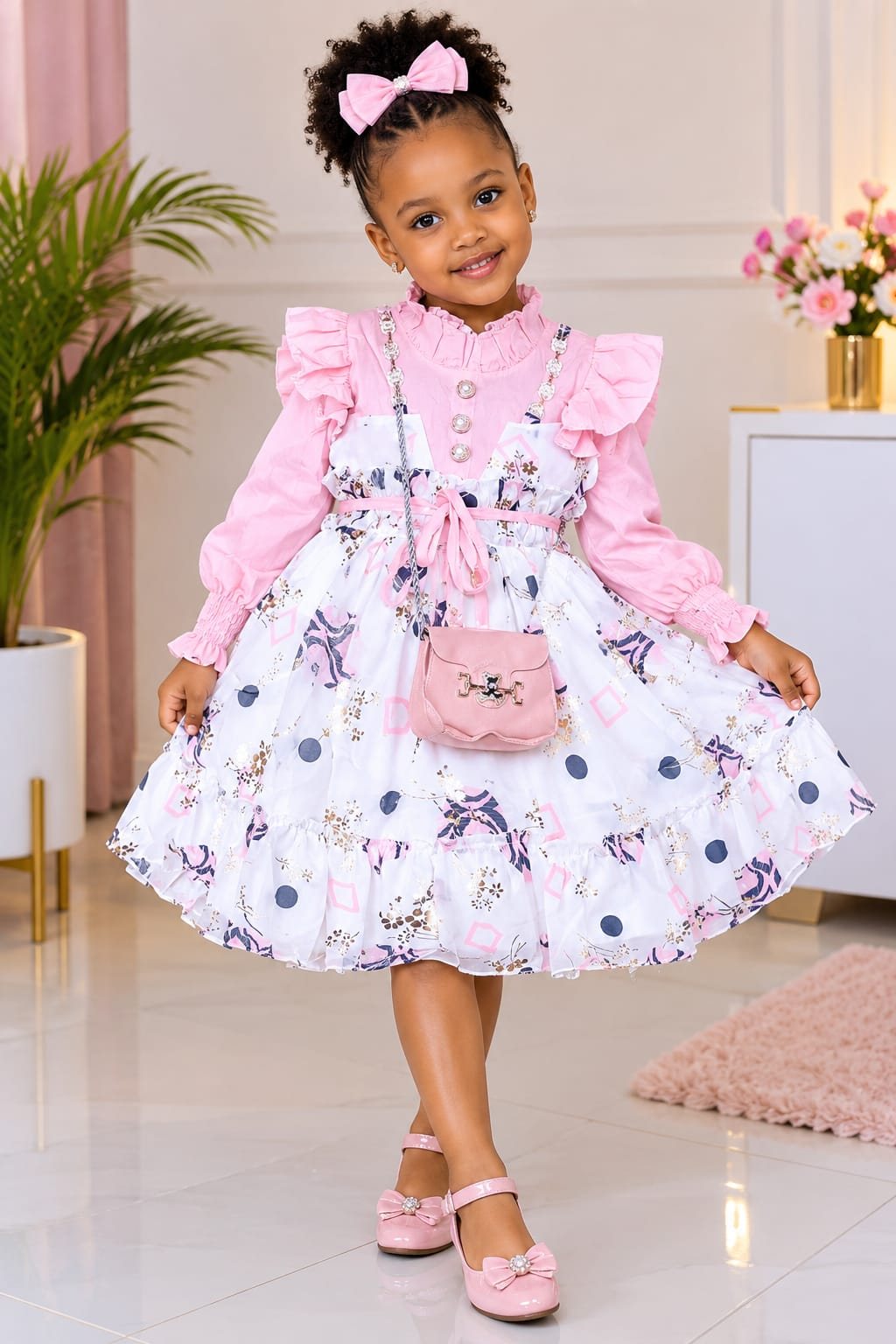
Zawadi sells girls’ dresses. She posts four dresses on Status each morning with prices, adds all stock to the catalogue, and keeps a quick reply with her shop link and M-Pesa details. Customers who view her Status at night order from the shop link and she confirms in the morning.
Common Mistakes to Avoid
- Posting too many Status updates at once (people skip them).
- Hiding prices.
- Adding people to groups without permission.
- Slow replies: answer within minutes during business hours.
Not sure which one fits? Send us your details on WhatsApp or through the product page and we will help you choose.
Frequently Asked Questions
Is WhatsApp Business free?
Yes, the WhatsApp Business app is free to download and use.
Can I use the same number for WhatsApp and WhatsApp Business?
One number can be on one of the two apps at a time; many owners use a separate business line.
How do I get more customers on WhatsApp?
Post on Status daily, ask buyers to save your number, share customer reviews and add a shop link.
How many people can a broadcast list reach?
WhatsApp limits list size; only contacts who saved your number receive broadcasts.
Do I need a website if I sell on WhatsApp?
Not to start, but a shop page or website lets customers browse and order any time.
Related Guides
Recent Posts
How to Get Your Business on Google Maps in Kenya (2026): Free Listing Step by Step
How to Advertise Your Business on Facebook in Kenya (2026): Free and Paid Ways

How to Register a Business Name in Kenya (2026): eCitizen Steps, Cost and Documents

How to Get a KRA PIN for a Business in Kenya (2026): Sole Proprietor and Company
How to Make a Business Logo for Free (2026): Simple Steps, Sizes and Examples

How to Sell on Instagram in Kenya (2026): Beginner's Step-by-Step Guide

How to Start Dropshipping in Kenya (2026): How It Works, Costs and Risks
Baby Clothes Wholesale in Kenya (2026): Prices per Piece, Bales and How to Start
How to Create a Business Website in Kenya (2026): Free and Low-Cost Options That Sell
 buymoremall
Kenya's Online Marketplace
buymoremall
Kenya's Online Marketplace
Buy More Mall Kenya gives you a direct link to manufacturers, suppliers and service providers. Sellers are verified, there are no shortcuts, and customised orders come at affordable rates.
- Buy direct from manufacturers & suppliers
- Verified sellers and service providers
- Pay securely with M-Pesa
Shop
Sell & Earn
Help
Contact Us
- 0717 263 774
- Chat on WhatsApp
- buymoremallkenya@gmail.com
- Eastern bypass Ruiru Near Naivas super market @ kamakis & Nanyuki Neema Academy
- Contact page