


How to Take Product Photos With Your Phone (2026): Simple Setup for Online Sellers
Online, the photo is the product. Buyers cannot touch or try it, so they judge quality, size and honesty from your pictures. The good news: a normal smartphone, daylight and a plain background are enough.
Quick answer: Shoot near a window in daylight (no flash), on a plain white or light background, with the product filling most of the frame. Take a front, side, back and close-up photo, plus one showing size or the item in use. Keep the phone steady, tap to focus, crop to a square and do not use filters that change the colour.
What You Need
- Any smartphone with a clean lens (wipe it).
- A window with soft daylight.
- A plain background: white manila paper, a bedsheet or a wall.
- A white card or foil to bounce light into shadows.
- Something to steady the phone: a stack of books or a cheap tripod.
Step by Step
- Place the product near the window, with the light coming from the side.
- Lay the background so it curves up behind the product (no corner line).
- Clean the product: dust, fingerprints and loose threads show up.
- Hold the phone level with the product; for small items shoot from slightly above.
- Tap the screen on the product to focus; lower the brightness slider if white areas glow.
- Take the main photo straight on, then side, back, details and labels.
- Add one photo showing scale (in a hand, on a person, next to a common object).
- Crop to a square, straighten, adjust brightness slightly. Keep colours true.
How Many Photos Does a Product Need?
| Product type | Must-have photos |
|---|---|
| Clothes | Front, back, close-up of fabric and label, worn (model or mannequin), each colour |
| Machines and tools | Front, side, control panel, nameplate or specs, parts included |
| Hardware and plumbing | The item, size marking, the item fitted |
| Furniture | Front, angle, close-up of material, in a room for scale |
| Food and beauty | Pack front, label/ingredients, the product itself |
On Buy More Mall, sellers with only one photo per product get a reminder in their dashboard: products with several angles get more trust and fewer "is it the same?" questions.
Photo Sizes for Online Shops
Square images look neat in product grids. Shoot at your phone's normal resolution; the shop resizes them. Keep the product in the centre with a little space around it so nothing is cut off.
Worked Example: A Kids Clothes Seller
A seller hangs each outfit on a white wall near a window at 10 a.m., shoots the front and back, a fabric close-up and the size label, then one photo on a child. Questions about colour and size drop, and returns fall.
Common Mistakes to Avoid
- Using the flash (harsh shine and shadows).
- Busy backgrounds (beds, floors, other stock).
- Filters that change the colour.
- Blurry photos taken in a hurry.
- Copying supplier photos with someone else's logo.
Frequently Asked Questions
How can I take good product photos with my phone at home?
Use window daylight, a plain background, a steady phone and several angles; avoid the flash.
What background is best for product photos?
Plain white or light grey; it keeps attention on the product.
Should I edit product photos?
Lightly: crop, straighten and adjust brightness. Do not change the colour.
How many photos should I upload per product?
At least three to five: front, side or back, close-up and one for scale.
Can I use photos from the supplier?
Only if they are allowed and show no other shop's branding; your own photos build more trust.
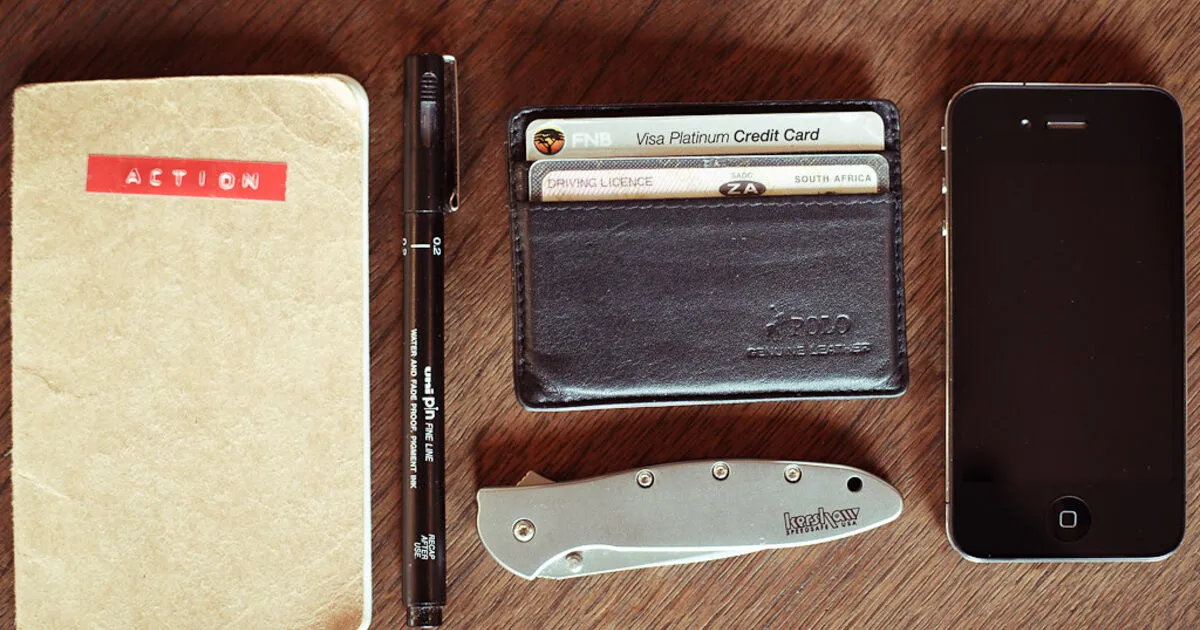
Cover photo: what's in my pocket? by rafiq s, BY-ND 2.0, via Openverse. Cropped.
Related Guides
Recent Posts
How to Get Your Business on Google Maps in Kenya (2026): Free Listing Step by Step
How to Advertise Your Business on Facebook in Kenya (2026): Free and Paid Ways

How to Register a Business Name in Kenya (2026): eCitizen Steps, Cost and Documents

How to Get a KRA PIN for a Business in Kenya (2026): Sole Proprietor and Company
How to Make a Business Logo for Free (2026): Simple Steps, Sizes and Examples

How to Sell on Instagram in Kenya (2026): Beginner's Step-by-Step Guide

How to Start Dropshipping in Kenya (2026): How It Works, Costs and Risks
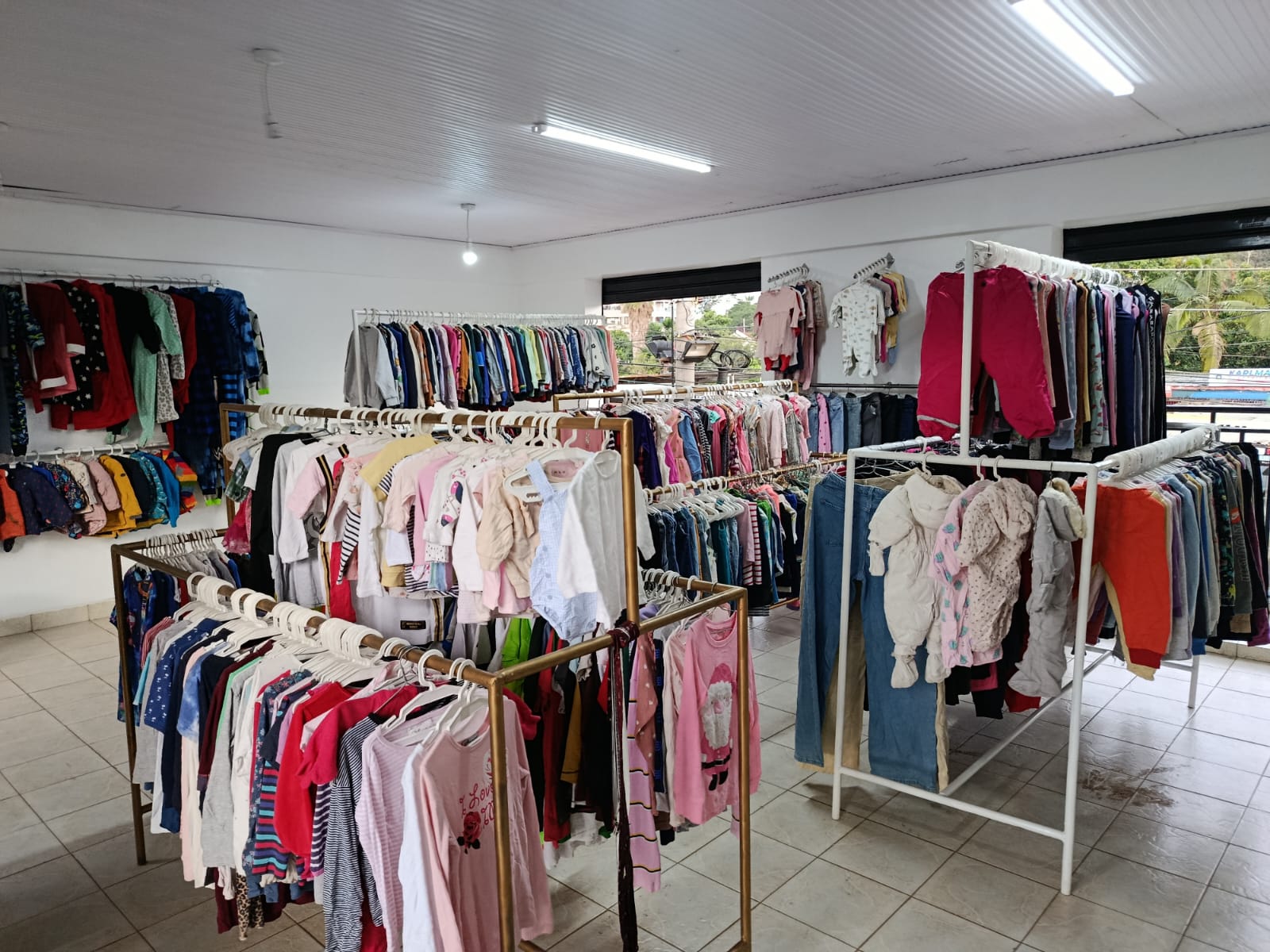
Baby Clothes Wholesale in Kenya (2026): Prices per Piece, Bales and How to Start
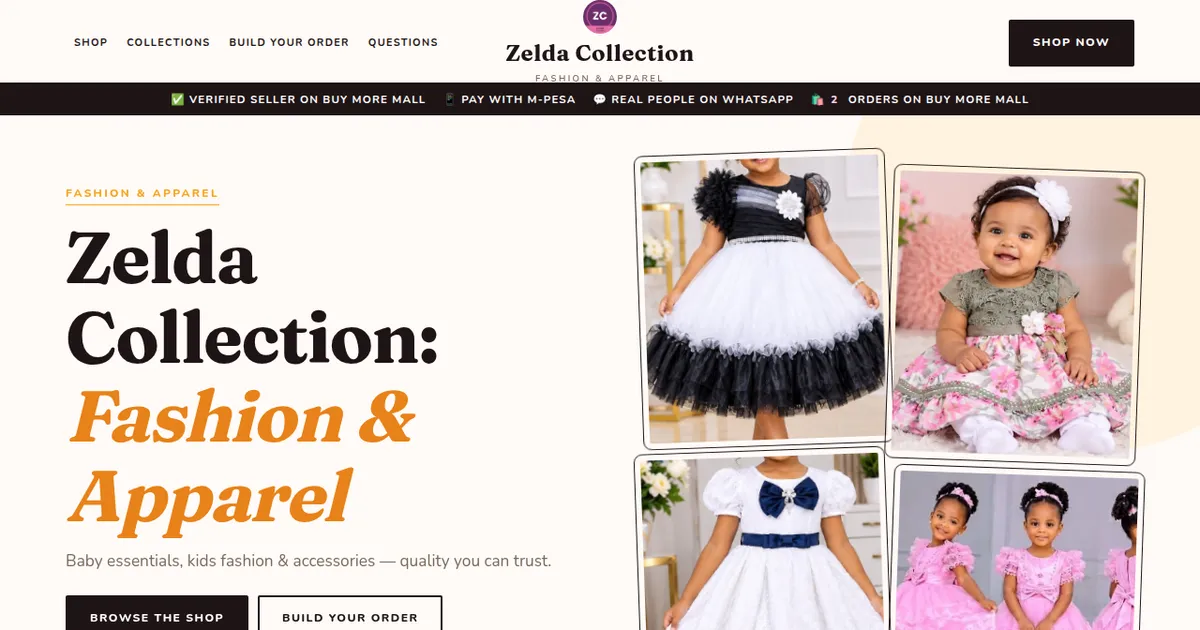
How to Create a Business Website in Kenya (2026): Free and Low-Cost Options That Sell
 buymoremall
Kenya's Online Marketplace
buymoremall
Kenya's Online Marketplace
Buy More Mall Kenya gives you a direct link to manufacturers, suppliers and service providers. Sellers are verified, there are no shortcuts, and customised orders come at affordable rates.
- Buy direct from manufacturers & suppliers
- Verified sellers and service providers
- Pay securely with M-Pesa
Shop
Sell & Earn
Help
Contact Us
- 0717 263 774
- Chat on WhatsApp
- buymoremallkenya@gmail.com
- Eastern bypass Ruiru Near Naivas super market @ kamakis & Nanyuki Neema Academy
- Contact page