

How to Accept M-Pesa Payments Online in Kenya (2026): Till, Paybill and Checkout
In Kenya, "Can I pay by M-Pesa?" is often the first question a buyer asks. If paying is hard, they buy elsewhere. Here is how to accept M-Pesa properly, from a simple till to a full online checkout.
Quick answer: Small businesses usually take M-Pesa through a Lipa na M-Pesa Buy Goods till (customer pays a till number) or a Paybill (customer enters a business number and an account number, useful for invoices). For a website, the buyer should get an M-Pesa prompt (STK push) on their phone at checkout. On Buy More Mall, checkout with M-Pesa is built in, so you can sell online without setting up your own payment system.
Till Number vs Paybill: Which One Do You Need?
| Buy Goods till | Paybill | |
|---|---|---|
| How the customer pays | Enters your till number and amount | Enters business number + account number + amount |
| Best for | Shops, kiosks, quick sales | Invoices, rent, schools, many customers or branches |
| Tracking | Simple | Account number tells you who paid for what |
| Typical applicant | Sole traders and small shops | Registered businesses and organisations |
What You Need to Apply
Requirements change, so confirm with Safaricom, but applicants are usually asked for:
- National ID (or passport) of the owner.
- KRA PIN certificate (how to get a KRA PIN).
- Business registration certificate for registered businesses (register a business name).
- County business permit for premises-based businesses.
- Bank details if money settles to a bank account.
What Does It Cost?
Safaricom charges the merchant a small percentage on Lipa na M-Pesa payments, with lower or no charges for small amounts; customers paying a Buy Goods till are generally not charged. Tariffs change, so check the current Safaricom business tariff before you set your prices, and include the fee in your margin (how to price products for profit).
How to Take M-Pesa on a Website
A proper online checkout sends an STK push: the buyer enters their phone number, gets a prompt and enters their PIN. Building this yourself needs Safaricom's API (Daraja), a developer, a server and testing. Most small businesses do not need to build it: a marketplace with M-Pesa checkout does the work.
Selling With M-Pesa Checkout on Buy More Mall
- Open your shop and list products with prices.
- Buyers tap Buy now on your product or your own website and pay at checkout with M-Pesa.
- You get the order in your seller dashboard and deliver.
- For quotations and bulk orders, buyers send their list to your WhatsApp with a reference number, and you agree payment.
Safety tip: never send goods because of a forwarded "payment message". Confirm the payment in your own M-Pesa statement or app first.
Common Mistakes to Avoid
- Using a personal number for business payments (records get mixed).
- Not including M-Pesa charges in prices.
- Trusting screenshots of payment messages.
- No receipt or confirmation to the customer.
Frequently Asked Questions
How do I get a till number for my business?
Apply through Safaricom (online Lipa na M-Pesa portal or a Safaricom shop) with your ID, KRA PIN and business documents.
What is the difference between a till and a Paybill?
A till takes payments with just a number; a Paybill adds an account number so you know who paid for what.
Is it free for customers to pay a Buy Goods till?
Generally yes; the merchant pays the transaction charge. Check current tariffs.
How can I receive M-Pesa payments on my website?
Through an STK push checkout built on Safaricom's API, or by selling on a marketplace such as Buy More Mall that already has M-Pesa checkout.
How do I avoid fake M-Pesa messages?
Confirm every payment in your own M-Pesa statement or app before releasing goods.
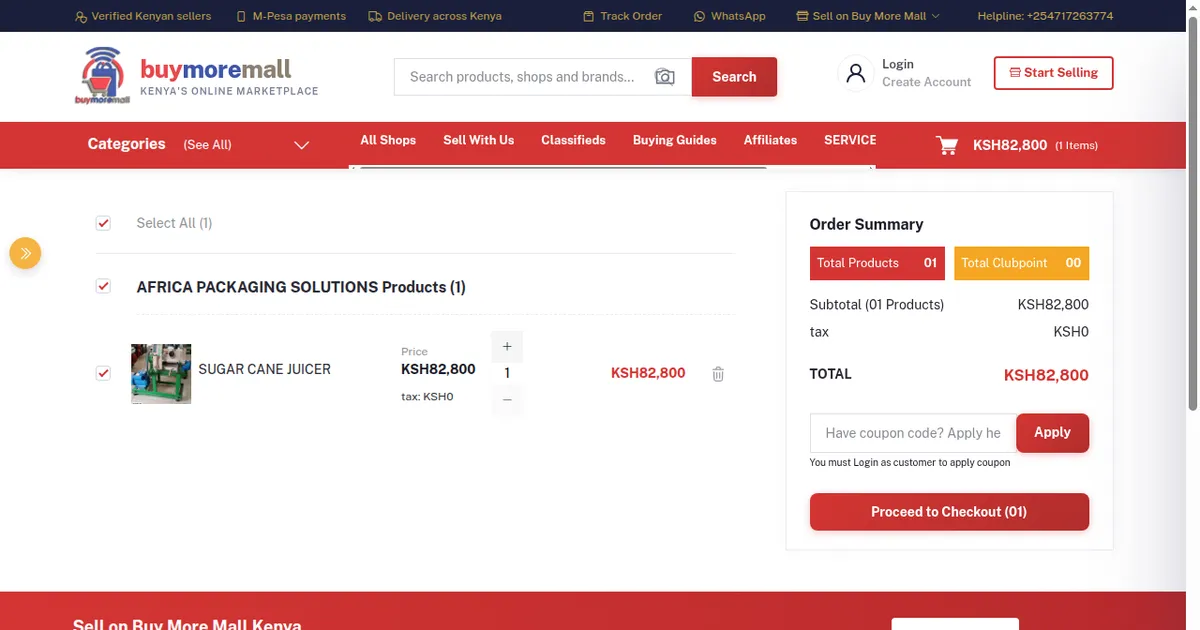
Cover image: screenshot of the cart and checkout step on Buy More Mall.
Related Guides
Recent Posts
How to Get Your Business on Google Maps in Kenya (2026): Free Listing Step by Step
How to Advertise Your Business on Facebook in Kenya (2026): Free and Paid Ways
How to Register a Business Name in Kenya (2026): eCitizen Steps, Cost and Documents

How to Get a KRA PIN for a Business in Kenya (2026): Sole Proprietor and Company
How to Make a Business Logo for Free (2026): Simple Steps, Sizes and Examples

How to Sell on Instagram in Kenya (2026): Beginner's Step-by-Step Guide

How to Start Dropshipping in Kenya (2026): How It Works, Costs and Risks
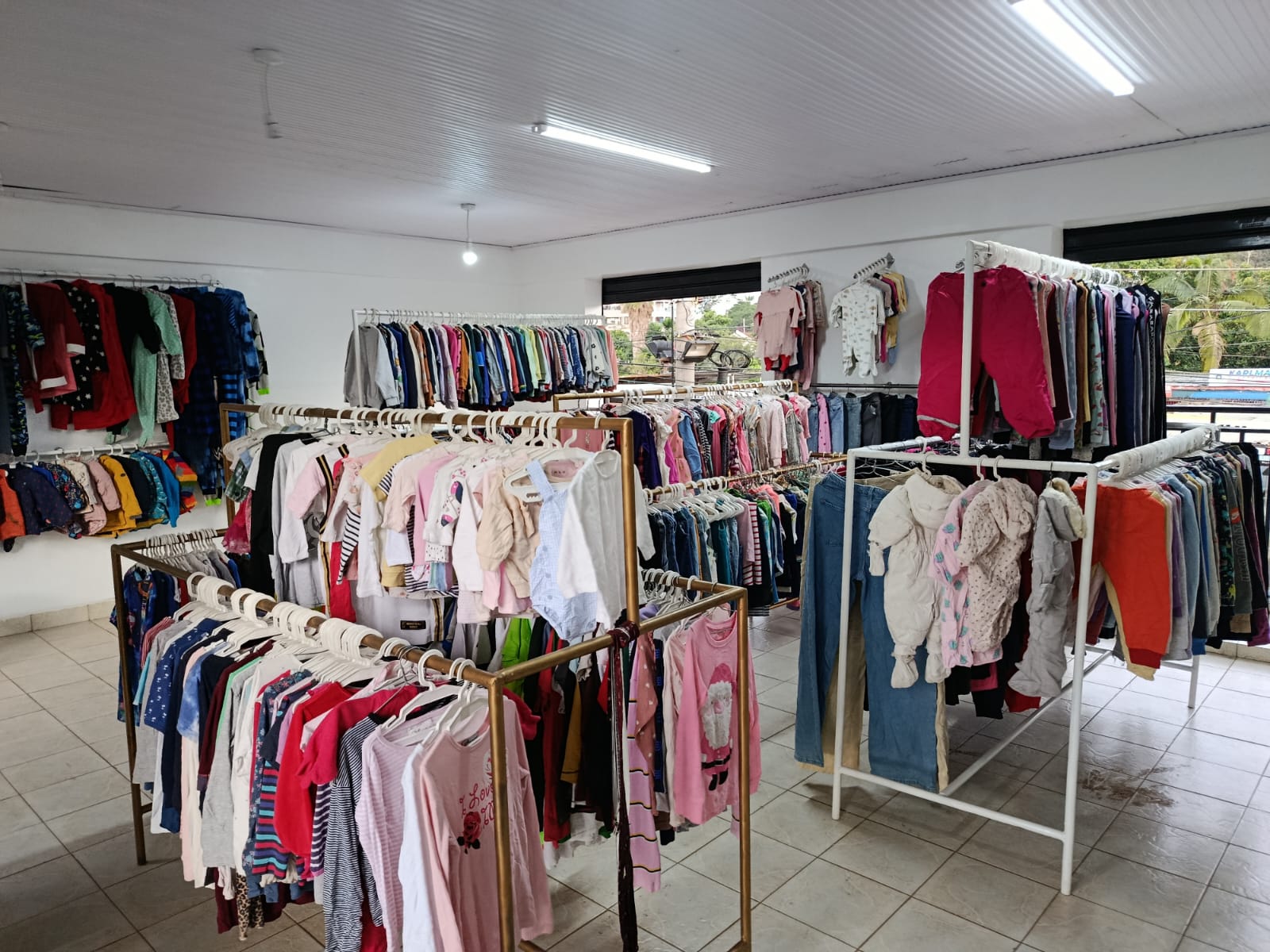
Baby Clothes Wholesale in Kenya (2026): Prices per Piece, Bales and How to Start
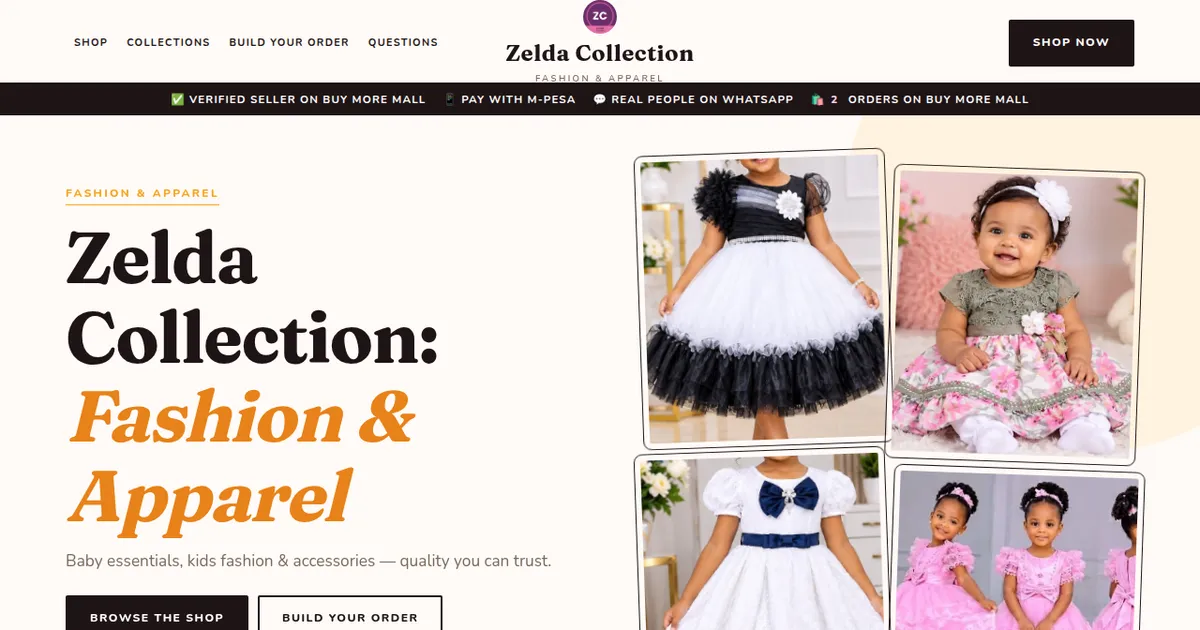
How to Create a Business Website in Kenya (2026): Free and Low-Cost Options That Sell
 buymoremall
Kenya's Online Marketplace
buymoremall
Kenya's Online Marketplace
Buy More Mall Kenya gives you a direct link to manufacturers, suppliers and service providers. Sellers are verified, there are no shortcuts, and customised orders come at affordable rates.
- Buy direct from manufacturers & suppliers
- Verified sellers and service providers
- Pay securely with M-Pesa
Shop
Sell & Earn
Help
Contact Us
- 0717 263 774
- Chat on WhatsApp
- buymoremallkenya@gmail.com
- Eastern bypass Ruiru Near Naivas super market @ kamakis & Nanyuki Neema Academy
- Contact page