

How to Become a Seller on Buy More Mall Kenya (Step-by-Step, 2026)

Buy More Mall Kenya is an online marketplace where businesses of every size, from manufacturers and wholesalers to local shops and service providers, sell directly to buyers across Kenya. Opening a shop is free to start and takes a few minutes. Here is exactly how to become a seller.
Step 1: Open the Seller Registration Page
Go to buymoremall.co.ke/shops/create, or click the "Sell on Buy More Mall" link at the top of the website.
Step 2: Fill in Your Shop and Account Details
The registration form asks for:
- Shop name: the name buyers will see.
- Business type: the category that best describes your business.
- Business address.
- Phone number: so buyers and the Buy More Mall team can reach you.
- Your full name and email address.
- Password (and confirmation).
Step 3: Choose a Seller Package (Optional)
Packages let you list more products for a set period:
| Package | Products | Duration | Price |
|---|---|---|---|
| CHUI PACKAGE | 50 | 30 days | KSh 2,500 |
| SIMBA PACKAGE | 100 | 90 days | KSh 7,500 |
| NYATI PACKAGE | 300 | 90 days | KSh 25,000 |
| KIFARU PACKAGE | 500 | 180 days | KSh 60,000 |
| NDOVU PACKAGE | 750 | 365 days | KSh 99,999 |
Choose the package that matches the number of products you plan to list. You can pick one when you register, or later from your seller dashboard.
Step 4: Set Up Your Shop
Log in at the seller login page and complete your shop profile: logo, banners, description, social links and a clear shop address. A complete profile builds trust. Buyers can browse all shops on the Sellers page.
Step 5: Upload Your Products
- Use clear, well-lit photos and several angles per product.
- Write a descriptive product name, for example "H-TECH 300 Litres Milk Vending ATM", not just "Milk machine".
- Add price, stock, category and brand, and a helpful description covering size, material, warranty and delivery.
- Products are reviewed by Buy More Mall before they go live.
Step 6: Receive and Fulfil Orders
Buyers order and pay through Buy More Mall, including by M-Pesa. You manage orders, stock and payouts from your seller dashboard.
Tips to Sell More
- Keep prices and stock up to date.
- Answer buyer questions quickly.
- Give each product a unique name. Sellers who reuse the same name for different items confuse buyers and search engines.
- Share your shop link on WhatsApp, Facebook and other social media.
See Successful Shops on Buy More Mall
Examples include Herritech Ventures (water treatment, milk and oil vending machines), Biglit Limited (plumbing and hardware) and Uturns Computer (laptop parts). Read our guides for their categories:
- PPR vs PVC vs HDPE Pipes
- Bosch Power Tools Buying Guide
- Laptop Keyboard, Screen & Battery Replacement
- Milk ATM Price in Kenya
- Water Vending Machine Price in Kenya
Frequently Asked Questions
Is it free to sell on Buy More Mall?
You can register a shop without choosing a package. Packages are optional and let you list more products for a set period.
How many products can I list?
Packages range from 50 products (CHUI, KSh 2,500 for 30 days) to 750 products (NDOVU, KSh 99,999 for 365 days).
Where do I register as a seller?
At buymoremall.co.ke/shops/create.
Prices shown are regular prices on Buy More Mall. Many products are currently on offer, so open the product page to see today's price.
Sell in Your Category
Read the guide for your type of business:
- List Your Property in Kenya
- Sell Construction Materials Online in Kenya
- Sell Electronics & Phones Online in Kenya
- Sell Water Treatment Equipment Online in Kenya
- Sell Clothes & Fashion Online in Kenya
- Sell Beauty & Health Products Online in Kenya
- Sell Car Parts & Accessories Online in Kenya
- Sell Industrial Equipment Online in Kenya
- Sell Biodigesters & Sanitation Solutions in Kenya
- Sell Computers & IT Services Online in Kenya
- Sell Wholesale & General Goods Online in Kenya
- Sell Furniture & Home Decor Online in Kenya
- Sell Farm Inputs & Equipment Online in Kenya
- Sell Food & Beverages Online in Kenya
- Sell Printing & Branding Services in Kenya
- List Your Hotel or Airbnb in Kenya on Buy More Mall
- List Your Safaris & Tours in Kenya on Buy More Mall
- List Events & Entertainment Services in Kenya
Related Guides
Recent Posts
How to Get Your Business on Google Maps in Kenya (2026): Free Listing Step by Step
How to Advertise Your Business on Facebook in Kenya (2026): Free and Paid Ways
How to Register a Business Name in Kenya (2026): eCitizen Steps, Cost and Documents

How to Get a KRA PIN for a Business in Kenya (2026): Sole Proprietor and Company
How to Make a Business Logo for Free (2026): Simple Steps, Sizes and Examples

How to Sell on Instagram in Kenya (2026): Beginner's Step-by-Step Guide

How to Start Dropshipping in Kenya (2026): How It Works, Costs and Risks
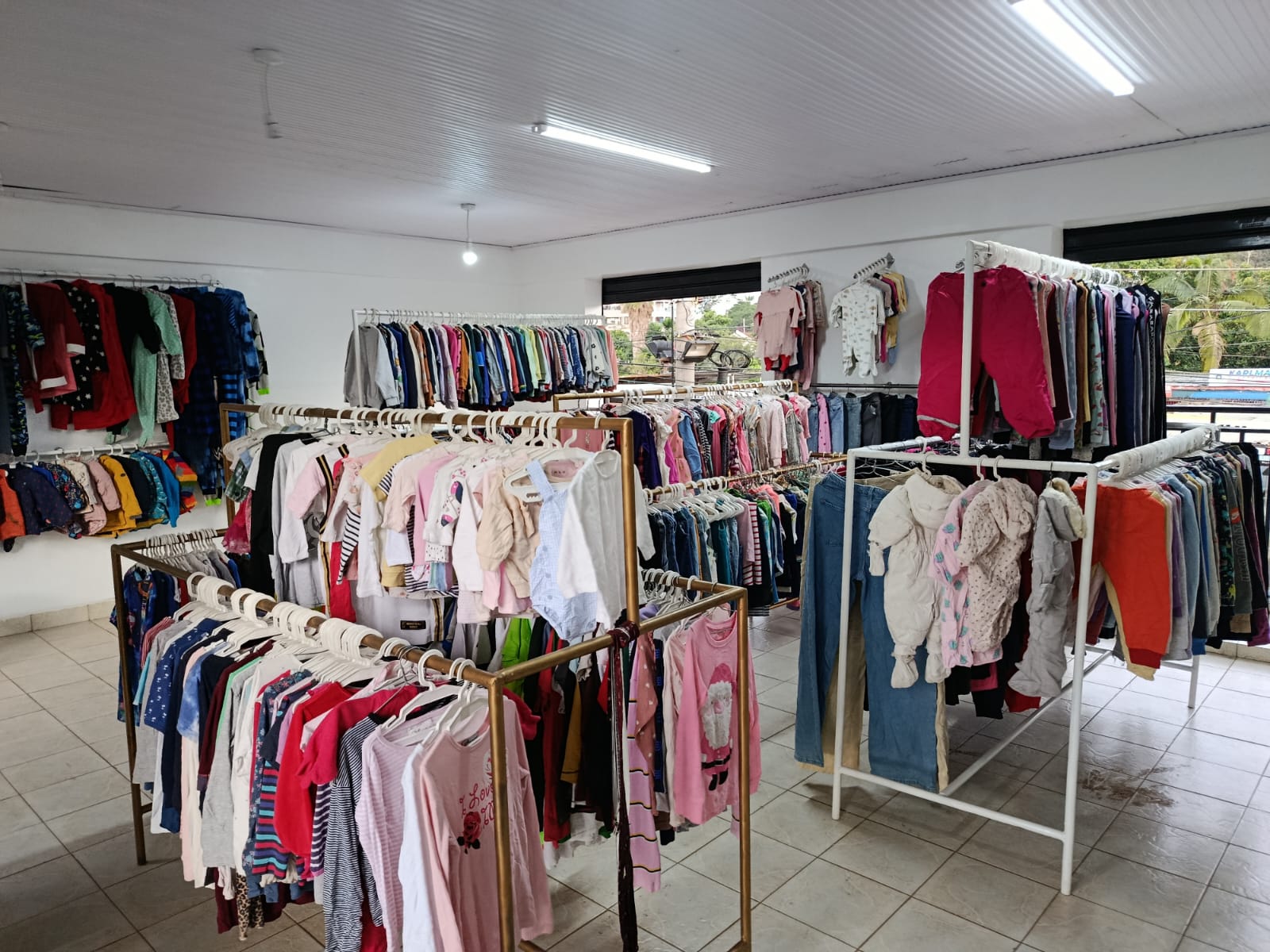
Baby Clothes Wholesale in Kenya (2026): Prices per Piece, Bales and How to Start
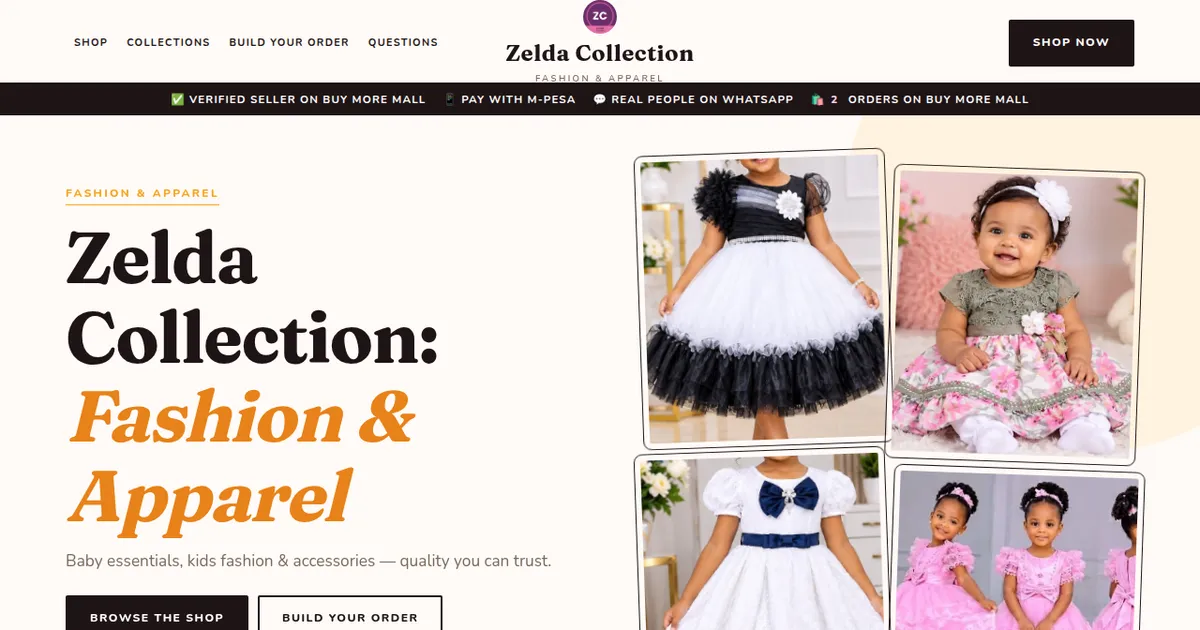
How to Create a Business Website in Kenya (2026): Free and Low-Cost Options That Sell
 buymoremall
Kenya's Online Marketplace
buymoremall
Kenya's Online Marketplace
Buy More Mall Kenya gives you a direct link to manufacturers, suppliers and service providers. Sellers are verified, there are no shortcuts, and customised orders come at affordable rates.
- Buy direct from manufacturers & suppliers
- Verified sellers and service providers
- Pay securely with M-Pesa
Shop
Sell & Earn
Help
Contact Us
- 0717 263 774
- Chat on WhatsApp
- buymoremallkenya@gmail.com
- Eastern bypass Ruiru Near Naivas super market @ kamakis & Nanyuki Neema Academy
- Contact page