


Laptop Not Charging? 10 Fixes Before You Buy a New Battery (2026)
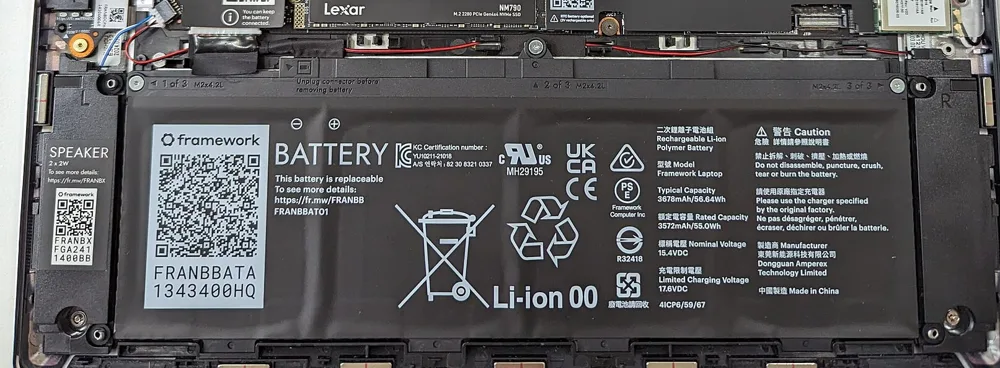
"Plugged in, not charging" has a handful of causes. Work through them in order before spending money.
Quick answer: Check the charger and cable first (light on? correct wattage?), then the charging port, then battery health and power settings. If the laptop runs on the charger but the battery stays at 0%, the battery usually needs replacing; HP batteries start from KSh 1,500. If it does not power on at all from the charger, the charger is the usual suspect.
10 Fixes in Order
- Try another wall socket and remove extension boards.
- Check the charger light and the cable for bends or burns.
- Make sure the charger wattage matches the original.
- Clean the charging port gently; check the pin is not bent.
- Restart and leave it charging for 30 minutes while off.
- Windows: check battery settings and update the battery driver.
- Check battery health (Windows battery report, or BIOS on HP/Dell/Lenovo).
- Remove the battery (if removable) and reconnect.
- Try a known-good charger of the same type.
- If the battery is swollen, stop using it and replace it.
Chargers
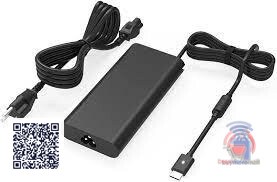
KSh 4,000
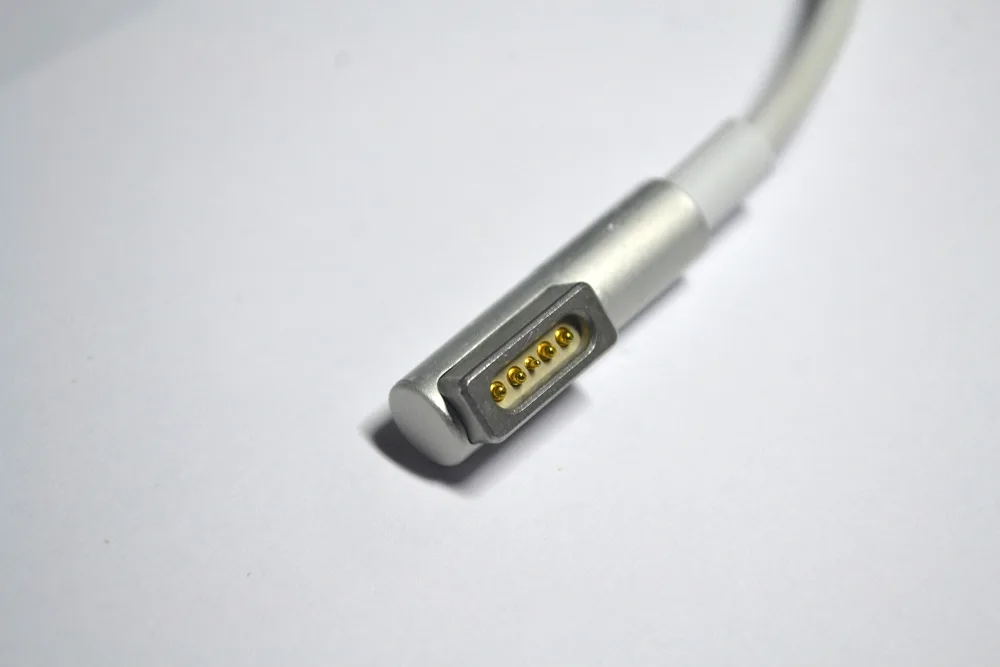
KSh 1,600
KSh 1,600
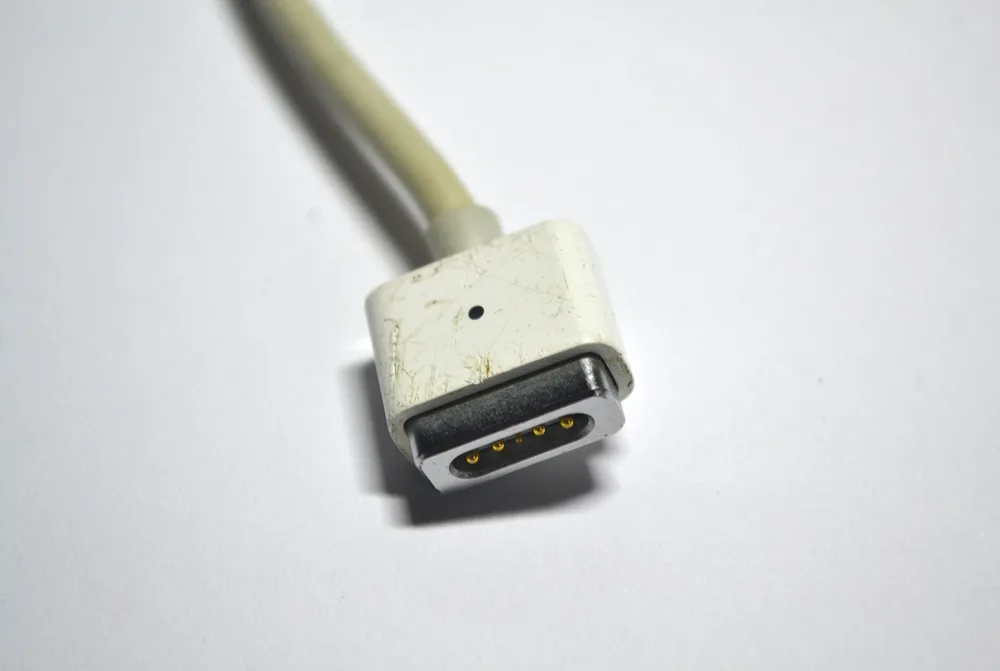
KSh 1,600
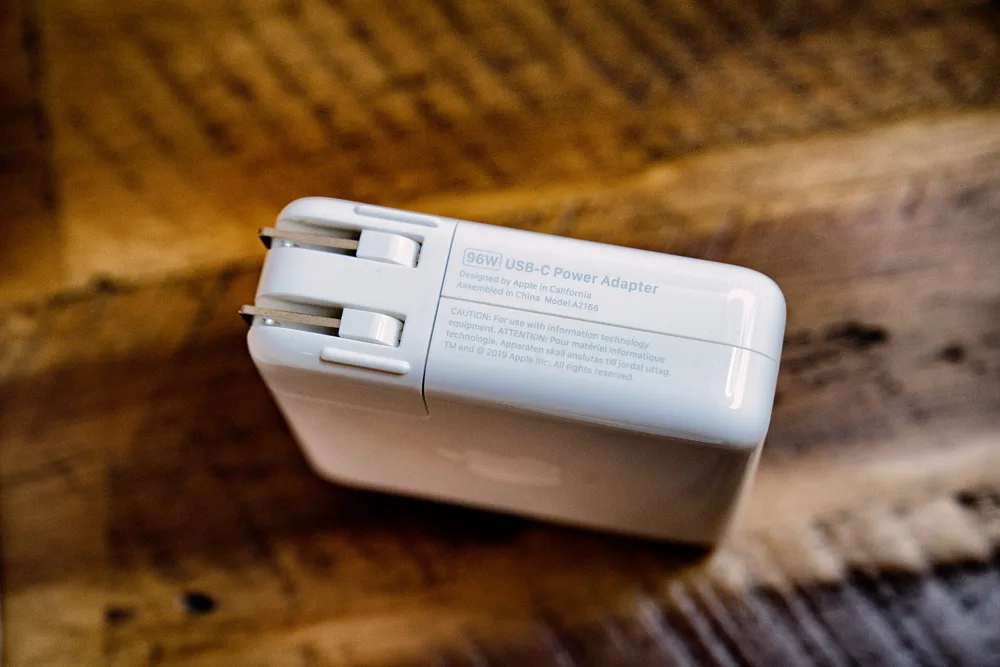
KSh 1,700
Some photos are reference images of the product type, used under open licences. Image credits are on each product page.
All MacBook types: MacBook charger guide; other laptops: laptop chargers.
Replacement Batteries
KSh 2,200
KSh 2,000
KSh 2,000
KSh 2,000
KSh 3,500
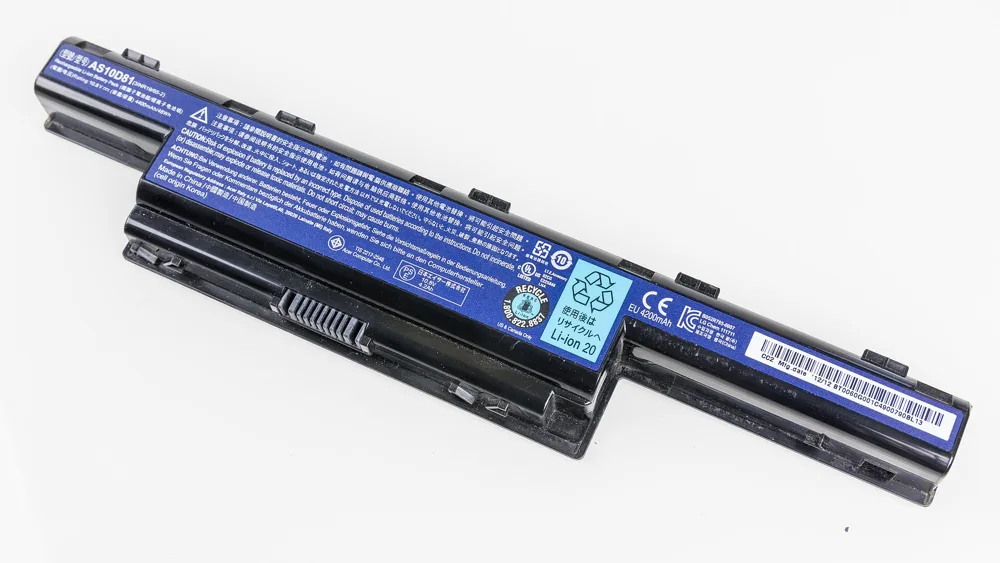
KSh 2,500
Some photos are reference images of the product type, used under open licences. Image credits are on each product page.
More models: HP batteries and Lenovo and Dell batteries.
Charger or Battery? Quick Diagnosis
| What happens | Likely fault |
|---|---|
| Runs on charger, battery stuck at 0% | Battery |
| Does not power on with charger, battery flat | Charger or port |
| Charges only at certain angles | Port or cable |
| "Plugged in, not charging" message | Battery health or settings |
Worked Example: HP Laptop Stuck at 0%
An HP EliteBook works on the charger but shows "plugged in, not charging" and dies as soon as it is unplugged. Another charger of the right wattage gives the same result. The Windows battery report (powercfg /batteryreport) shows the full-charge capacity is under 20% of the design capacity. Diagnosis: the battery is worn out. A replacement battery for the exact model fixes it; the charger was fine.
How to Run a Battery Report on Windows
Open Command Prompt, type powercfg /batteryreport and press Enter. Open the HTML file it creates and compare Design capacity with Full charge capacity. Below about 50% means much shorter battery life.
Common Mistakes to Avoid
- Using a lower-watt charger.
- Keeping a swollen battery.
- Cheap chargers without protection.
- Ignoring a loose port until the board is damaged.
Not sure which one fits? Send us your details on WhatsApp or through the product page and we will help you choose.
Frequently Asked Questions
Why is my laptop plugged in but not charging?
Usually the charger, cable, port, battery health or power settings.
How do I know if my laptop battery is bad?
It shows very low health in the battery report or stays at 0% while plugged in.
How much is a laptop battery in Kenya?
Batteries on Buy More Mall start from KSh 1,500 depending on model.
Can a wrong charger damage my laptop?
A lower-watt charger can fail to charge and overheat; use the correct rating.
Is a swollen battery dangerous?
Yes; stop using it and replace it.
Should I keep my laptop plugged in all the time?
Modern laptops manage charging, but heat shortens battery life; keep it ventilated.
Prices shown are regular prices on Buy More Mall. Many products are currently on offer, so open the product page to see today's price.
Related Guides
Recent Posts
Damp Walls and Rising Damp in Kenya (2026): Causes and Lasting Fixes
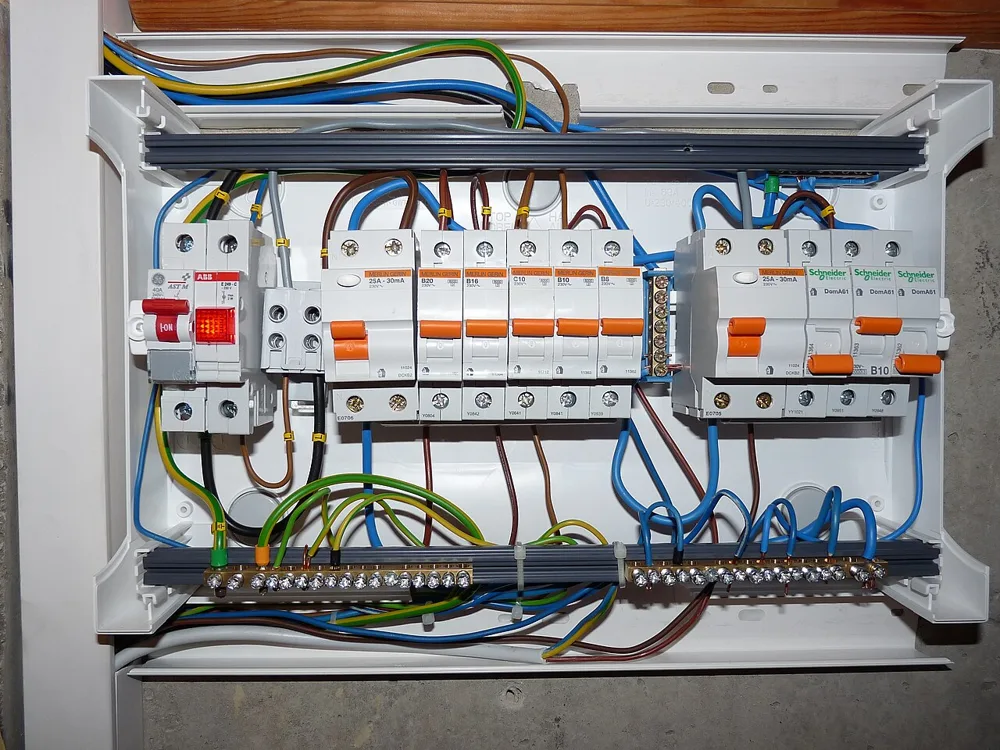
Circuit Breaker Sizes and Consumer Unit Guide for Kenyan Homes (2026)

How to Reduce Your Electricity Bill in Kenya (2026): 15 Practical Ways
How to Fix a Leaking Roof in Kenya (2026): Mabati, Tiles and Gutters
 buymoremall
Kenya's Online Marketplace
buymoremall
Kenya's Online Marketplace
Buy More Mall Kenya gives you a direct link to manufacturers, suppliers and service providers. Sellers are verified, there are no shortcuts, and customised orders come at affordable rates.
- Buy direct from manufacturers & suppliers
- Verified sellers and service providers
- Pay securely with M-Pesa
Shop
Sell & Earn
Help
Contact Us
- 0717 263 774
- Chat on WhatsApp
- buymoremallkenya@gmail.com
- Eastern bypass Ruiru Near Naivas super market @ kamakis & Nanyuki Neema Academy
- Contact page