


How to Speed Up a Slow Laptop: 12 Fixes That Work (2026)

Most slow laptops are not broken. They have too many startup programs, a full or old hard disk, overheating, or too little RAM. Fix the free things first, then upgrade.
Quick answer: Start with free fixes: disable startup apps, remove unused programs and malware, free up disk space and clean the fan. The single biggest speed upgrade for an older laptop is replacing the hard disk with an SSD: boot time often drops from minutes to seconds. A 1 TB SSD is KSh 12,000 on Buy More Mall.
12 Fixes, in Order
- Restart the laptop (many people never shut down fully).
- Task Manager → Startup: disable apps you do not need at boot.
- Uninstall programs you no longer use.
- Run a full antivirus scan.
- Free up disk space: keep at least 15–20% of the drive free.
- Install pending Windows and driver updates, then restart.
- Set the power plan to Balanced or Best performance when plugged in.
- Limit browser tabs and extensions.
- Clean dust from vents and fan; overheating slows the processor.
- Check the disk health; a failing hard disk is very slow.
- Upgrade to an SSD.
- Add RAM if the laptop has a free slot and uses more than 80% of memory.
SSD Upgrade: The Biggest Difference
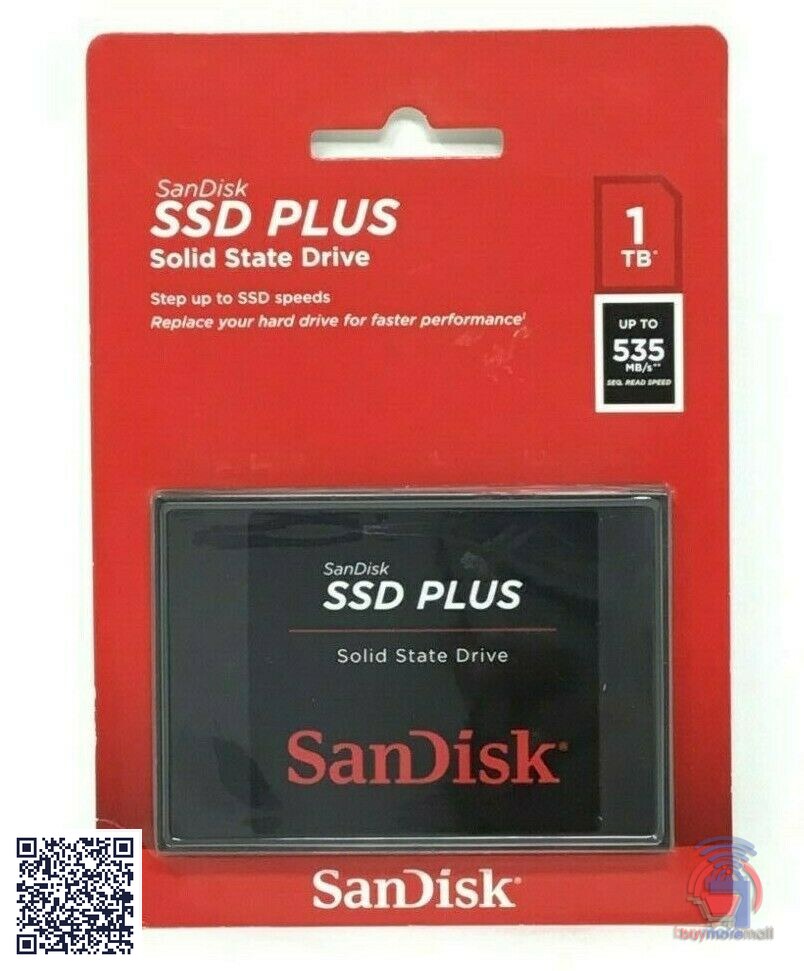
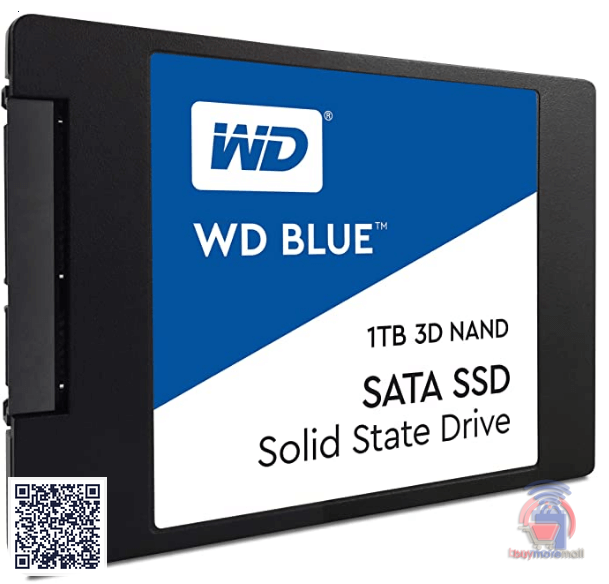
| SSD | Notes | Price |
|---|---|---|
| Ssd Sandisk 1tb Ssd Plus | 1 TB SATA | KSh 12,000 |
| SanDisk 1TB SSD Plus | 1 TB SATA | KSh 13,000 |
| WD Blue 1TB SSD | 1 TB SATA | KSh 14,000 |
Check whether your laptop takes a 2.5" SATA drive or an M.2 drive before buying; ask us on WhatsApp with your model. More storage options: SSD, router and monitor prices.
Repair or Replace?
| Situation | Best move |
|---|---|
| Hard disk, 8 GB RAM, Core i5 | SSD upgrade |
| 4 GB RAM, slot available | Add RAM + SSD |
| Very old processor, battery and keyboard worn | Consider a refurbished laptop |
| Overheats and shuts down | Clean fan and replace thermal paste |
Refurbished Laptops if It Is Time to Replace
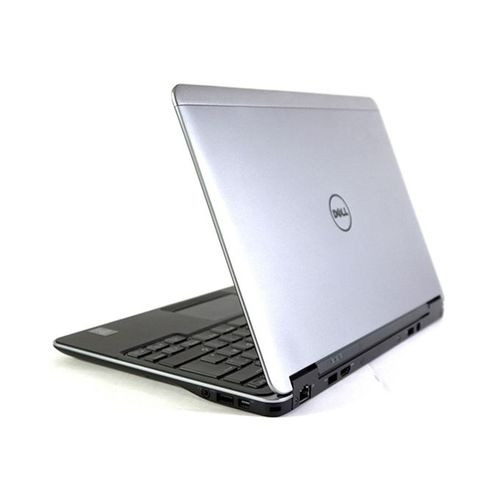
KSh 19,005
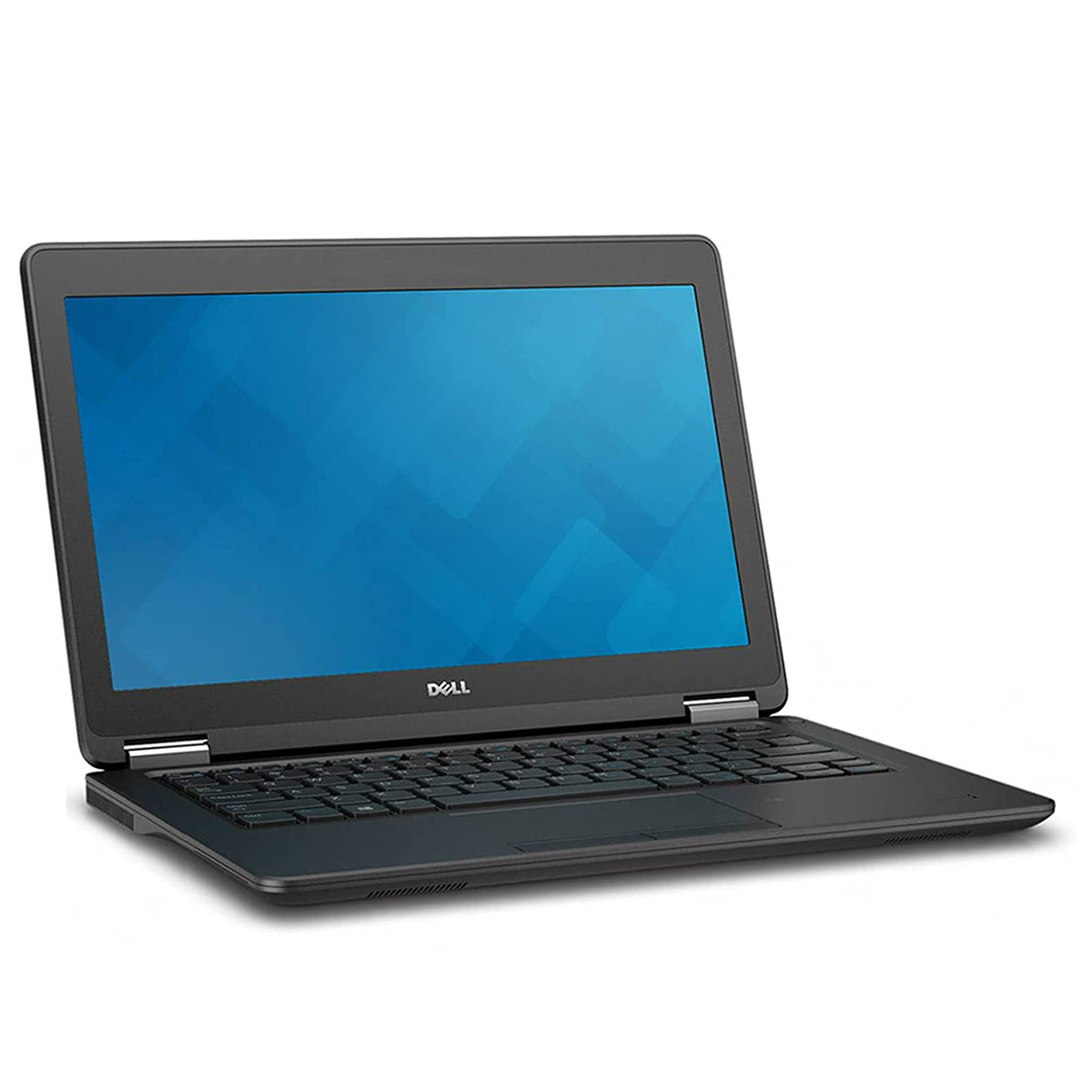
KSh 19,905
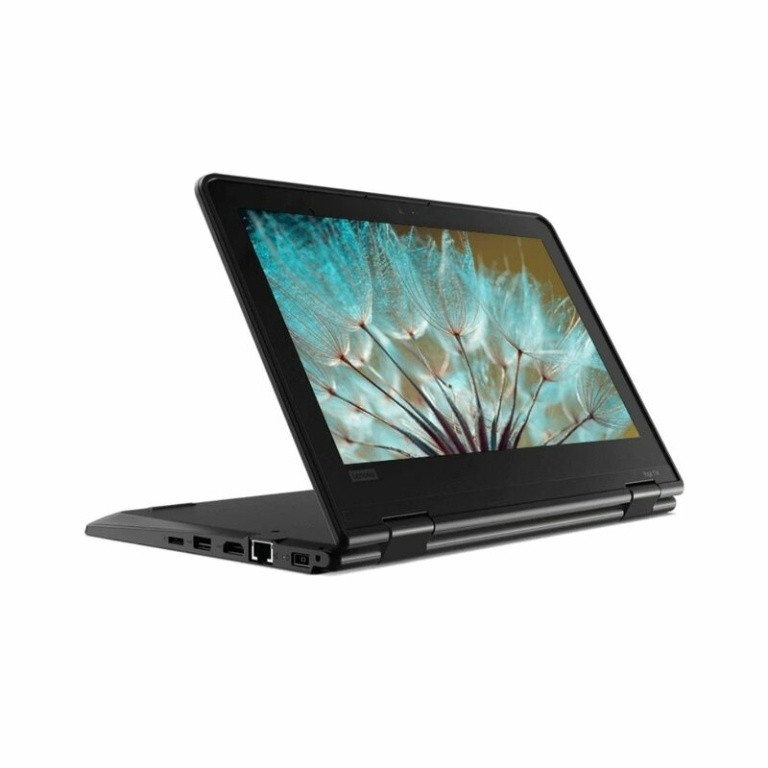
KSh 19,005
More: refurbished laptop prices, laptops under 20,000 and best laptop for students.
Worked Example
An office laptop with a Core i5, 8 GB RAM and an old hard disk takes 4 minutes to boot. After disabling 12 startup apps, cleaning the fan and cloning Windows onto a 1 TB SSD (KSh 12,000), it boots in under 30 seconds. That is far cheaper than a new laptop.
Common Mistakes to Avoid
- Installing several "PC cleaner" apps (they slow it down further).
- Buying an SSD without checking the slot type.
- Running with a nearly full disk.
- Ignoring overheating.
- Not backing up before cloning or reinstalling.
Not sure which one fits? Send us your details on WhatsApp or through the product page and we will help you choose.
Frequently Asked Questions
Why is my laptop so slow?
Usually too many startup apps, a full or old hard disk, malware, overheating or low RAM.
Does an SSD make a laptop faster?
Yes, it is usually the biggest speed upgrade for laptops with a hard disk.
How much is an SSD in Kenya?
A 1 TB SSD is KSh 12,000 on Buy More Mall.
How can I speed up my laptop for free?
Disable startup apps, uninstall unused programs, scan for malware, free disk space and clean the fan.
Is it worth upgrading RAM?
Yes if memory use is regularly above 80% and the laptop has a free slot.
When should I replace my laptop?
When the processor is very old and repairs plus upgrades cost close to a refurbished laptop.
Prices shown are regular prices on Buy More Mall. Many products are currently on offer, so open the product page to see today's price.
Related Guides
Recent Posts
Damp Walls and Rising Damp in Kenya (2026): Causes and Lasting Fixes
Circuit Breaker Sizes and Consumer Unit Guide for Kenyan Homes (2026)

How to Reduce Your Electricity Bill in Kenya (2026): 15 Practical Ways
How to Fix a Leaking Roof in Kenya (2026): Mabati, Tiles and Gutters
 buymoremall
Kenya's Online Marketplace
buymoremall
Kenya's Online Marketplace
Buy More Mall Kenya gives you a direct link to manufacturers, suppliers and service providers. Sellers are verified, there are no shortcuts, and customised orders come at affordable rates.
- Buy direct from manufacturers & suppliers
- Verified sellers and service providers
- Pay securely with M-Pesa
Shop
Sell & Earn
Help
Contact Us
- 0717 263 774
- Chat on WhatsApp
- buymoremallkenya@gmail.com
- Eastern bypass Ruiru Near Naivas super market @ kamakis & Nanyuki Neema Academy
- Contact page