


Laptop Screen Flickering or Black? Causes and Fixes (Kenya 2026)
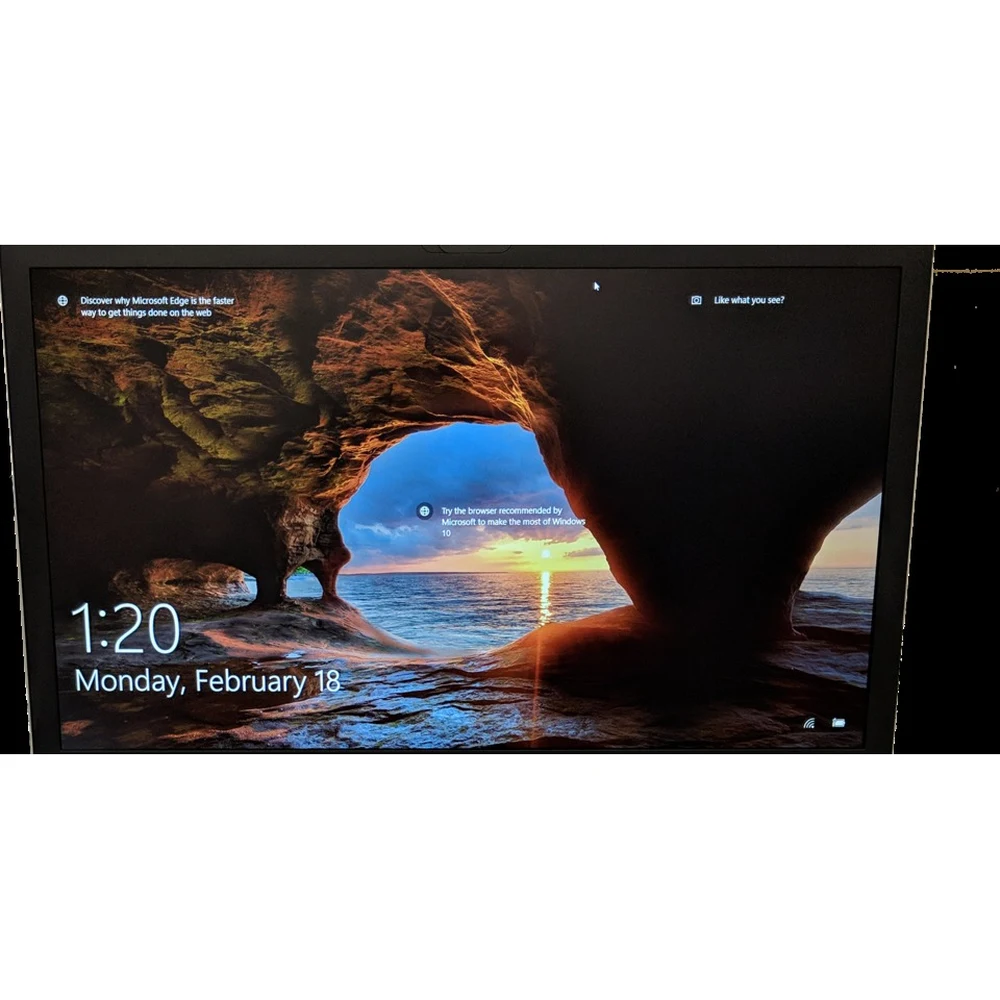
A flickering or black laptop screen does not always mean a new screen. Sometimes it is a driver, a setting or a loose cable. A five-minute test tells you which.
Quick answer: First connect the laptop to a TV or monitor with an HDMI cable (KSh 150). If the external screen works, the laptop is fine and the fault is the screen, its cable or the backlight. If both are blank, the problem is inside the laptop (RAM, graphics or power). Flicker that changes as you move the lid is usually the display cable; flicker in some apps only is usually the display driver. Replacement screens on Buy More Mall start from KSh 2,500.
The Five-Minute Test
- Connect an external monitor or TV with HDMI and press Windows + P → Duplicate. See how to connect a laptop to a TV.
- Shine a torch at the dark laptop screen: if you can faintly see the picture, the backlight has failed.
- Slowly open and close the lid: if the flicker changes, the display cable or hinge is the cause.
- Press the brightness keys; some screens are just set to zero.
Causes and Fixes
| Symptom | Likely cause | Fix |
|---|---|---|
| Flicker in some apps or after an update | Display driver | Update or roll back the graphics driver |
| Flicker when moving the lid | Loose or damaged display cable | Reseat or replace the cable |
| Black screen, faint picture with a torch | Backlight failure | Repair backlight or replace the screen |
| Lines, colour bands, black patches | Damaged panel | Replace the screen |
| Black on both laptop and monitor | RAM, graphics or motherboard | Technician; see laptop not turning on |
| Dim screen | Brightness or power-saving setting | Raise brightness; check power plan |
Windows Fixes to Try First
- Restart; then press Windows + Ctrl + Shift + B to restart the graphics driver.
- Device Manager → Display adapters → update or roll back the driver.
- Settings → Display: set the recommended resolution and refresh rate.
- Check for a Windows update.
When to Replace the Screen
Cracks, lines, ink-like patches and dead backlights need a new screen. Choose the exact size, pin count and type for your model. Our guide 30-pin vs 40-pin laptop screens explains how to find the right one.
KSh 2,500
KSh 3,500
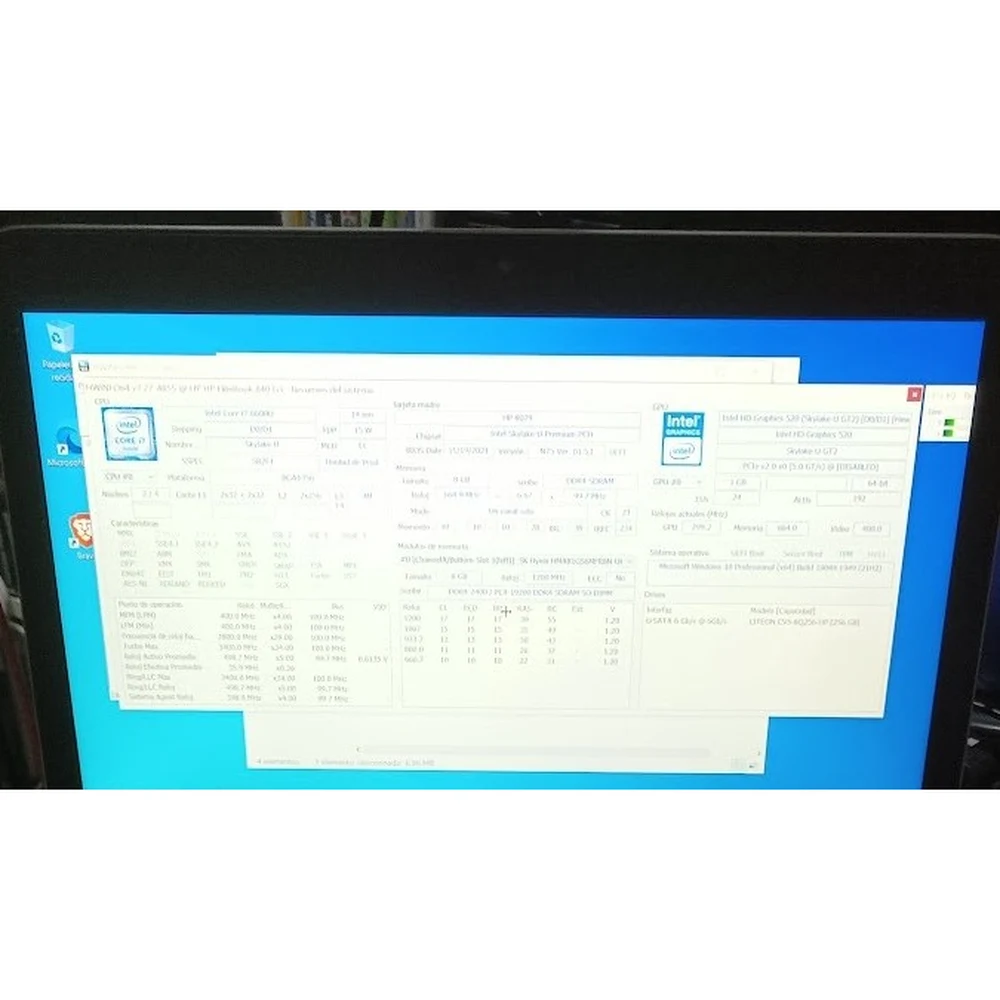
KSh 3,000
KSh 6,500
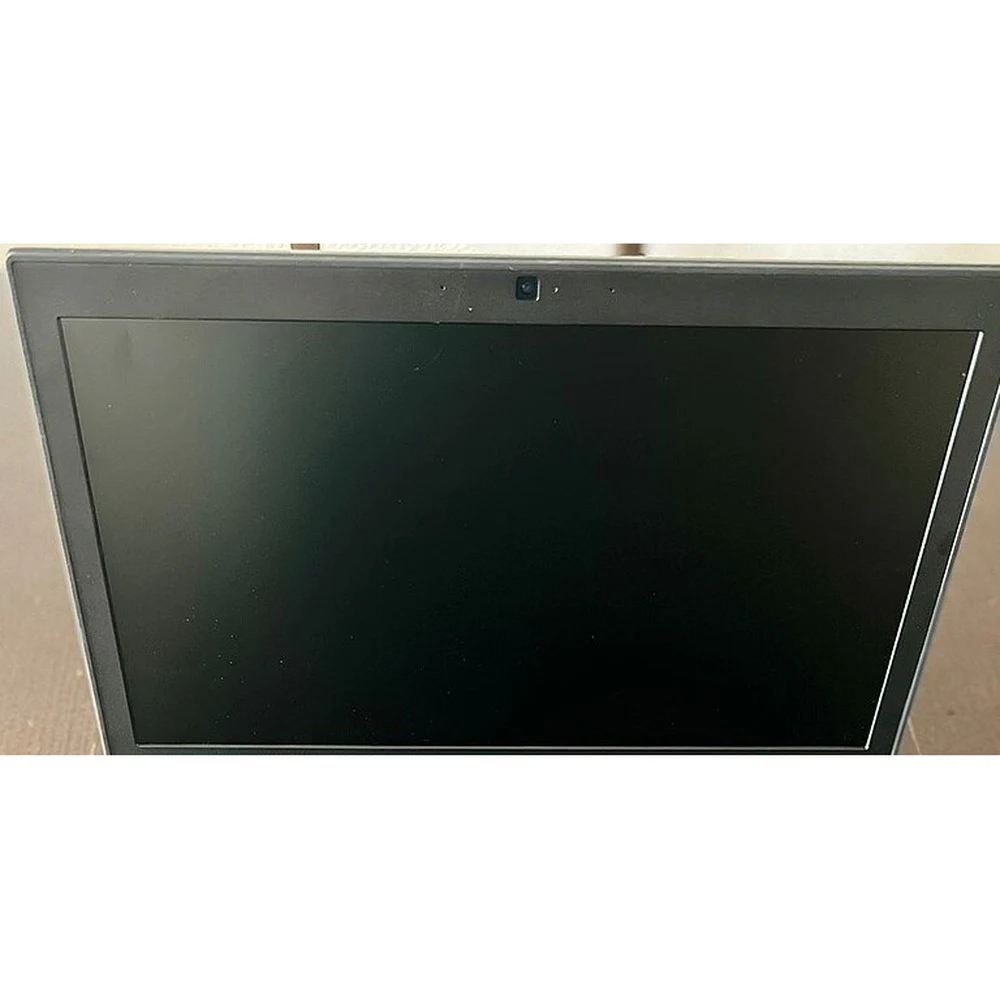
KSh 3,600
KSh 5,700
Some photos are reference images of the product type, used under open licences. Image credits are on each product page.
| Screen | Type | Price |
|---|---|---|
| 15.6 40Pin frame Laptop Screen | 15.6", 40-pin, frame | KSh 2,500 |
| 15.6 30Pin Frame Laptop Screen | 15.6", 30-pin, frame | KSh 3,500 |
| 14.0 40Pin Frame Laptop Screen | 14.0", 40-pin, frame | KSh 3,000 |
| 14.0 40Pin Frameless Laptop Screen | 14.0", 40-pin, frameless | KSh 6,500 |
Worked Example: Flicker Only When the Lid Moves
Otieno’s HP laptop flickers only at certain lid angles, and an external monitor works perfectly. The technician reseats the display cable at the motherboard; the flicker stops, and no new screen is needed.
Common Mistakes to Avoid
- Buying a screen before testing with an external monitor.
- Ordering by size only, ignoring the pin count.
- Pressing on the screen to "fix" lines.
- Ignoring a loose hinge that damages the cable.
Not sure which one fits? Send us your details on WhatsApp or through the product page and we will help you choose.
Frequently Asked Questions
Why is my laptop screen flickering?
Usually a display driver problem, a loose display cable or a failing panel.
Why is my laptop on but the screen is black?
The backlight, display cable or screen may have failed; if an external monitor is also blank, the fault is inside the laptop.
How much is a laptop screen replacement in Kenya?
Replacement screens on Buy More Mall start from KSh 2,500, plus fitting.
Can a flickering laptop screen be fixed?
Often yes: a driver update or cable reseat fixes many cases.
How do I know if my laptop screen or graphics card is bad?
If an external monitor works, the screen side is faulty; if it is also blank, suspect the graphics or motherboard.
Prices shown are regular prices on Buy More Mall. Many products are currently on offer, so open the product page to see today's price.
Related Guides
Recent Posts
How to Get Your Business on Google Maps in Kenya (2026): Free Listing Step by Step
How to Advertise Your Business on Facebook in Kenya (2026): Free and Paid Ways
How to Register a Business Name in Kenya (2026): eCitizen Steps, Cost and Documents
How to Get a KRA PIN for a Business in Kenya (2026): Sole Proprietor and Company

How to Make a Business Logo for Free (2026): Simple Steps, Sizes and Examples

How to Sell on Instagram in Kenya (2026): Beginner's Step-by-Step Guide

How to Start Dropshipping in Kenya (2026): How It Works, Costs and Risks
Baby Clothes Wholesale in Kenya (2026): Prices per Piece, Bales and How to Start

How to Create a Business Website in Kenya (2026): Free and Low-Cost Options That Sell
 buymoremall
Kenya's Online Marketplace
buymoremall
Kenya's Online Marketplace
Buy More Mall Kenya gives you a direct link to manufacturers, suppliers and service providers. Sellers are verified, there are no shortcuts, and customised orders come at affordable rates.
- Buy direct from manufacturers & suppliers
- Verified sellers and service providers
- Pay securely with M-Pesa
Shop
Sell & Earn
Help
Contact Us
- 0717 263 774
- Chat on WhatsApp
- buymoremallkenya@gmail.com
- Eastern bypass Ruiru Near Naivas super market @ kamakis & Nanyuki Neema Academy
- Contact page