


How to Connect a Laptop to a TV (HDMI and Wireless): Step by Step 2026
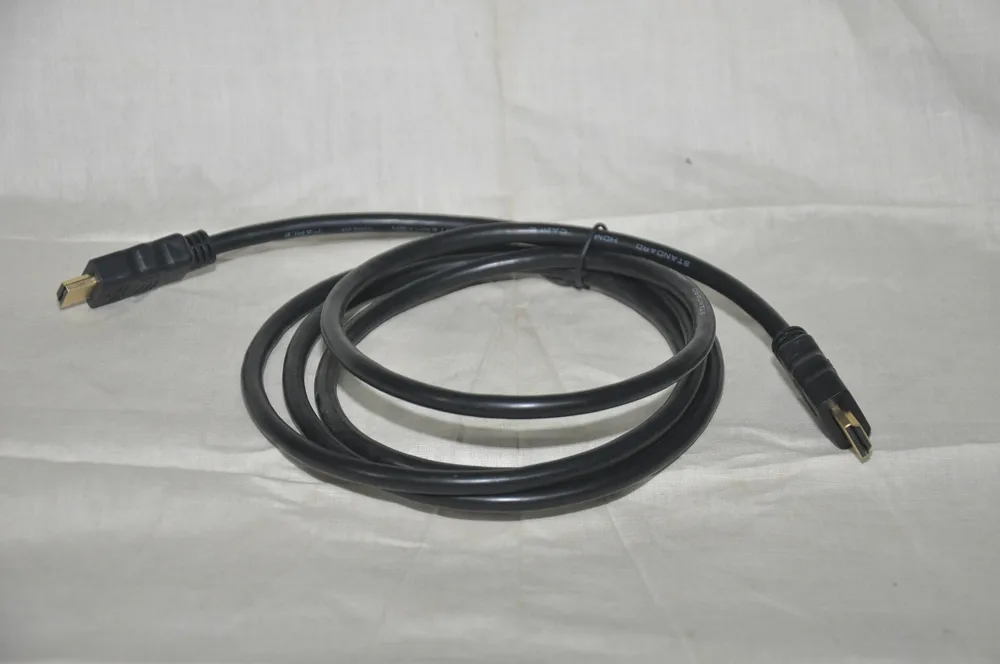
Watching a movie, presenting slides or using the TV as a big monitor all start with the same job: getting the laptop picture onto the TV. Most laptops and every modern TV have an HDMI port, so a single cable is usually all you need.
Quick answer: Plug one end of an HDMI cable into the laptop and the other into the TV, then switch the TV Source/Input to that HDMI port. On Windows press Windows + P and choose Duplicate or Extend; on a Mac open System Settings → Displays. HDMI carries sound too. A 1.5 m cable costs KSh 150 and a 5 m 4K cable KSh 350 on Buy More Mall.
What Is the Best Cable to Connect a Laptop to a TV?
HDMI is the best choice: it carries full HD or 4K picture and sound in one cable and needs no setup. Pick the length first, then the resolution.
| Cable | Best for | Price |
|---|---|---|
| HDMI cable 1.5m 2K | Laptop on a table next to the TV | KSh 150 |
| HDMI cable 5m 2K | Laptop on the sofa or a desk across the room | KSh 250 |
| HDMI cable 5m 4K | Same distance, 4K TVs | KSh 350 |
| HDMI cable 10m 2K | Classrooms, churches, halls | KSh 400 |
| HDMI cable 20m 4K | Long runs to a projector or a second room | KSh 1,300 |
KSh 150
KSh 250
KSh 350
KSh 400
KSh 1,300
KSh 650
Some photos are reference images of the product type, used under open licences. Image credits are on each product page.
How to Connect a Laptop to a TV with HDMI
- Switch on the TV and the laptop.
- Plug the HDMI cable into the laptop HDMI port and into any free HDMI port on the TV. Note the port number (HDMI 1, HDMI 2).
- Press Source or Input on the TV remote and select that HDMI port.
- Windows: press Windows + P. Choose Duplicate to show the same picture, Extend to use the TV as a second screen, or Second screen only for movies.
- Mac: open System Settings → Displays and choose Mirror or Extend.
- Set the TV as the sound output if the sound still comes from the laptop (see below).
Laptop Has No HDMI Port?
Many thin laptops have only USB-C. If the USB-C port supports video (look for a small display or Thunderbolt symbol next to it), a USB-C to HDMI adapter lets you use a normal HDMI cable. Older business laptops may have VGA or DisplayPort instead; use the matching adapter.
How to Connect a Laptop to a TV Wirelessly
- Windows (Miracast): on a smart TV that supports screen mirroring, press Windows + K on the laptop and pick the TV.
- Chrome browser casting: on TVs with built-in casting, open Chrome → Cast and choose the TV.
- Mac (AirPlay): only TVs that support AirPlay appear in Control Centre → Screen Mirroring.
Wireless is handy but can lag and drop quality on busy Wi-Fi. For movies, football and presentations, a cable is more reliable.
Fixes: No Signal, No Sound, Wrong Size
| Problem | Fix |
|---|---|
| TV says "No signal" | Check the TV is on the right HDMI input; press Windows + P; try another port or cable. |
| Picture but no sound | Windows: click the speaker icon and choose the TV as output. Mac: Sound → Output → TV. |
| Picture cut off at the edges | Set the TV picture size to "Just Scan" or "Screen Fit"; set the laptop to the TV resolution. |
| Flickering or snow | Replace a damaged or very cheap cable; avoid tight bends; use a 4K cable for 4K TVs. |
One Laptop, Several TVs
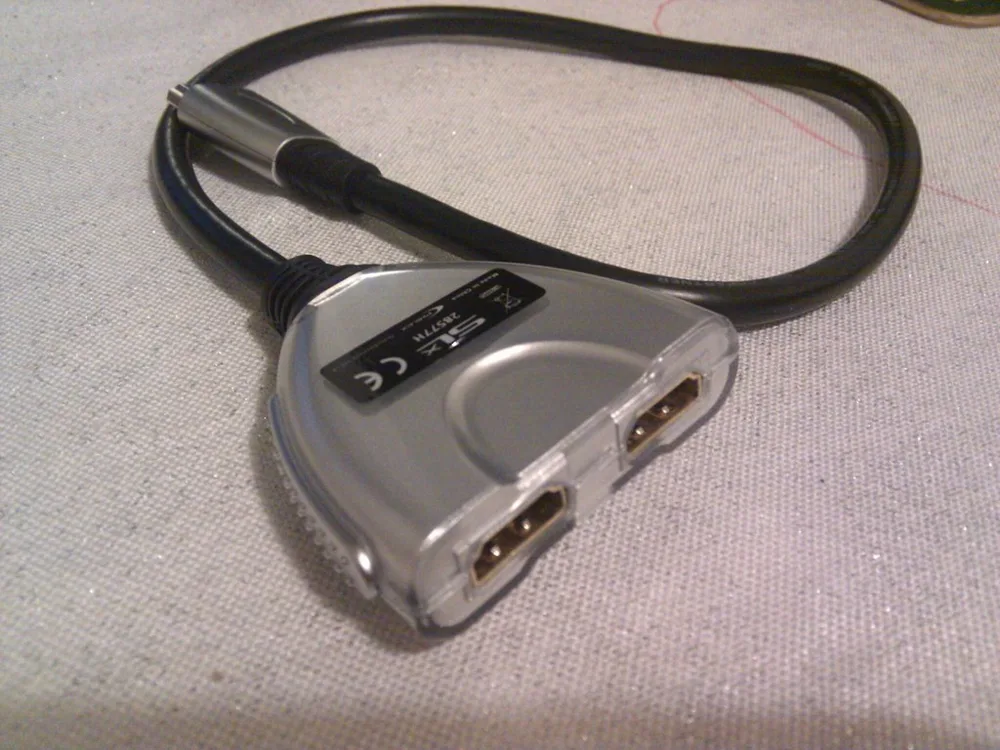
Shops, schools and churches often show the same screen on several TVs. An HDMI splitter sends one laptop to 2, 4 or 8 screens (KSh 650 for 2 ways).
Worked Example: Movie Night on a 43-inch TV
The laptop sits on the sofa about 3 m from the TV. A 1.5 m cable is too short, so the family buys the 5 m cable. They plug it in, choose HDMI 2 on the TV, press Windows + P → Second screen only, then pick the TV as the sound output. Total cost: one cable.
Common Mistakes to Avoid
- Buying a cable that is too short and stretching it tight.
- Forgetting to change the TV input.
- Expecting a VGA cable to carry sound (it does not).
- Using wireless mirroring for live football on weak Wi-Fi.
Not sure which one fits? Send us your details on WhatsApp or through the product page and we will help you choose.
Frequently Asked Questions
Why is my laptop not connecting to my TV with HDMI?
Usually the TV is on the wrong input, the display mode is not set (Windows + P), or the cable is faulty.
Does HDMI carry sound from a laptop to a TV?
Yes. If sound stays on the laptop, select the TV as the sound output.
Can I connect a laptop to a TV without HDMI?
Yes, with a USB-C to HDMI adapter, VGA (picture only) or wireless mirroring.
How long can an HDMI cable be?
Ordinary cables work well up to about 10–15 m; for longer runs buy a cable rated for that length.
Do I need a 4K HDMI cable?
Only for a 4K TV or monitor; for full HD a standard cable is enough.
Prices shown are regular prices on Buy More Mall. Many products are currently on offer, so open the product page to see today's price.
Related Guides
Recent Posts
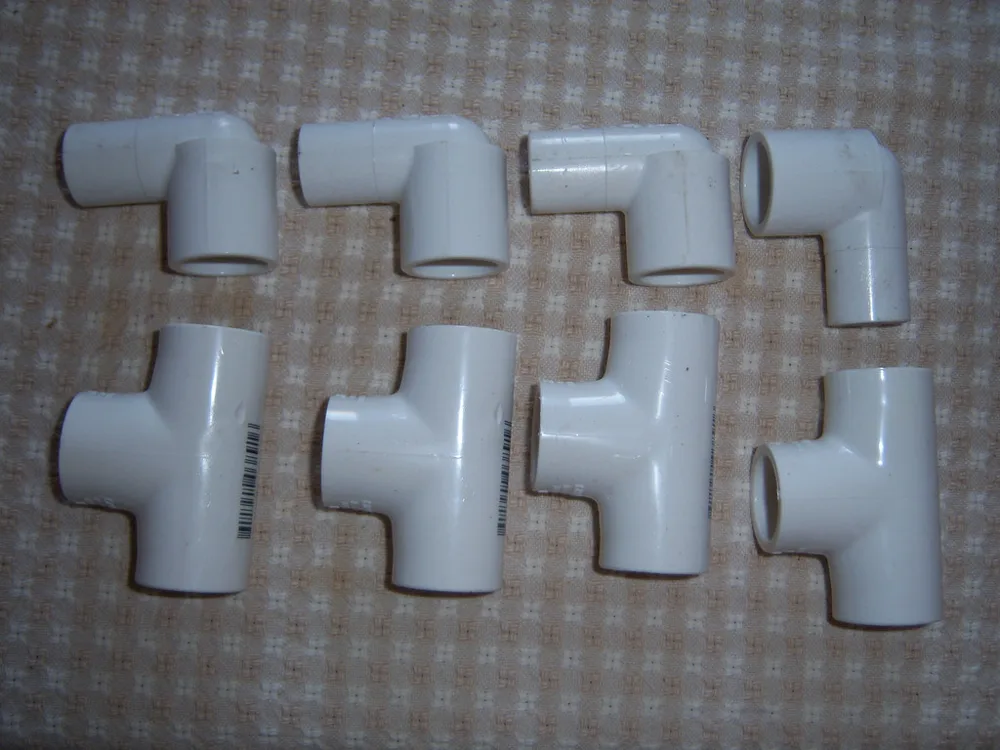
Pipe Size Chart Kenya (2026): Inches to mm for PPR, GI, HDPE and PVC Pipes
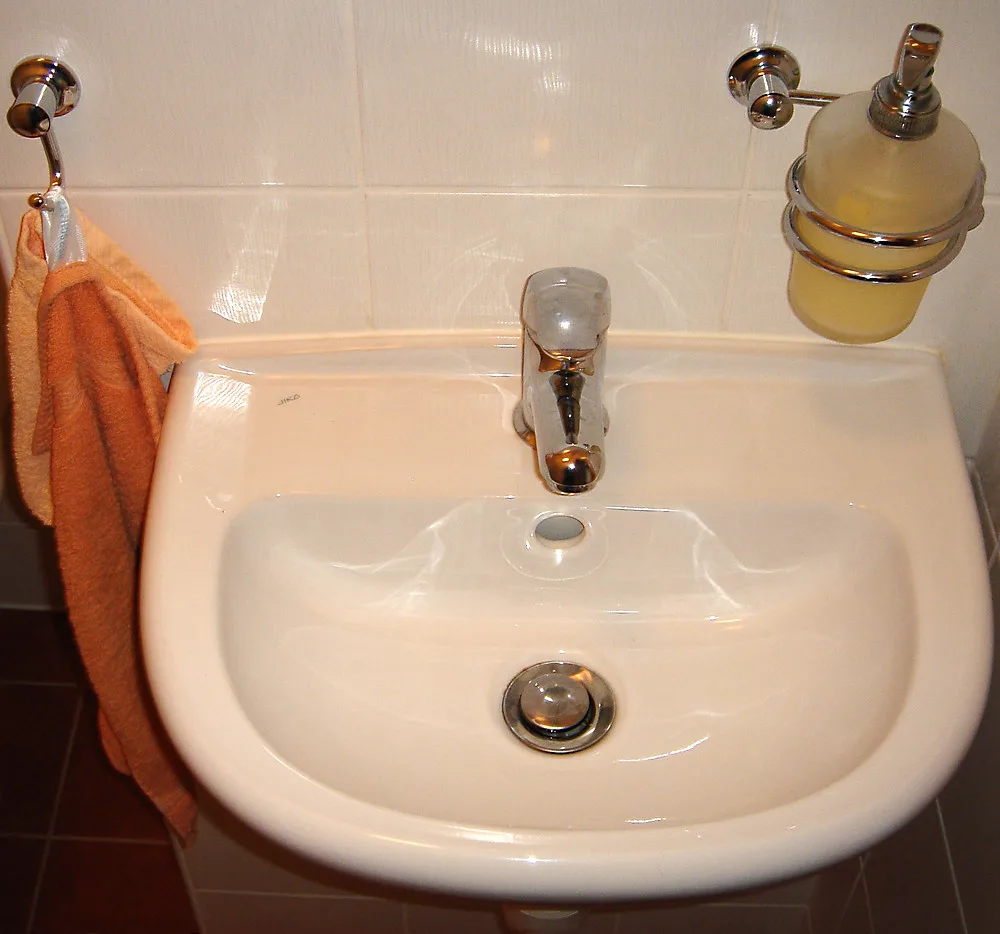
How to Install a Wash Hand Basin in Kenya (2026): Step by Step, Height and Parts
How to Apply Silicone Sealant (2026): Bathrooms, Sinks and Windows, Plus Prices in Kenya
How to Grout Tiles (2026): Step by Step, Joint Sizes, Colours and Tile Grout Price in Kenya
Basic DIY Tool Kit List for Every Kenyan Home (2026): What to Buy and Prices

Maxi and Kaftan Dresses Price in Kenya (2026): Styles, Sizes and How to Wear Them

What to Wear to a Kenyan Wedding (2026): Wedding Guest Outfits for Women and Men

How to Measure for a Suit (2026): Measurements a Tailor Needs and Suit Sizes Explained
How to Build a Chicken House in Kenya (2026): Design, Size, Materials and Cost
 buymoremall
Kenya's Online Marketplace
buymoremall
Kenya's Online Marketplace
Buy More Mall Kenya gives you a direct link to manufacturers, suppliers and service providers. Sellers are verified, there are no shortcuts, and customised orders come at affordable rates.
- Buy direct from manufacturers & suppliers
- Verified sellers and service providers
- Pay securely with M-Pesa
Shop
Sell & Earn
Help
Contact Us
- 0717 263 774
- Chat on WhatsApp
- buymoremallkenya@gmail.com
- Eastern bypass Ruiru Near Naivas super market @ kamakis & Nanyuki Neema Academy
- Contact page