


External Hard Drive Price in Kenya (2026): 1TB, 2TB and 4TB Prices, HDD vs SSD and How to Choose
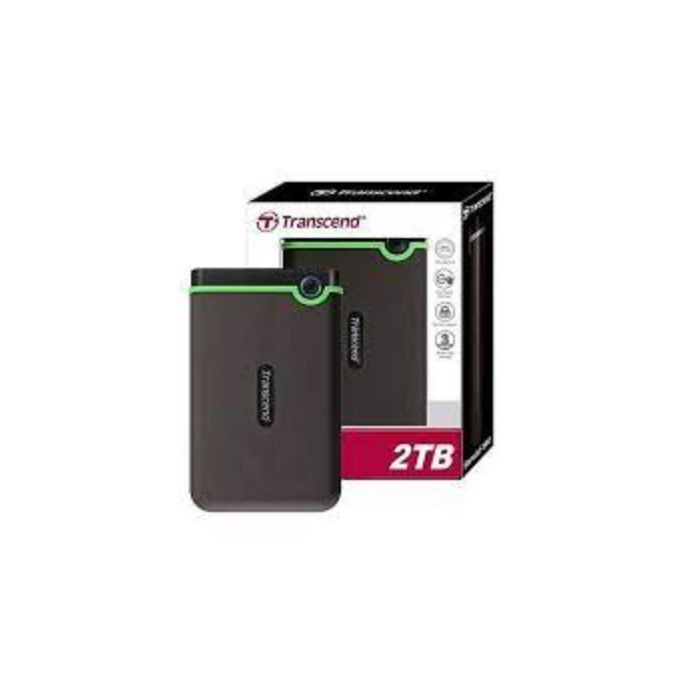
A laptop can be stolen, dropped or killed by a power surge in one second. An external drive is the cheapest insurance for your photos, school work, business records and videos. Here is what drives cost and how to pick the right one.
Quick answer: On Buy More Mall a Transcend 2TB external hard disk (StoreJet 25M3) costs KSh 12,000, a Transcend 1TB drive costs KSh 13,200 and a 4TB drive costs KSh 25,300. Internal 1TB SSDs for upgrading a laptop or desktop cost KSh 12,000 to KSh 14,000.
External Hard Drive and SSD Prices in Kenya
| Drive | Type | Price |
|---|---|---|
| Transcend 1TB Hard Drive | 1TB hard drive | KSh 13,200 |
| TranscendTranscend 2 TB External Memory Hard Disk StoreJet 25M3 | 2TB external, rugged case | KSh 12,000 |
| Transcend 4TB Hard Drive | 4TB hard drive | KSh 25,300 |
| Ssd Sandisk 1tb Ssd Plus | 1TB internal SSD (SATA) | KSh 12,000 |
| SanDisk 1TB SSD Plus | 1TB internal SSD (SATA) | KSh 13,000 |
| WD Blue 1TB SSD | 1TB internal SSD | KSh 14,000 |
Prices shown are regular prices on Buy More Mall. Many products are currently on offer, so open the product page to see today's price.
HDD vs SSD: What Is the Difference?
| Hard disk drive (HDD) | Solid state drive (SSD) | |
|---|---|---|
| How it stores data | Spinning magnetic disks | Memory chips, no moving parts |
| Speed | Fine for backups and movies | Several times faster: best inside your computer |
| Shock | Can fail if dropped while running | Much more resistant to knocks |
| Cost per TB | Lower: best for big backups | Higher |
| Best use | Backups, archives, film libraries | Upgrading a slow laptop or desktop |
Simple rule: SSD inside the computer for speed, hard drive outside for backups. An old laptop that takes three minutes to start often feels new after an SSD upgrade.
How Much Storage Do I Need?
| What you store | Roughly |
|---|---|
| Office documents and spreadsheets | Thousands of files fit in a few GB |
| Phone photos | About 3–5 MB each: 1TB holds well over 100,000 |
| HD video | About 4–8 GB per hour; 1TB holds roughly 150 hours |
| Full laptop backup | Choose at least the size of your laptop drive, ideally double |
How to Back Up a Laptop to an External Drive
- Plug in the drive and create a folder named after the computer.
- On Windows, open Settings → System → Storage → Backup options (or File History) and select the external drive. On a Mac, use Time Machine.
- Run the first backup overnight; later backups only copy what changed.
- Back up weekly, and right after important work such as month-end accounts.
- Keep the drive away from the laptop bag: if both are stolen together, the backup is gone too.
The 3-2-1 rule: keep 3 copies of important data, on 2 different kinds of storage, with 1 copy away from the office (for example a drive at home or a cloud folder).
Worked Example: A Photographer's Wedding Season
A Nakuru photographer shoots about 40 GB per wedding. She copies every card to her laptop and to a 4TB external drive the same night, and once a month copies finished albums to a second 2TB drive kept at home. When her laptop screen cracks in December, no client photo is lost.
How to Make an External Drive Last
- Always eject before unplugging.
- Do not move a hard drive while it is spinning.
- Keep it in a case, away from heat and damp.
- Use a surge-protected socket for desktops.
- Replace drives that start clicking or disconnecting; copy the data off first.
Common Mistakes to Avoid
- Keeping the only copy of business records on one laptop.
- Using the backup drive as everyday storage until it is full.
- Unplugging without ejecting.
- Buying a cheap unbranded "2TB" drive that reports a fake size.
- Never testing that the backup actually opens.
Frequently Asked Questions
How much is a 1TB external hard drive in Kenya?
A Transcend 1TB drive is KSh 13,200 on Buy More Mall.
How much is a 2TB external hard drive in Kenya?
The Transcend 2TB StoreJet 25M3 is KSh 12,000.
Is an SSD better than an external hard drive?
An SSD is faster and tougher; a hard drive gives more space for the money. Use an SSD inside the computer and a hard drive for backups.
How long does an external hard drive last?
Often several years with careful use. Watch for clicking, slow copying and random disconnects, and keep a second copy of anything important.
Can I use an external hard drive on a TV or phone?
Many smart TVs play videos from USB drives, and some phones can read them with an OTG adapter. Check the format your device supports.
Not sure which one fits? Send us your details on WhatsApp or through the product page and we will help you choose.
Related Guides
Recent Posts
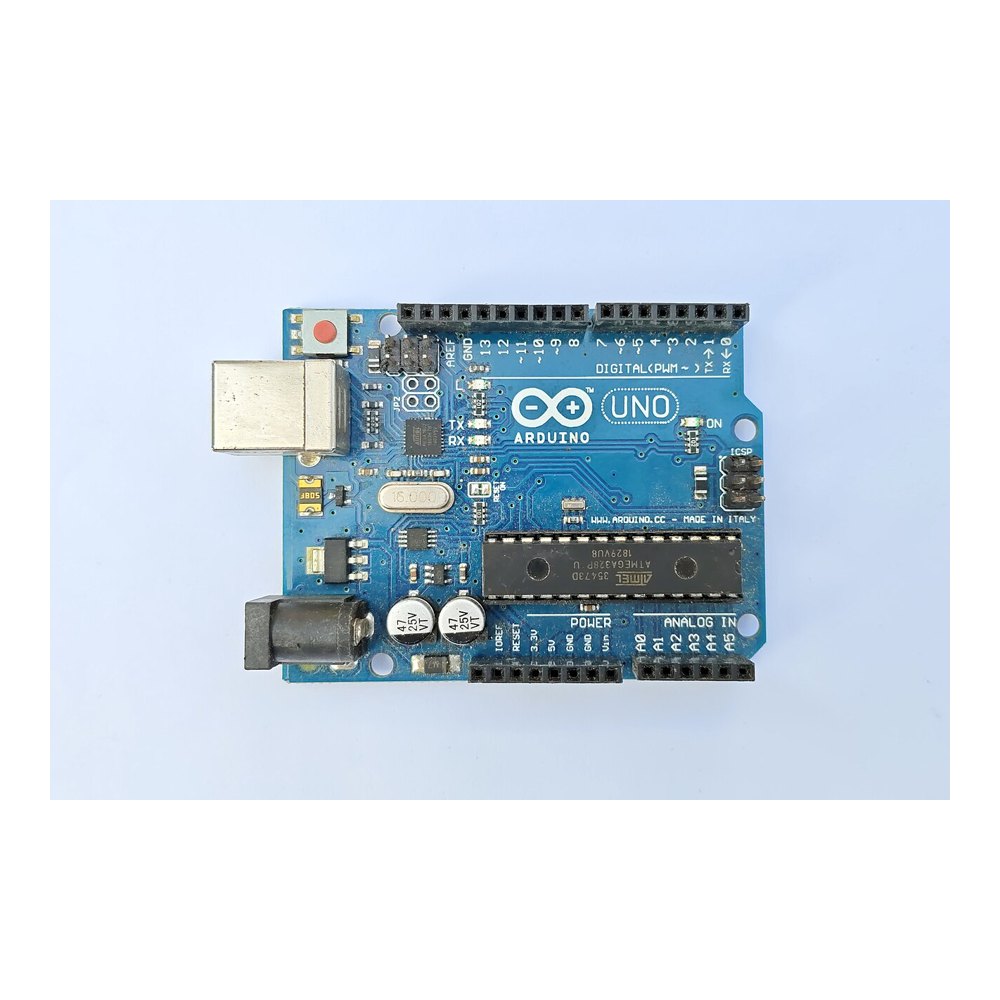
Arduino Uno Price in Kenya (2026): Uno R3 vs Nano vs Kits, What You Get and Which to Buy
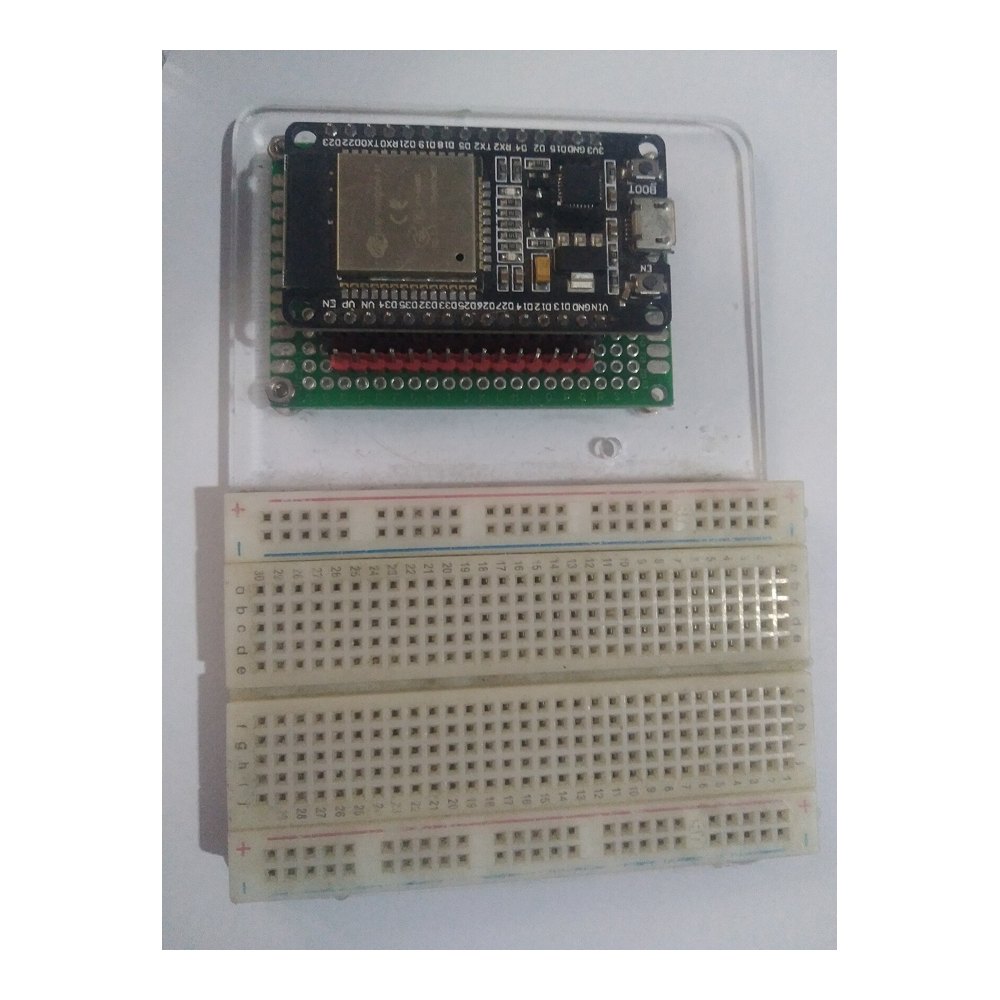
ESP32 Price in Kenya (2026): ESP32 DevKit vs Arduino, WiFi Projects, Pins and How to Program It
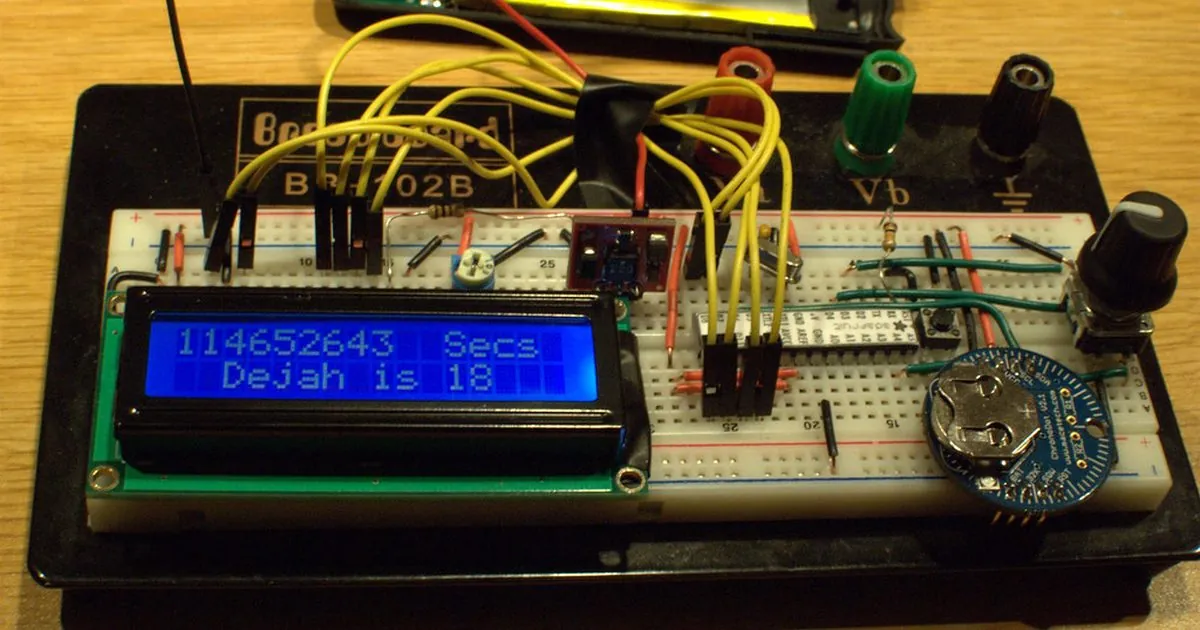
Arduino Sensors and Modules List (2026): What Each Sensor Does, How to Connect It and Prices in Kenya
10 Easy Arduino Projects for Beginners (2026): Step by Step With Parts List and Cost in Kenya
Desktop Computer Price in Kenya (2026): Complete Desktop, All-in-One and Mini PC Prices and How to Choose
External Hard Drive Price in Kenya (2026): 1TB, 2TB and 4TB Prices, HDD vs SSD and How to Choose

Solenoid Valve Price in Kenya (2026): How It Works, Types, 12 V vs 24 V vs 220 V, Testing and Common Problems
Water Level Controller and Float Switch in Kenya (2026): Price, How It Works, Wiring to a Pump and Fixes
How Often to Change Water Filter Cartridges (2026): Replacement Schedule, Prices in Kenya and How to Change Them
 buymoremall
Kenya's Online Marketplace
Buy More Mall Kenya gives you a direct link to manufacturers, suppliers and service providers. Sellers are verified, there are no shortcuts, and customised orders come at affordable rates.
- Buy direct from manufacturers & suppliers
- Verified sellers and service providers
- Pay securely with M-Pesa
Shop
Sell & Earn
Help
Contact Us
- 0717 263 774
- Chat on WhatsApp
- buymoremallkenya@gmail.com
- Eastern bypass Ruiru Near Naivas super market @ kamakis & Nanyuki Neema Academy
- Contact page