


Arduino Uno Price in Kenya (2026): Uno R3 vs Nano vs Kits, What You Get and Which to Buy
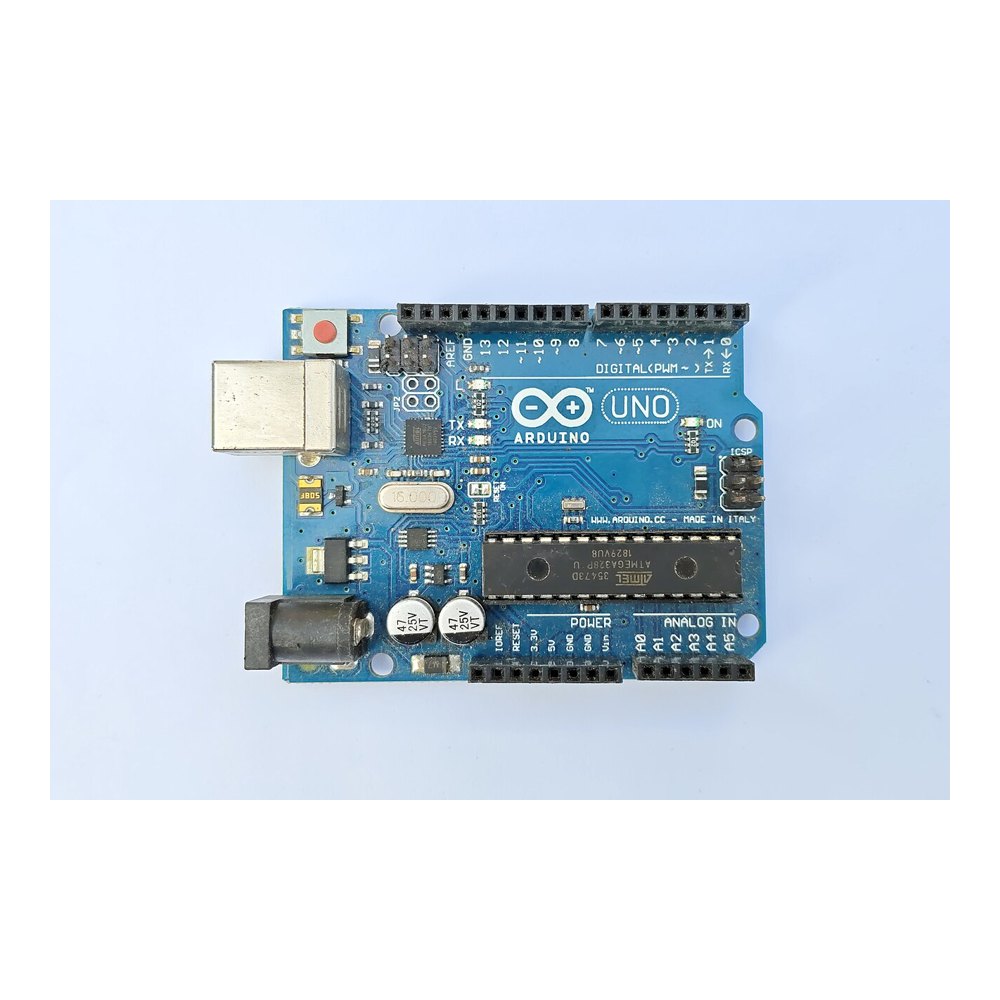
An Arduino Uno is the board most Kenyan students, technicians and hobbyists start with. It reads buttons and sensors, switches relays, shows text on a small screen and can run a small machine, all from a program you upload over USB. This guide explains the price, the difference between the Uno and its smaller brothers, and what to buy with it.
Quick answer: An Arduino Uno R3 compatible board costs KSh 2,800 on Buy More Mall, and the smaller Arduino Nano compatible board costs KSh 1,150. For WiFi and Bluetooth projects the ESP32 board costs KSh 1,300. A useful first kit (board, breadboard, jumper wires, LEDs and resistors, a relay and one or two sensors) comes to roughly KSh 4,000 to 6,000 depending on the sensors you choose.
KSh 2,800
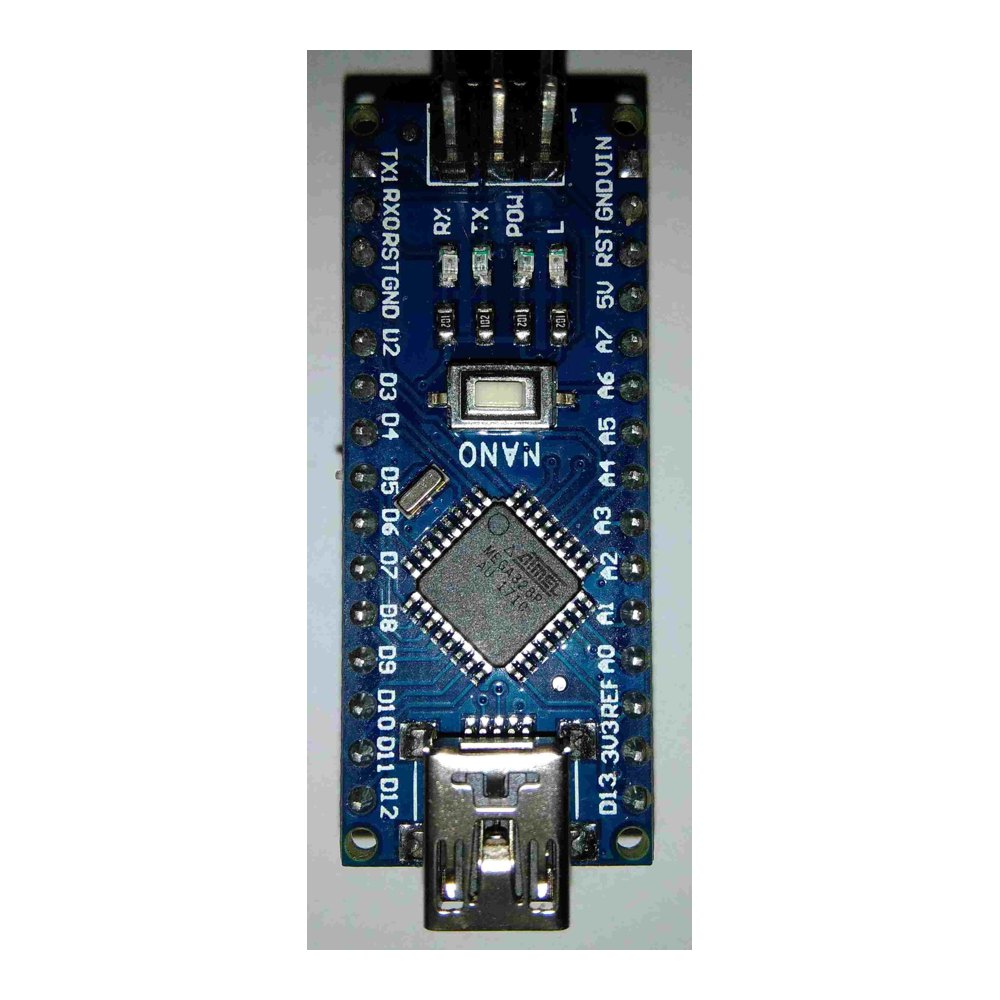
KSh 1,150
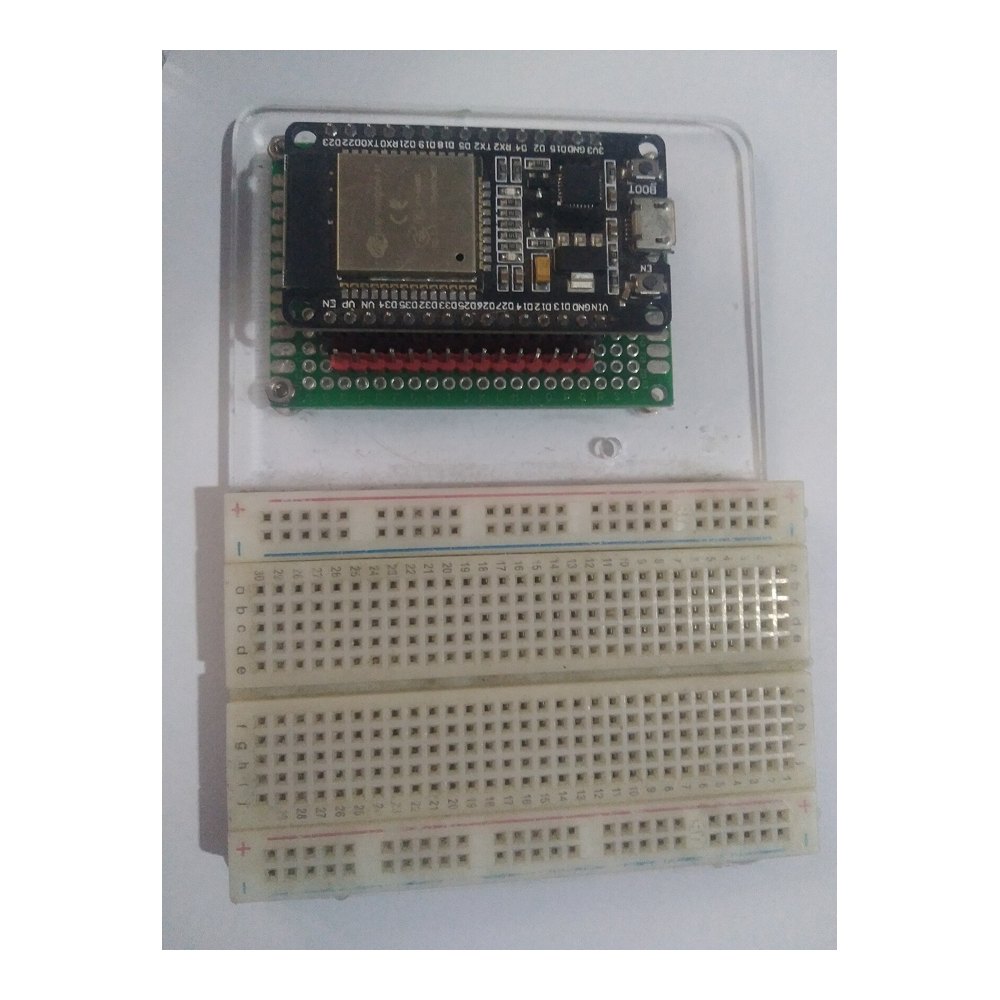
KSh 1,300
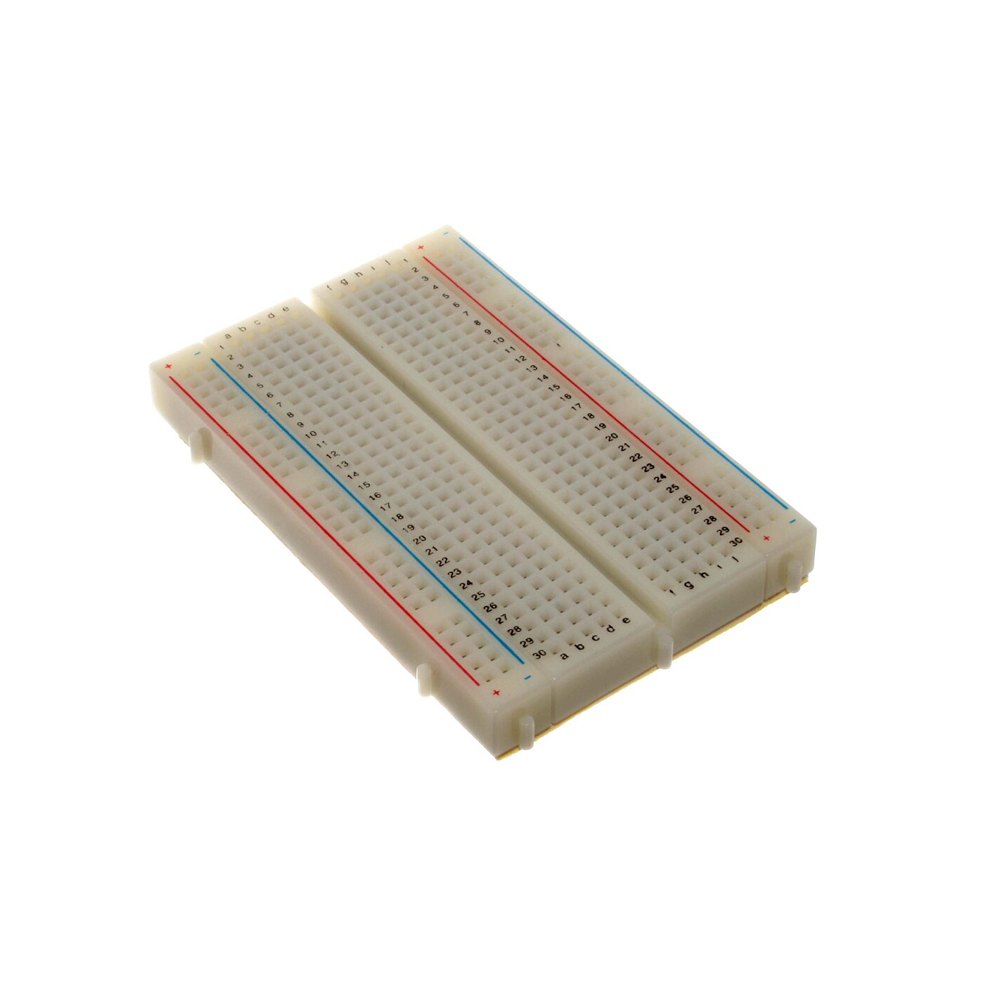
KSh 250
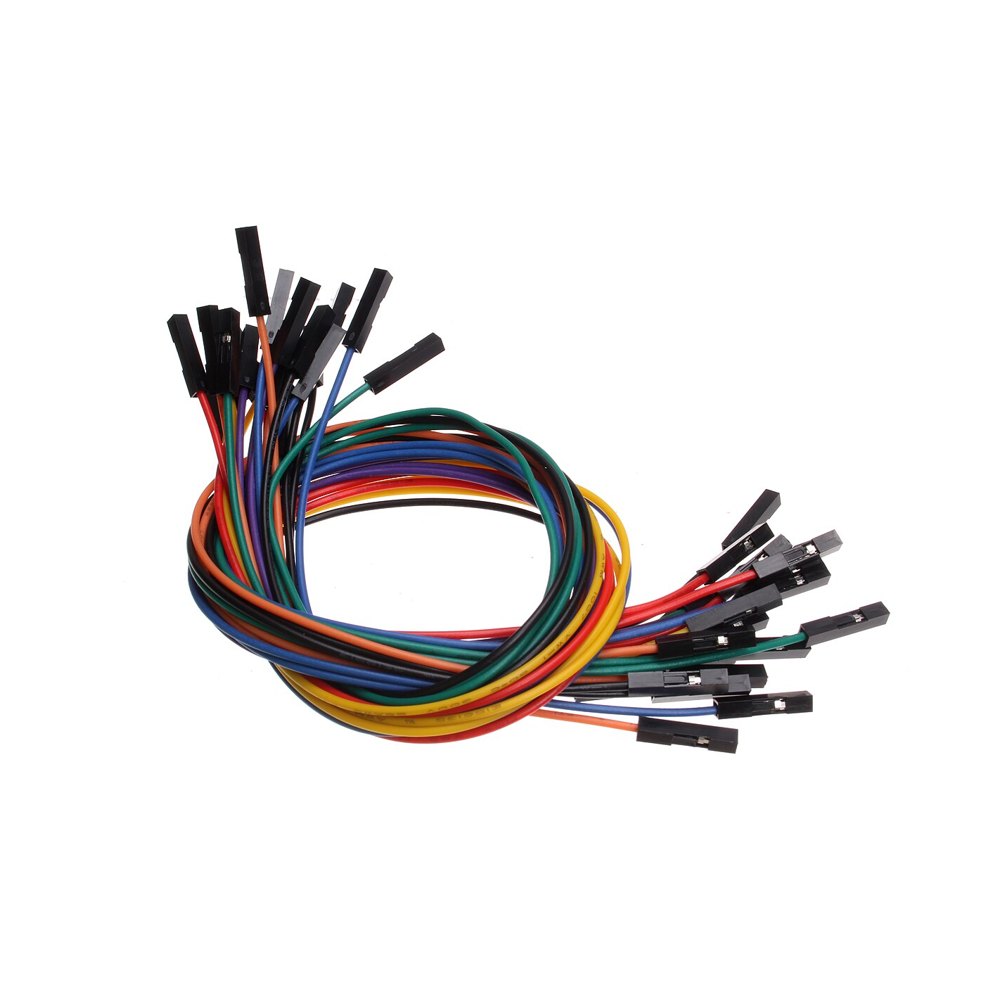
KSh 250
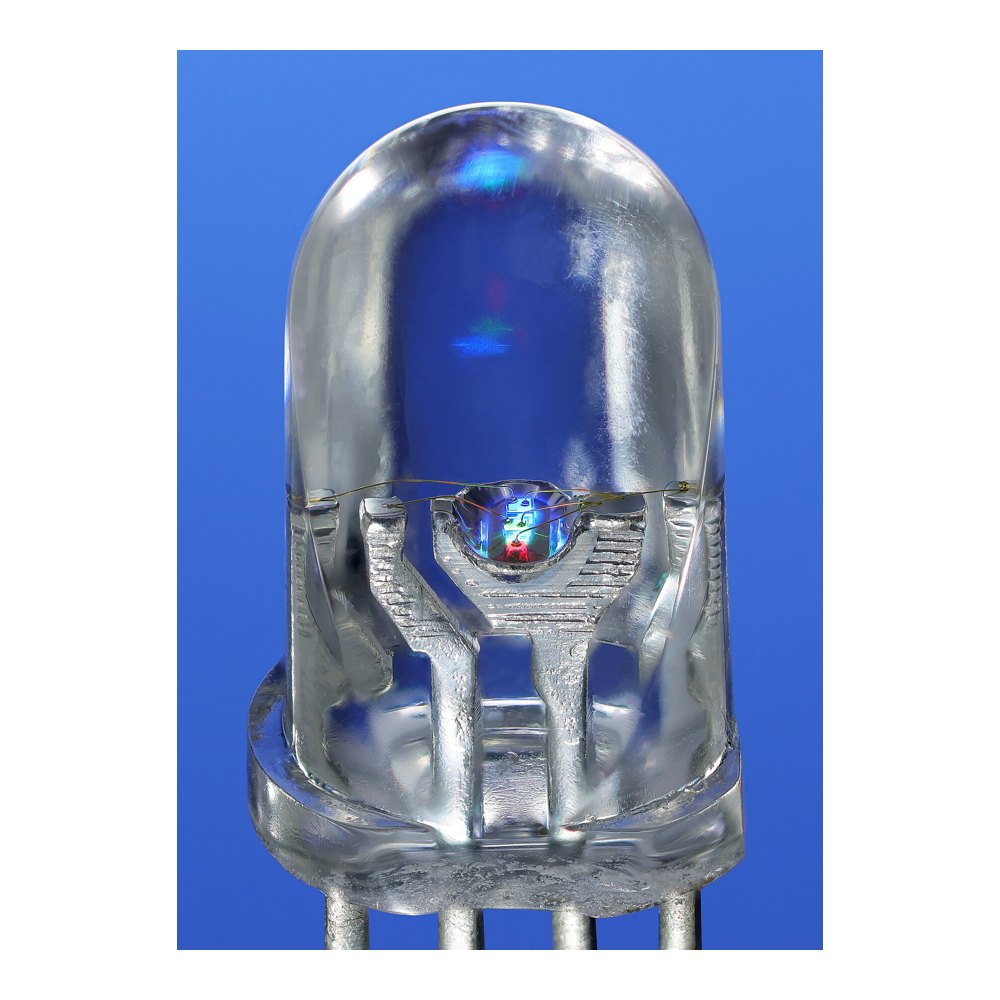
KSh 200
Arduino Uno Price in Kenya (Boards Compared)
| Board | Chip | Best for | Price |
|---|---|---|---|
| Arduino Uno R3 compatible board (ATmega328P) | ATmega328P, 16 MHz, 5 V | Learning, school projects, shields that plug on top | KSh 2,800 |
| Arduino Nano compatible board (ATmega328P, CH340) | ATmega328P, 16 MHz, 5 V, CH340 USB | Small finished projects that fit in a box | KSh 1,150 |
| ESP32 DevKit WiFi + Bluetooth board (WROOM-32) | Dual-core 240 MHz, WiFi + Bluetooth, 3.3 V | Projects that report to a phone or the internet | KSh 1,300 |
Prices shown are regular prices on Buy More Mall. Many products are currently on offer, so open the product page to see today's price.
What Does an Arduino Uno Do?
The Uno is a small computer on one chip (a microcontroller). It has 14 digital pins (6 of them can dim LEDs or control motor speed with PWM), 6 analogue inputs for sensors such as temperature probes and soil moisture sensors, and a USB socket for power and programming. You write a short program (a "sketch") in the free Arduino IDE on a laptop, click Upload, and the board runs it every time it is powered, with no computer attached.
Arduino Uno R3 vs R4 vs Nano: Which Should I Buy?
- Uno R3: the classic. Almost every tutorial, book and shield is written for it. Start here if you are learning.
- Uno R4: a newer, faster Uno with more memory. Nice to have, but beginners rarely need the extra speed.
- Nano: the same chip as the Uno R3 on a thumb-sized board that plugs into a breadboard. Choose it when the project must fit in a small box.
- ESP32: choose it when the project must talk to WiFi, a phone app or the internet. See our ESP32 price guide.
Original vs Compatible Arduino: Is There a Difference?
Arduino designs are open source, so many factories make compatible boards with the same chip and pin layout. They run the same programs in the same IDE. The main practical difference is the USB chip: many compatible boards use a CH340 USB chip, and on some Windows laptops you install the free CH340 driver once before the board appears as a COM port. An original board costs more and supports the Arduino project; a compatible board is the budget choice for classrooms and prototypes.
Before you buy: check you have a USB cable that carries data, not only charging. "Board not detected" is most often a charge-only cable or a missing CH340 driver.
What Should an Arduino Starter Kit Contain?
| Part | Why you need it | Price |
|---|---|---|
| Arduino Uno R3 compatible board (ATmega328P) | The brain | KSh 2,800 |
| Solderless breadboard | Build circuits without soldering | KSh 250 |
| Jumper wire set (male / female) | Connect the board to the breadboard and modules | KSh 250 |
| LED and resistor assortment (pack of 25) | First "blink" and traffic light projects | KSh 200 |
| 1-channel 5 V relay module (10 A) | Switch a pump, bulb or solenoid safely | KSh 250 |
| 16x2 LCD display with I2C adapter | Show readings and messages | KSh 450 |
| DS18B20 digital temperature probe (waterproof) | Waterproof temperature readings | KSh 250 |
| Ultrasonic distance sensor (HC-SR04) | Measure distance or tank level | KSh 300 |
| Active buzzer 5 V | Alarms and beeps | KSh 150 |
See the full Arduino & electronics category in the Herrice Technologies shop for sensors, relays, displays and power supplies, and our Arduino sensors and modules list for what each one does.
How Do I Start Programming an Arduino Uno?
- Install the free Arduino IDE on your laptop.
- Plug the Uno in with a data USB cable. If Windows does not see it, install the CH340 driver.
- In the IDE choose Tools → Board → Arduino Uno and the right COM port.
- Open File → Examples → Basics → Blink and click Upload. The small LED on the board starts blinking.
- Change the delay numbers, upload again and watch the speed change. You have written your first program.
- Move on to the projects in our Arduino projects for beginners guide.
Worked Example: A Form Four Student Builds an Automatic Plant Waterer
A student in Nyeri buys an Uno, a capacitive soil moisture sensor, a 1-channel relay, a breadboard and jumper wires for under KSh 4,000. Following the soil-moisture project in our beginners guide, the Uno switches a small 12 V pump through the relay whenever the soil reads dry. The whole circuit is built on the breadboard in one afternoon and later moved into a plastic box for the school science fair.
Arduino or PLC for a Real Machine?
An Arduino is ideal for learning, prototypes and small gadgets. A machine that runs every day in a dusty, wet or electrically noisy place (a water vending machine, a pasteuriser, a pump room) needs protected inputs and outputs, proper terminals and an enclosure. That is what the H-TECH PLC board from Herritech provides, and you can test and program it from your browser in the Controller Lab.
Common Mistakes to Avoid
- Powering motors, pumps or solenoids straight from the Arduino pins. Always use a relay or a driver.
- Connecting 12 V to a 5 V pin.
- Buying a board without a data cable.
- Using a 5 V sensor on a 3.3 V board (ESP32) without checking the voltage.
- Leaving bare boards in damp or dusty places.
Frequently Asked Questions
How much is an Arduino Uno in Kenya?
An Arduino Uno R3 compatible board is KSh 2,800 on Buy More Mall. The smaller Nano is KSh 1,150.
What is the price of an Arduino Uno kit in Kenya?
A useful starter kit with board, breadboard, wires, LEDs, a relay and a couple of sensors costs about KSh 4,000 to 6,000 when you buy the parts individually.
Is Arduino Uno R3 still good in 2026?
Yes. It remains the board almost every tutorial uses, which makes it the easiest to learn on.
Which is better, Arduino Uno or ESP32?
The Uno is simpler and runs at 5 V like most beginner sensors. The ESP32 is faster and has WiFi and Bluetooth, but runs at 3.3 V.
Why is my Arduino not detected on my laptop?
Use a data USB cable, install the CH340 driver for compatible boards, and pick the right COM port in the IDE.
Can Arduino control a 220 V appliance?
Only through a relay module or solid state relay rated for the load, wired by someone who knows mains safety.
Not sure which one fits? Send us your details on WhatsApp or through the product page and we will help you choose.
Related Guides
Recent Posts
Arduino Uno Price in Kenya (2026): Uno R3 vs Nano vs Kits, What You Get and Which to Buy
ESP32 Price in Kenya (2026): ESP32 DevKit vs Arduino, WiFi Projects, Pins and How to Program It
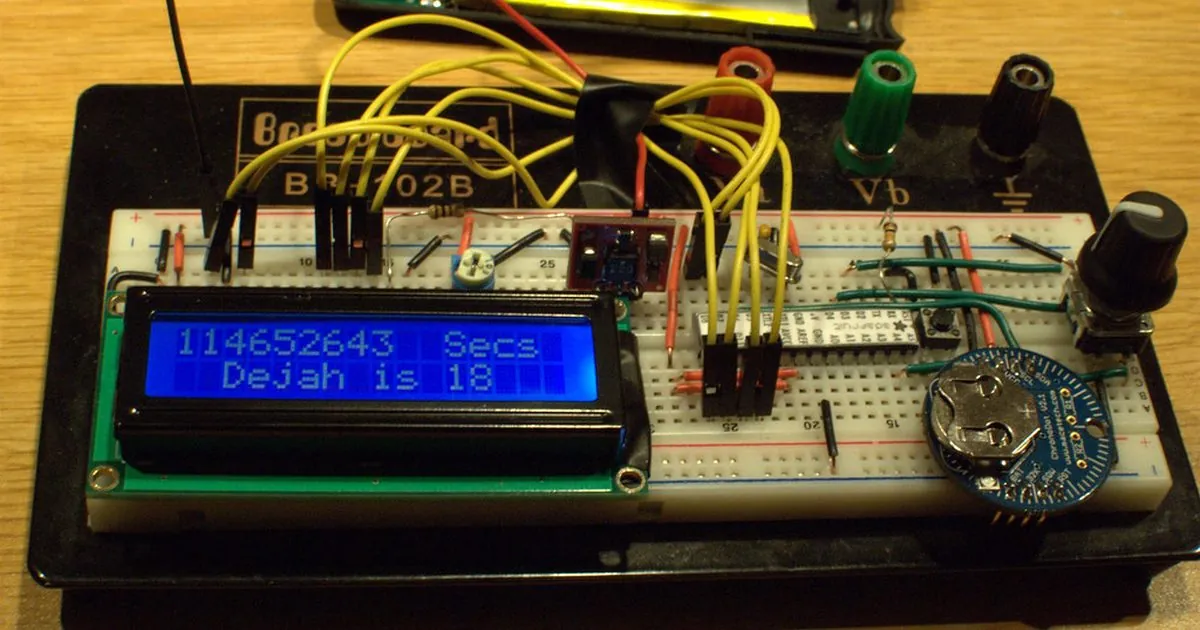
Arduino Sensors and Modules List (2026): What Each Sensor Does, How to Connect It and Prices in Kenya
10 Easy Arduino Projects for Beginners (2026): Step by Step With Parts List and Cost in Kenya
Desktop Computer Price in Kenya (2026): Complete Desktop, All-in-One and Mini PC Prices and How to Choose
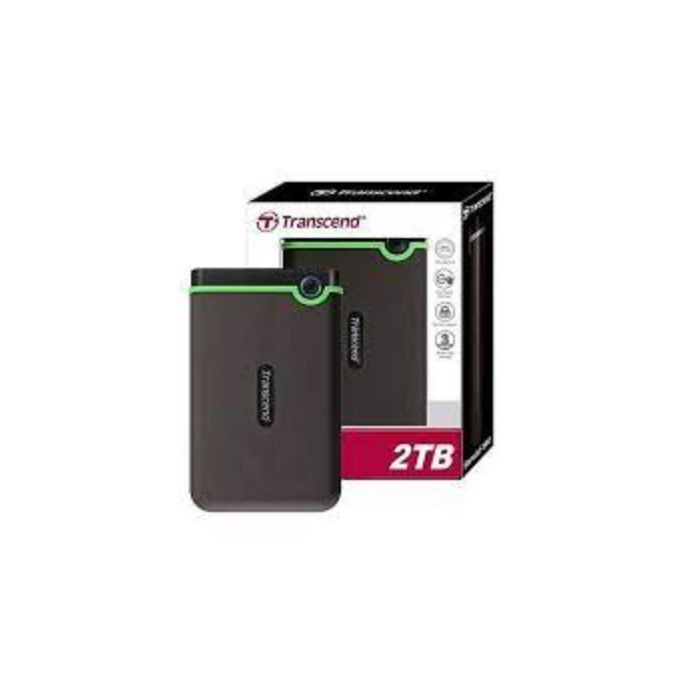
External Hard Drive Price in Kenya (2026): 1TB, 2TB and 4TB Prices, HDD vs SSD and How to Choose
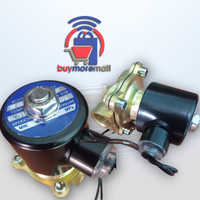
Solenoid Valve Price in Kenya (2026): How It Works, Types, 12 V vs 24 V vs 220 V, Testing and Common Problems
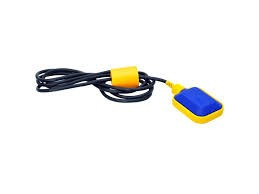
Water Level Controller and Float Switch in Kenya (2026): Price, How It Works, Wiring to a Pump and Fixes
How Often to Change Water Filter Cartridges (2026): Replacement Schedule, Prices in Kenya and How to Change Them
 buymoremall
Kenya's Online Marketplace
Buy More Mall Kenya gives you a direct link to manufacturers, suppliers and service providers. Sellers are verified, there are no shortcuts, and customised orders come at affordable rates.
- Buy direct from manufacturers & suppliers
- Verified sellers and service providers
- Pay securely with M-Pesa
Shop
Sell & Earn
Help
Contact Us
- 0717 263 774
- Chat on WhatsApp
- buymoremallkenya@gmail.com
- Eastern bypass Ruiru Near Naivas super market @ kamakis & Nanyuki Neema Academy
- Contact page