


How to Connect Two Monitors to a Laptop (2026): HDMI, USB-C and Docks Explained
A second (or third) screen makes spreadsheets, design, coding and online work much faster. Whether a laptop can drive two external monitors depends on its ports and graphics, so start by checking what you have.
Quick answer: Check your laptop's ports. If it has HDMI plus a USB-C or Thunderbolt port that supports video, connect one monitor to each. If it has only one video port, use a docking station or a USB-C hub with two video outputs that your laptop supports. Then in Windows press Windows + P and choose Extend, or go to Settings → System → Display. Note: an HDMI splitter copies the same picture to both screens; it does not give you two separate desktops.
Step 1: Check Your Ports
| Port on the laptop | Can it drive a monitor? |
|---|---|
| HDMI | Yes, one monitor |
| USB-C with a display or Thunderbolt symbol | Yes; often one or more monitors, through a hub or dock |
| USB-C without a display symbol | Maybe not; check the laptop's specifications |
| DisplayPort / Mini DisplayPort | Yes |
| VGA (older laptops) | Yes, at lower quality |
| USB-A | Only with a DisplayLink adapter and its driver |
Step 2: Get the Right Cables
KSh 150
KSh 250
KSh 350
KSh 4,500
Some photos are reference images of the product type, used under open licences. Image credits are on each product page.
| Item | Use | Price |
|---|---|---|
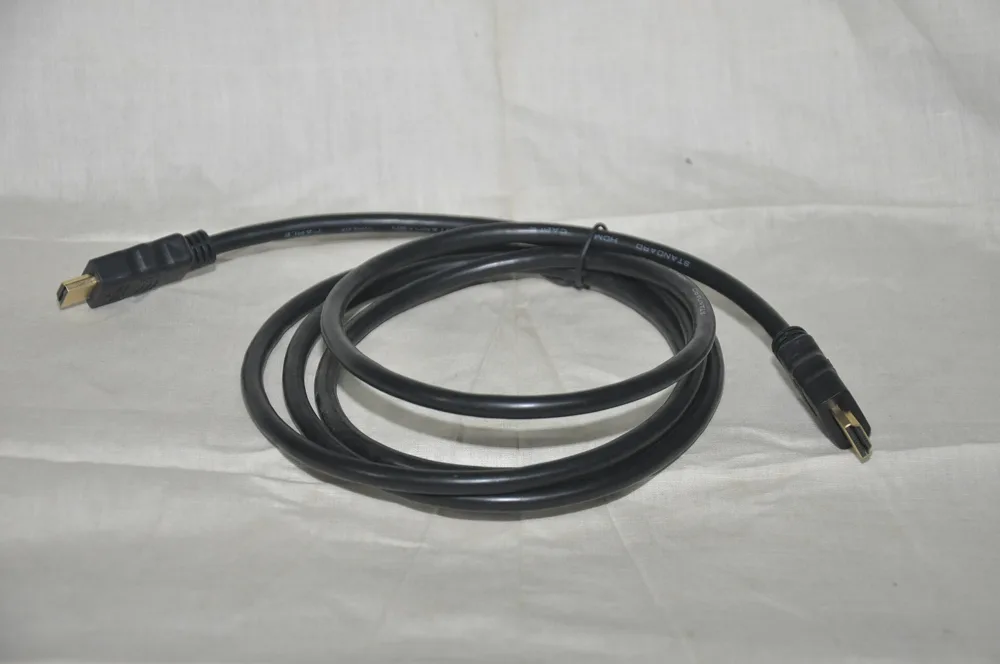
| HDMI cable 1.5m 2K | Laptop next to the monitor | KSh 150 |
| HDMI cable 5m 2K | Longer runs | KSh 250 |
| HDMI cable 5m 4K | 4K monitors | KSh 350 |
| HDMI cable 10m 2K | Projectors, TVs across a room | KSh 400 |
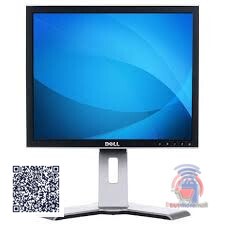
| DELL 17 Inch TFT Screen Monitor | Budget extra screen | KSh 4,500 |
More on cables and chargers: laptop charger and HDMI cable prices.
Step 3: Connect and Set Up
Windows
- Plug in both monitors and switch them on.
- Press Windows + P and pick Extend.
- Open Settings → System → Display, click Identify and drag the screens to match their positions on your desk.
- Set each screen's resolution and scale; choose your main display.
Mac
Open System Settings → Displays and arrange the screens. Some MacBooks, including base M1 and M2 MacBook Air models, support only one external monitor natively; check your model's specifications.
Only One HDMI Port?
- Use the HDMI port for one monitor and a video-capable USB-C port for the other.
- Use a dock or hub with two video outputs (check that your laptop supports multiple screens through it).
- Use a DisplayLink USB adapter (needs a driver).
- A splitter like the HDMI 4-way splitter is for showing the same picture on many screens, such as shop displays or classrooms.
Which Laptops Work Well?
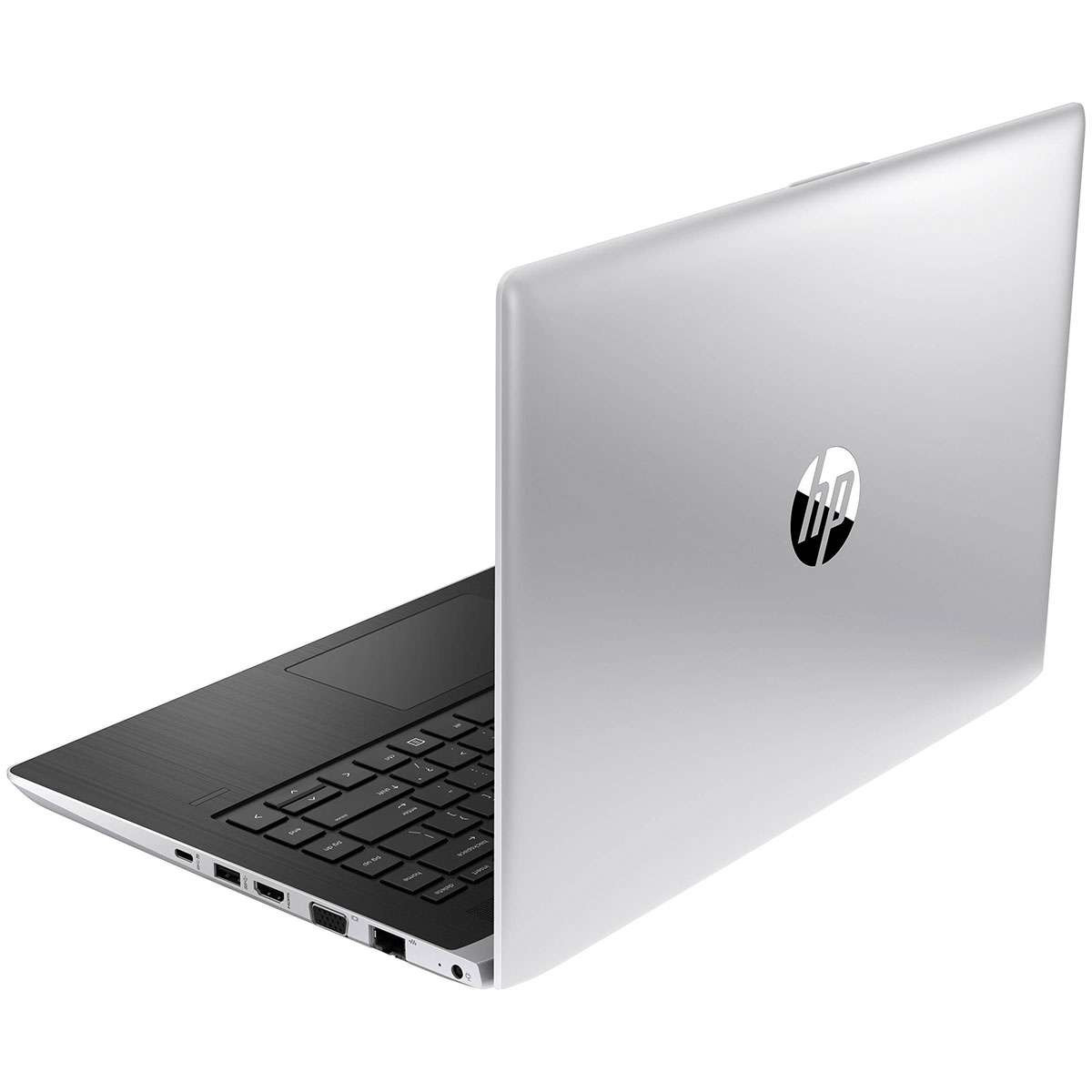
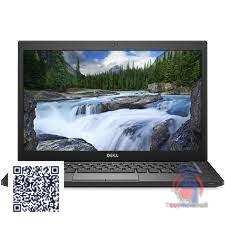
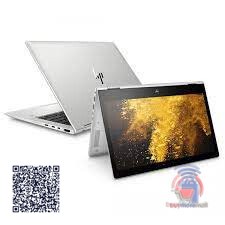
Business laptops such as HP EliteBooks often have both HDMI and USB-C or DisplayPort. Browse refurbished laptop prices and check ports in the product details.
KSh 32,005
KSh 35,000
KSh 65,000
Common Mistakes to Avoid
- Buying a splitter to extend the desktop.
- Assuming every USB-C port carries video.
- Using a long, cheap cable for a 4K screen.
- Not arranging displays in settings, so the mouse jumps the wrong way.
Not sure which one fits? Send us your details on WhatsApp or through the product page and we will help you choose.
Frequently Asked Questions
Can I connect two monitors to a laptop with one HDMI port?
Yes, if it also has a video-capable USB-C or DisplayPort, or through a dock or DisplayLink adapter.
Will an HDMI splitter extend my display?
No. A splitter shows the same image on every screen.
Why is my second monitor not detected?
Check the cable and input source, then click Detect in Display settings and update graphics drivers.
Does connecting two monitors slow a laptop?
Slightly more graphics work, but for office work most modern laptops handle it.
How do I make the laptop screen the main display?
In Display settings, select it and tick "Make this my main display".
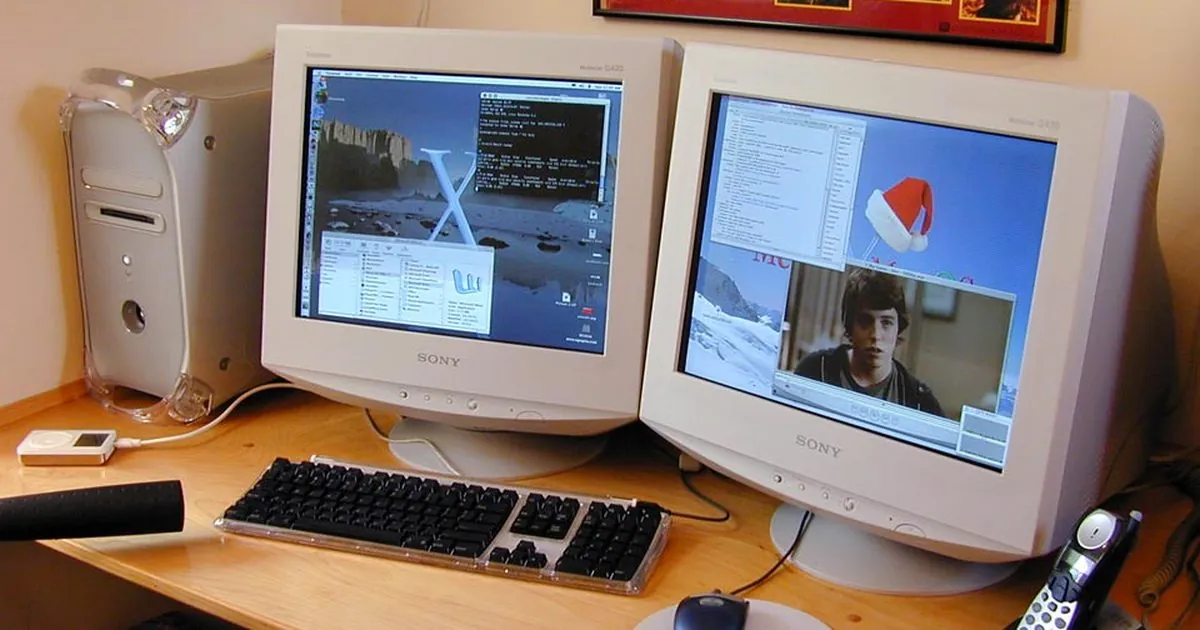
Cover photo: dual G4 800 Power Mac by blakespot, BY 2.0, via Openverse. Cropped.
Prices shown are regular prices on Buy More Mall. Many products are currently on offer, so open the product page to see today's price.
Related Guides
Recent Posts

How to Make an Invoice in Kenya (2026): Free Template, What to Include and How to Get Paid

How to Write a Quotation in Kenya (2026): Format, Sample and Tips to Win the Job
How to Keep Business Records in Kenya (2026): Simple System for Small Businesses

How to Manage Stock in a Small Shop in Kenya (2026): Stop Losses and Stock-Outs
How to Calculate Profit in a Small Business (2026): Formula and Kenyan Examples
KRA eTIMS for Small Businesses (2026): How to Register and Issue an eTIMS Invoice
How to Sell on TikTok in Kenya (2026): Videos, Lives and Turning Views Into Orders

How to Run a Sale or Discount Offer in Kenya (2026): 12 Ideas That Protect Your Profit

Rotary Hammer and Demolition Hammer Price in Kenya (2026): Which One Do You Need?
 buymoremall
Kenya's Online Marketplace
Buy More Mall Kenya gives you a direct link to manufacturers, suppliers and service providers. Sellers are verified, there are no shortcuts, and customised orders come at affordable rates.
- Buy direct from manufacturers & suppliers
- Verified sellers and service providers
- Pay securely with M-Pesa
Shop
Sell & Earn
Help
Contact Us
- 0717 263 774
- Chat on WhatsApp
- buymoremallkenya@gmail.com
- Eastern bypass Ruiru Near Naivas super market @ kamakis & Nanyuki Neema Academy
- Contact page