


Laptop Overheating and Loud Fan: 10 Fixes That Work (2026)
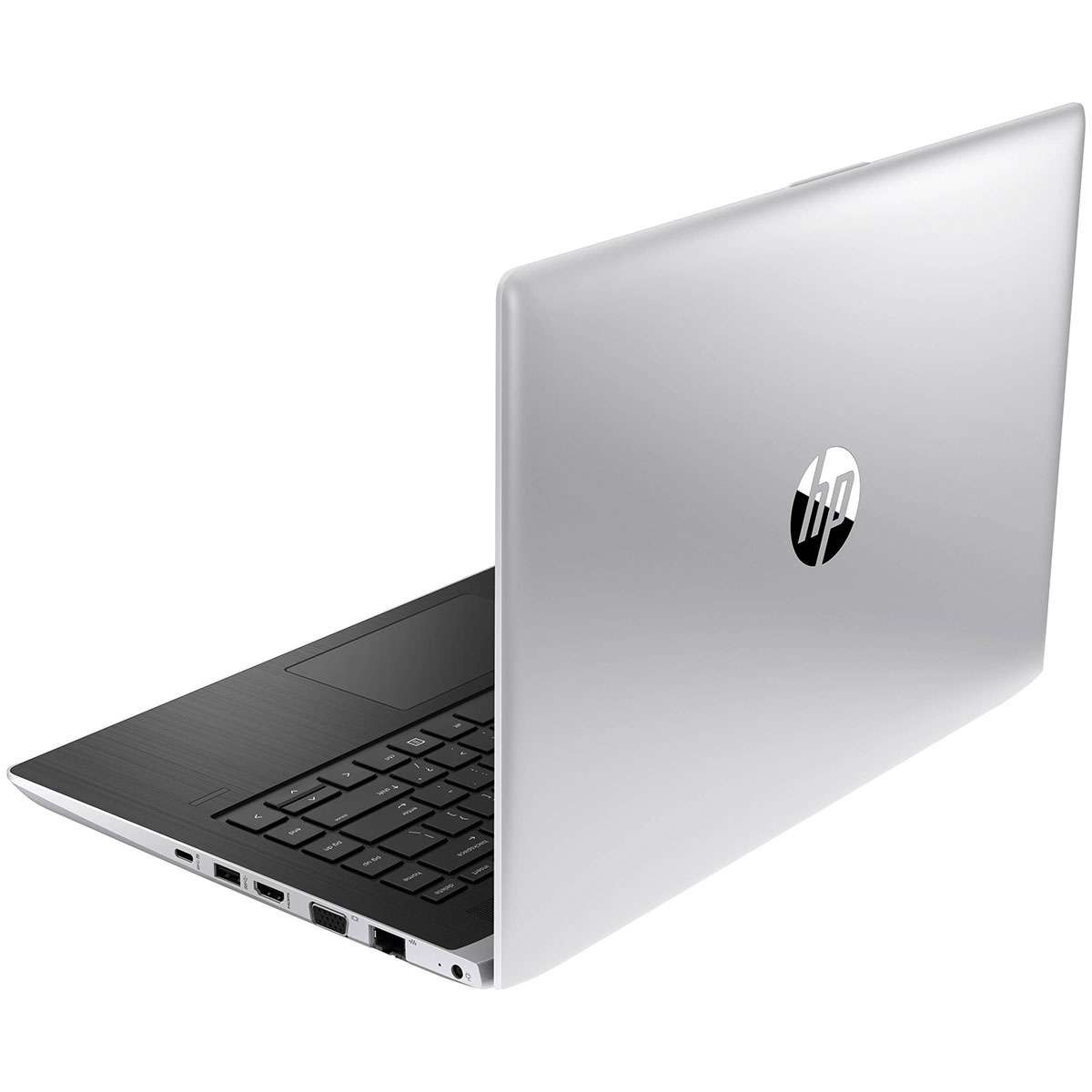
A laptop that runs hot, roars like a jiko fan or shuts down by itself is telling you it cannot get rid of heat. Heat slows the laptop (it throttles to protect itself), wears the battery and, in the end, damages the motherboard. Most causes are simple to fix.
Quick answer: Laptops overheat mainly because dust blocks the fan and vents, the thermal paste on the processor has dried out, the laptop sits on a bed or cushion that covers the air intake, or background programs keep the processor busy. Clear the vents, use it on a hard surface, check Task Manager, and have the fan cleaned and the thermal paste replaced if it is more than two or three years old.
What Temperature Is Too Hot for a Laptop?
| Processor temperature | Meaning |
|---|---|
| Under about 60°C | Normal for light work |
| About 60–85°C | Normal under heavy load (video, games) |
| Above about 90°C | Too hot: the laptop slows down and may shut off |
Free tools such as HWMonitor or Core Temp show the temperature. The bottom case feeling warm is normal; too hot to rest on your legs is not.
10 Fixes for an Overheating Laptop
- Use it on a hard, flat surface. Beds, sofas and laps block the vents underneath.
- Clear the vents. Blow out dust from the side and bottom vents with short bursts of air (hold the fan still so it does not over-spin).
- Check Task Manager (Ctrl + Shift + Esc) for programs using high CPU and close or uninstall them.
- Remove startup programs you do not need (Task Manager → Startup).
- Set the power plan to Balanced, not Best performance, for everyday work.
- Update Windows, drivers and BIOS; updates often improve fan control.
- Scan for malware; hidden miners keep the CPU at 100%.
- Clean the fan inside. A technician opens the base and removes packed dust; this is the biggest single fix on older laptops.
- Replace the thermal paste between the processor and the heatsink if it is dry (common after 2–3 years).
- Use a cooling stand if you run heavy software for hours.
Why Is My Laptop Fan So Loud?
A fan that is always loud is working hard because the laptop is hot (see above) or because the fan bearing is worn. A grinding or rattling sound means the fan itself needs replacing.
When Is It Time to Upgrade?
If the laptop is clean, the paste is new and it still struggles, it may simply be too weak for the work. Adding an SSD makes an old laptop feel faster, though it does not cool it; for heavy work a newer refurbished business laptop is often the better buy.
KSh 14,000

KSh 13,000
KSh 32,005
KSh 24,005
| Upgrade | Why | Price |
|---|---|---|
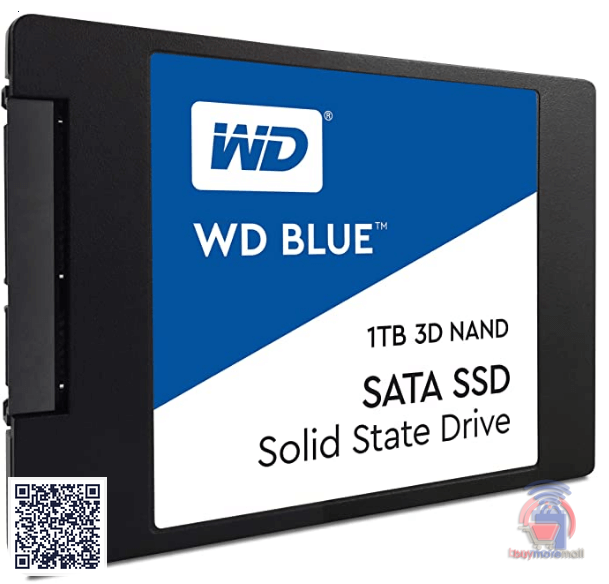
| WD Blue 1TB SSD | Faster start-up and less waiting | KSh 14,000 |
| SanDisk 1TB SSD Plus | Faster start-up and less waiting | KSh 13,000 |
| Hp 440g5 core i5 8gb 256gb | Newer refurbished business laptop | KSh 32,005 |
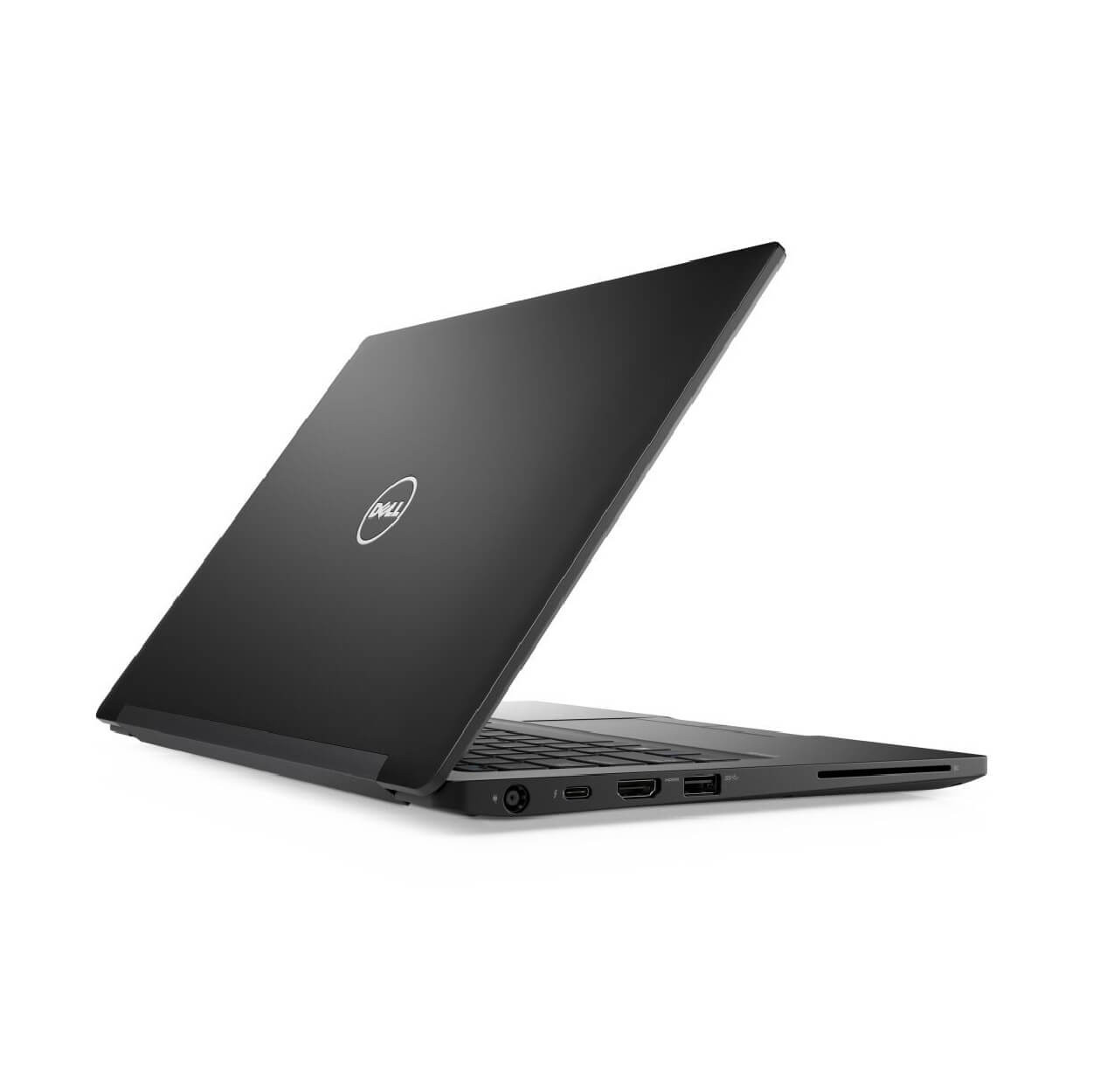
| Dell 7280 core i5 8gb 256gb | Compact refurbished business laptop | KSh 24,005 |
Worked Example: Office Laptop That Shuts Down at 3 pm
An HP EliteBook used on a desk near a window shuts down every afternoon. HWMonitor shows 96°C. A technician opens it and finds the fan blocked with dust and the thermal paste dry. After cleaning and new paste the same work runs at about 70°C and the shutdowns stop.
Common Mistakes to Avoid
- Using the laptop on a bed or pillow.
- Spraying liquid cleaners into the vents.
- Ignoring a grinding fan until it stops completely.
- Opening the laptop without disconnecting the battery.
Not sure which one fits? Send us your details on WhatsApp or through the product page and we will help you choose.
Frequently Asked Questions
Why is my laptop overheating?
Usually dust in the fan and vents, dried thermal paste, blocked vents on soft surfaces or programs using the CPU heavily.
Can overheating damage my laptop?
Yes. Constant heat wears the battery and can damage the motherboard over time.
How do I cool down my laptop fast?
Shut it down, let it cool, then use it on a hard surface with the vents clear.
How often should I clean my laptop fan?
Every year or two, more often in dusty areas.
Does a cooling pad help?
It helps a little on a laptop that is already clean; it does not fix a blocked fan.
Prices shown are regular prices on Buy More Mall. Many products are currently on offer, so open the product page to see today's price.
Related Guides
Recent Posts

How to Get Your Business on Google Maps in Kenya (2026): Free Listing Step by Step
How to Advertise Your Business on Facebook in Kenya (2026): Free and Paid Ways
How to Register a Business Name in Kenya (2026): eCitizen Steps, Cost and Documents

How to Get a KRA PIN for a Business in Kenya (2026): Sole Proprietor and Company

How to Make a Business Logo for Free (2026): Simple Steps, Sizes and Examples

How to Sell on Instagram in Kenya (2026): Beginner's Step-by-Step Guide

How to Start Dropshipping in Kenya (2026): How It Works, Costs and Risks

Baby Clothes Wholesale in Kenya (2026): Prices per Piece, Bales and How to Start

How to Create a Business Website in Kenya (2026): Free and Low-Cost Options That Sell
 buymoremall
Kenya's Online Marketplace
buymoremall
Kenya's Online Marketplace
Buy More Mall Kenya gives you a direct link to manufacturers, suppliers and service providers. Sellers are verified, there are no shortcuts, and customised orders come at affordable rates.
- Buy direct from manufacturers & suppliers
- Verified sellers and service providers
- Pay securely with M-Pesa
Shop
Sell & Earn
Help
Contact Us
- 0717 263 774
- Chat on WhatsApp
- buymoremallkenya@gmail.com
- Eastern bypass Ruiru Near Naivas super market @ kamakis & Nanyuki Neema Academy
- Contact page