

Laptop Keyboard Not Working? 8 Fixes, from Settings to Replacement (2026)
A laptop keyboard that stops working, types the wrong letters or has a few dead keys does not always need replacing. Many causes are settings or drivers. These checks tell you quickly whether it is software or hardware.
Quick answer: First restart the laptop. Then check Filter Keys and the keyboard language in Settings, update or reinstall the keyboard driver, and test the keys in the BIOS. If keys fail even in the BIOS, it is hardware: a loose ribbon cable, liquid damage or a worn keyboard. Replacement HP keyboards start at KSh 1,500 on Buy More Mall, and a wireless keyboard is a quick workaround.
Software or Hardware? The Quick Test
Restart and press the BIOS key (often F10 for HP, F2 for Dell and Lenovo) at start-up. If you can move through the BIOS menus with the arrow keys and Enter, the keyboard hardware works and the problem is in Windows. If not, it is hardware.
8 Fixes for a Laptop Keyboard
- Restart (not just sleep) to clear stuck drivers.
- Turn off Filter Keys and Sticky Keys: Settings → Accessibility → Keyboard. Filter Keys ignores quick key presses and feels like a dead keyboard.
- Check the language and layout: wrong characters (for example @ and " swapped) mean the layout is set to UK vs US. Settings → Time & language → Language.
- Check Num Lock: on some laptops it turns letter keys into numbers.
- Reinstall the driver: Device Manager → Keyboards → right-click → Uninstall device, then restart.
- Clean under the keys: turn the laptop upside down and use short bursts of air.
- Liquid spill: switch off at once, unplug, remove the battery if possible and let it dry for at least 48 hours before trying again.
- Replace the keyboard if keys fail in the BIOS too, or after liquid damage.
Keyboard Replacement Prices
KSh 1,500
KSh 2,000
KSh 1,600
KSh 1,500
KSh 1,500
Some photos are reference images of the product type, used under open licences. Image credits are on each product page.
| Keyboard | Fits | Price |
|---|---|---|
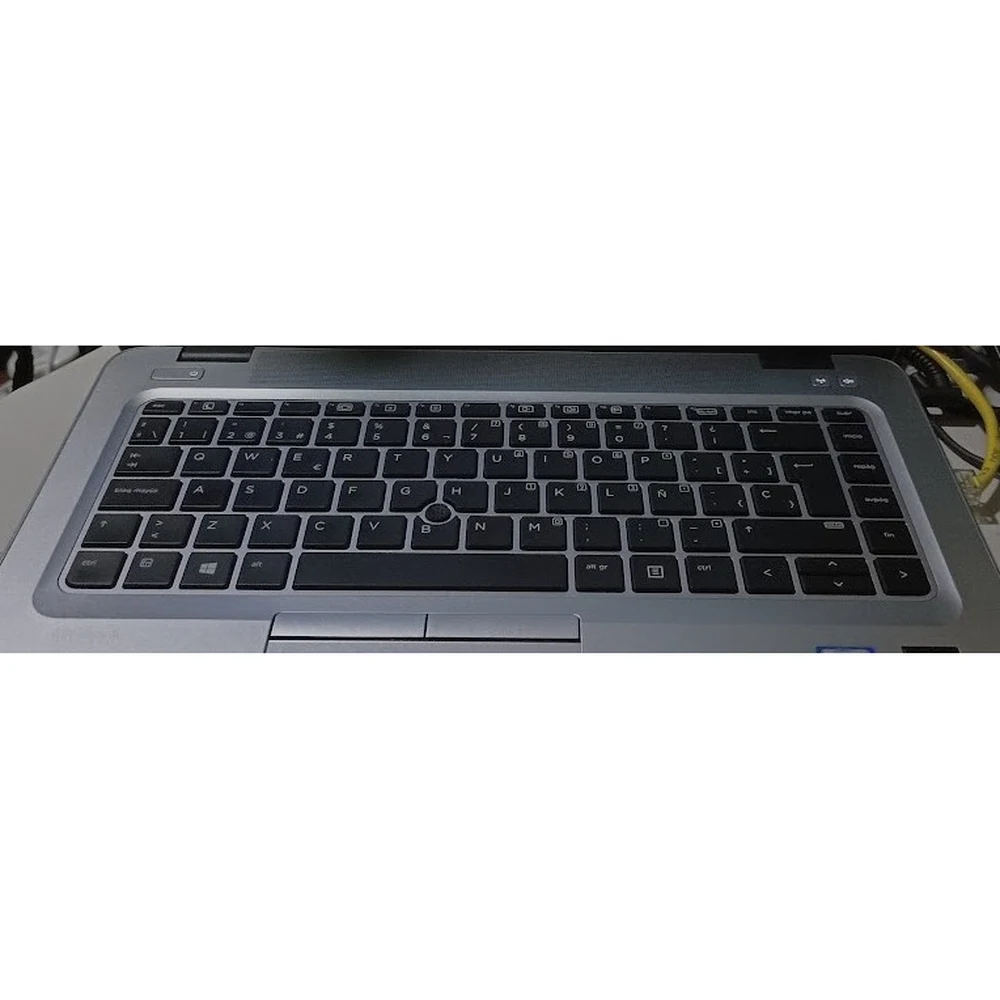
| 840 G3 lit Keyboard | HP EliteBook 840 G3 (backlit) | KSh 1,500 |
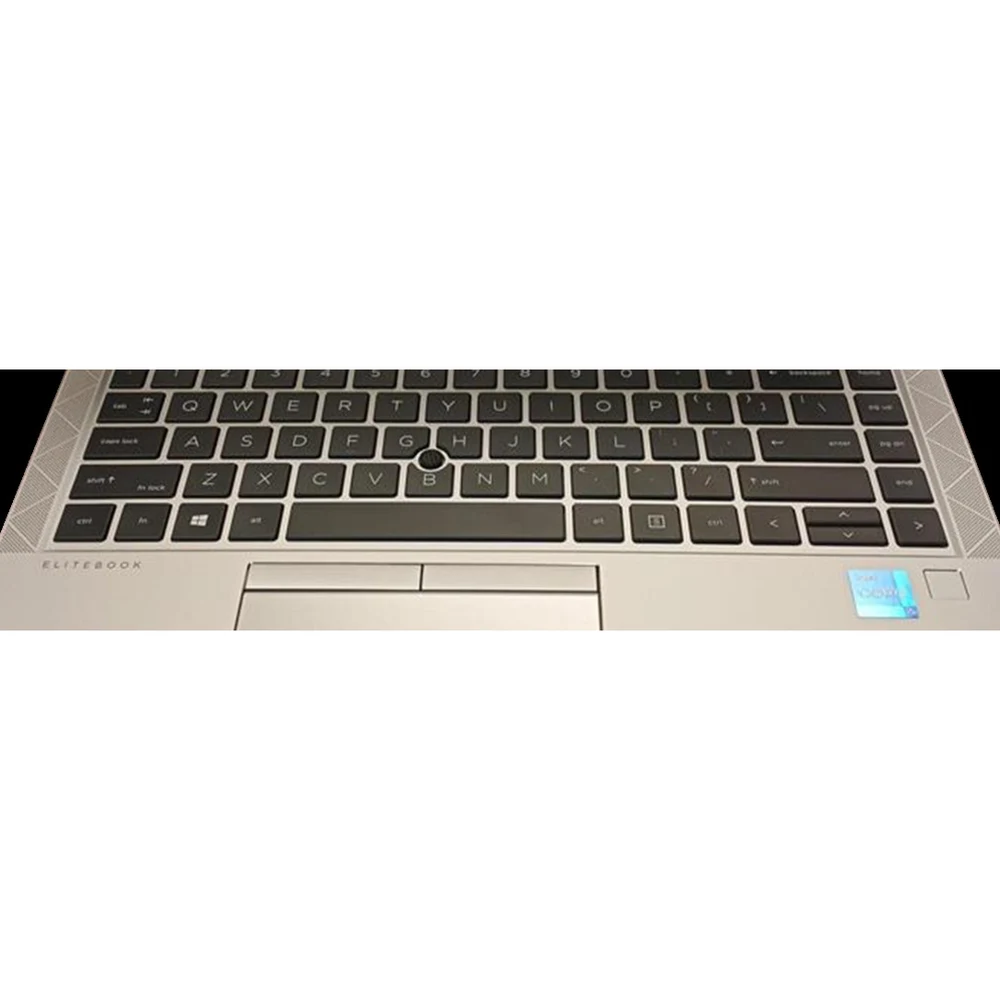
| 840 G7 lit Keyboard | HP EliteBook 840 G7 (backlit) | KSh 2,000 |
| 840 G8 lit Keyboard | HP EliteBook 840 G8 (backlit) | KSh 1,600 |
| 840 G7 non lit Keyboard | HP EliteBook 840 G7 (non-backlit) | KSh 1,500 |
| 450 G3 lit Keyboard | HP ProBook 450 G3 | KSh 1,500 |
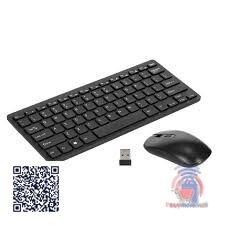
| Wireless Mini Keyboard | Any laptop, as an external keyboard | KSh 1,500 |
Match the exact model (and whether it is backlit) printed under your laptop. More in HP keyboard and battery prices and Lenovo and Dell keyboards.
Worked Example: Only Some Keys Dead After Tea Spill
On an HP EliteBook 840 G3 the keys E, D and C stop working after a tea spill. They also fail in the BIOS, so it is hardware. After drying the laptop for two days the keys still fail; the technician fits a new 840 G3 backlit keyboard and every key works again.
Common Mistakes to Avoid
- Buying a keyboard for the wrong model or generation.
- Switching on a laptop straight after a spill.
- Prying keycaps off with a screwdriver.
- Assuming hardware failure before checking Filter Keys and layout.
Not sure which one fits? Send us your details on WhatsApp or through the product page and we will help you choose.
Frequently Asked Questions
Why is my laptop keyboard not typing?
Filter Keys, a stuck driver, a loose cable or liquid damage; test in the BIOS to tell software from hardware.
Why are some keys not working on my laptop?
Usually dirt or liquid under those keys, or a worn keyboard.
Why does my keyboard type wrong characters?
The keyboard layout or language is set wrong, or Num Lock is on.
How much is a laptop keyboard replacement in Kenya?
HP EliteBook keyboards on Buy More Mall start from KSh 1,500.
Can I use an external keyboard instead?
Yes, a USB or wireless keyboard works while you arrange a repair.
Prices shown are regular prices on Buy More Mall. Many products are currently on offer, so open the product page to see today's price.
Related Guides
Recent Posts
How to Get Your Business on Google Maps in Kenya (2026): Free Listing Step by Step
How to Advertise Your Business on Facebook in Kenya (2026): Free and Paid Ways
How to Register a Business Name in Kenya (2026): eCitizen Steps, Cost and Documents

How to Get a KRA PIN for a Business in Kenya (2026): Sole Proprietor and Company

How to Make a Business Logo for Free (2026): Simple Steps, Sizes and Examples

How to Sell on Instagram in Kenya (2026): Beginner's Step-by-Step Guide

How to Start Dropshipping in Kenya (2026): How It Works, Costs and Risks
Baby Clothes Wholesale in Kenya (2026): Prices per Piece, Bales and How to Start
How to Create a Business Website in Kenya (2026): Free and Low-Cost Options That Sell
 buymoremall
Kenya's Online Marketplace
buymoremall
Kenya's Online Marketplace
Buy More Mall Kenya gives you a direct link to manufacturers, suppliers and service providers. Sellers are verified, there are no shortcuts, and customised orders come at affordable rates.
- Buy direct from manufacturers & suppliers
- Verified sellers and service providers
- Pay securely with M-Pesa
Shop
Sell & Earn
Help
Contact Us
- 0717 263 774
- Chat on WhatsApp
- buymoremallkenya@gmail.com
- Eastern bypass Ruiru Near Naivas super market @ kamakis & Nanyuki Neema Academy
- Contact page