


How to Check a Used Laptop Before Buying: 15-Point Checklist (2026)
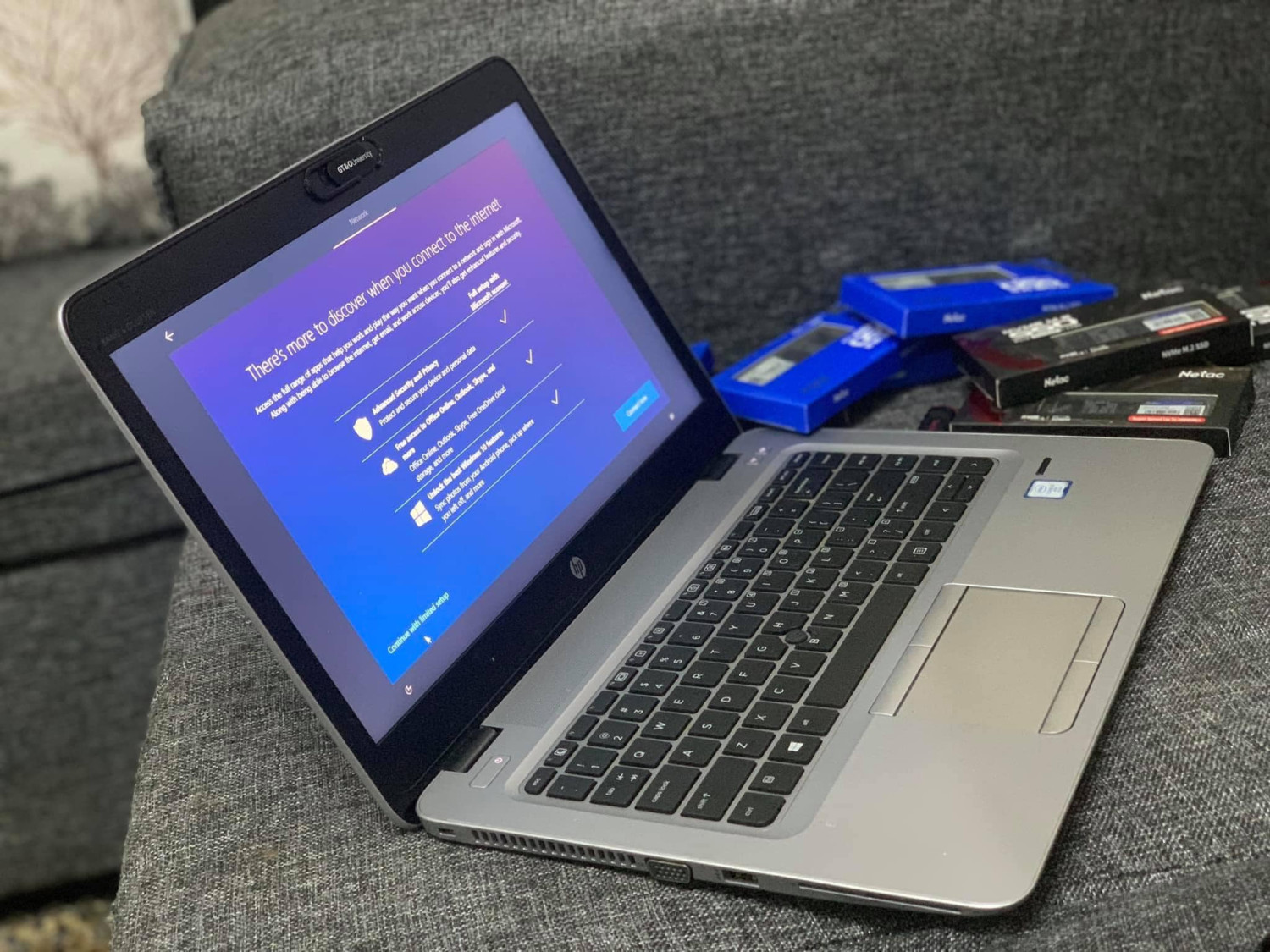
Ex-UK and refurbished business laptops are some of the best value computers in Kenya, but only if the one you buy is in good shape. Spend 20 minutes on this checklist before you pay.
Quick answer: Before buying a used laptop, check: the real specs (processor, RAM, SSD) in Settings, battery health with a battery report, the screen for dead pixels and lines, every key and the touchpad, all ports, storage health, that there is no BIOS or account lock, that the charger is the right wattage, and what warranty you get.
The 15-Point Used Laptop Checklist
| # | Check | How |
|---|---|---|
| 1 | Body | Cracks, loose hinges, missing screws, swollen base (a sign of a swollen battery). |
| 2 | Specs | Settings → System → About: processor generation, RAM, storage size. |
| 3 | Storage type | Task Manager → Performance: it should say SSD for a fast laptop. |
| 4 | Storage health | A free tool such as CrystalDiskInfo should show "Good". |
| 5 | Battery health | Run powercfg /batteryreport; compare full-charge with design capacity. |
| 6 | Charging | Plug in and unplug; it should switch between charging and battery smoothly. |
| 7 | Screen | Open a plain white, then black, image full screen; look for dead pixels, lines, yellow patches. |
| 8 | Keyboard | Type every key in Notepad, including Shift, Enter and the arrows. |
| 9 | Touchpad | Click, right-click and scroll. |
| 10 | Ports | Test USB ports with a flash disk, the HDMI port with a TV, the headphone jack. |
| 11 | Wi-Fi and Bluetooth | Connect to a hotspot and open a website. |
| 12 | Camera and microphone | Open the Camera app and record a short clip. |
| 13 | BIOS / account lock | Restart and open the BIOS setup; it must not ask for a password. Windows must not be tied to someone else’s work account. |
| 14 | Windows activation | Settings → Activation should say Windows is activated. |
| 15 | Charger and warranty | The charger wattage should match the laptop label; get the warranty terms in writing. |
How to Read the Battery Report
Open Command Prompt, type powercfg /batteryreport and open the file it creates. If the full charge capacity is above about 70% of the design capacity, the battery is healthy. Below about 50%, budget for a new battery: replacements such as the HP 840 G3 battery cost KSh 2,000.
Which Specs Are Worth It in 2026?
- Processor: Intel Core i5/i7 8th generation or newer (or a comparable AMD Ryzen) for smooth everyday work.
- RAM: 8 GB minimum; 16 GB for heavy multitasking.
- Storage: an SSD, 256 GB or more.
- Screen: Full HD (1920 × 1080) if you work long hours.
Refurbished Business Laptops on Buy More Mall
KSh 28,500
KSh 32,005
KSh 26,005
KSh 24,005
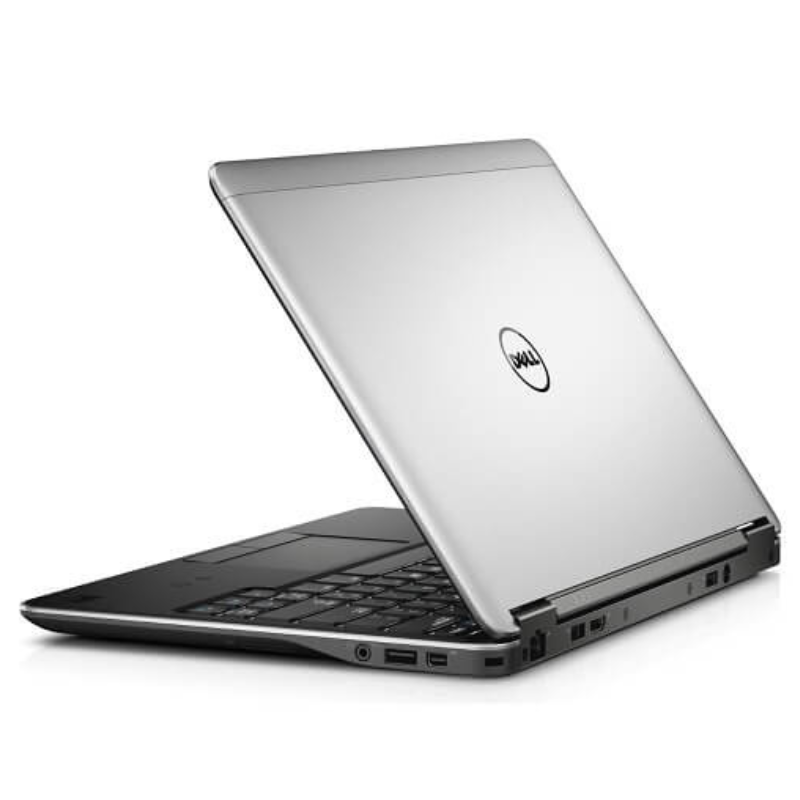
KSh 27,005
| Laptop | Specs from listing | Price |
|---|---|---|
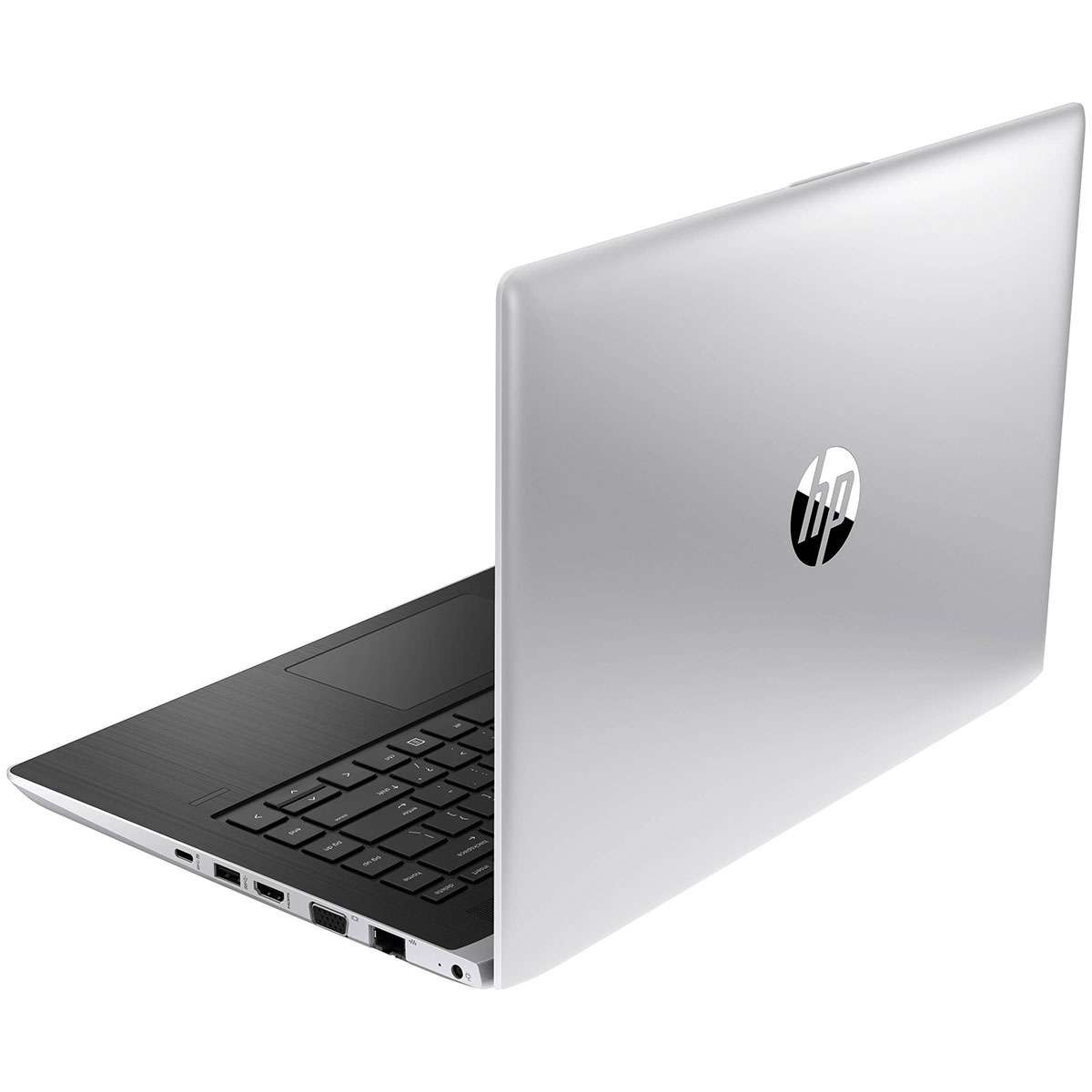
| Hp 440g5 core i5 8gb 256gb | Core i5, 8 GB, 256 GB | KSh 32,005 |
| HP EliteBook 840 G3 | Business laptop | KSh 28,500 |
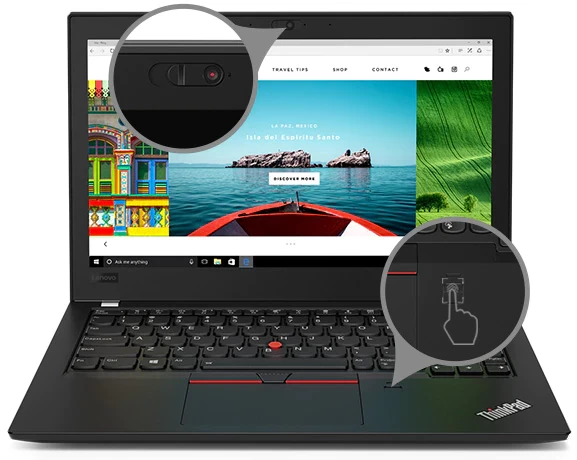
| Lenovo x280 core i5 8gb 256gb | Core i5, 8 GB, 256 GB | KSh 26,005 |
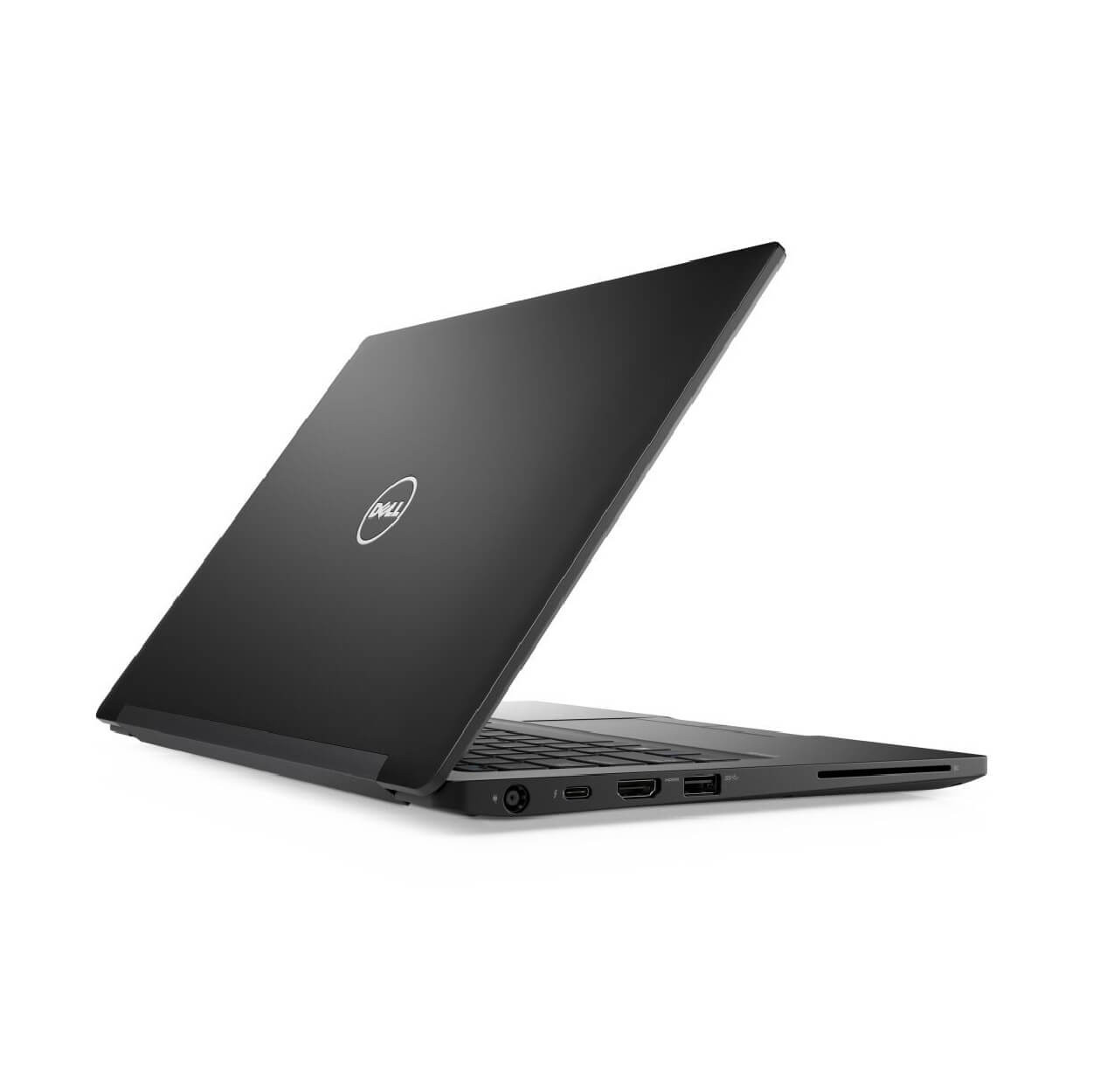
| Dell 7280 core i5 8gb 256gb | Core i5, 8 GB, 256 GB | KSh 24,005 |
| Dell 7240 core i7 8gb 256gb | Core i7, 8 GB, 256 GB | KSh 27,005 |
Worked Example: Checking an EliteBook at Pickup
A buyer runs the checklist on an HP EliteBook 840 G3. Specs match the listing, the SSD shows "Good", but the battery report shows 48% capacity. They agree to buy with a replacement battery added, so the laptop runs a full working day.
Common Mistakes to Avoid
- Buying from photos only without testing.
- Ignoring a BIOS password prompt.
- Not checking whether the storage is an SSD.
- Accepting a charger with a lower wattage than the laptop needs.
Not sure which one fits? Send us your details on WhatsApp or through the product page and we will help you choose.
Frequently Asked Questions
What should I check when buying a second-hand laptop?
Specs, battery health, screen, keyboard, ports, storage health, BIOS lock, activation, charger and warranty.
How do I check laptop battery health?
Run powercfg /batteryreport in Command Prompt and compare full-charge and design capacity.
Are refurbished laptops good in Kenya?
Refurbished business laptops are strong value when tested and sold with a warranty.
How do I know if a laptop has an SSD?
Task Manager → Performance shows the drive type.
What is a BIOS lock?
A password set by a previous owner or company that blocks changes or start-up; avoid locked laptops.
Prices shown are regular prices on Buy More Mall. Many products are currently on offer, so open the product page to see today's price.
Related Guides
Recent Posts

How to Get Your Business on Google Maps in Kenya (2026): Free Listing Step by Step
How to Advertise Your Business on Facebook in Kenya (2026): Free and Paid Ways

How to Register a Business Name in Kenya (2026): eCitizen Steps, Cost and Documents

How to Get a KRA PIN for a Business in Kenya (2026): Sole Proprietor and Company

How to Make a Business Logo for Free (2026): Simple Steps, Sizes and Examples

How to Sell on Instagram in Kenya (2026): Beginner's Step-by-Step Guide

How to Start Dropshipping in Kenya (2026): How It Works, Costs and Risks
Baby Clothes Wholesale in Kenya (2026): Prices per Piece, Bales and How to Start
How to Create a Business Website in Kenya (2026): Free and Low-Cost Options That Sell
 buymoremall
Kenya's Online Marketplace
buymoremall
Kenya's Online Marketplace
Buy More Mall Kenya gives you a direct link to manufacturers, suppliers and service providers. Sellers are verified, there are no shortcuts, and customised orders come at affordable rates.
- Buy direct from manufacturers & suppliers
- Verified sellers and service providers
- Pay securely with M-Pesa
Shop
Sell & Earn
Help
Contact Us
- 0717 263 774
- Chat on WhatsApp
- buymoremallkenya@gmail.com
- Eastern bypass Ruiru Near Naivas super market @ kamakis & Nanyuki Neema Academy
- Contact page